My first computer was a clunky desktop that took up half my childhood bedroom, its screen flickering like a bad dream. I spent hours typing out stories and watching my dad fix things with a screwdriver and a lot of swear words. Now, I run this site to help others navigate the digital world—whether it’s troubleshooting a stubborn PC, mastering a new tool, or just figuring out why your printer won’t stop jamming. I believe tech should be approachable, not intimidating, and I’m here to make sure you leave feeling more confident than when you arrived.
💥 Quick Answer Microsoft Silverlight on your computer is a discontinued multimedia framework designed to stream video, audio, and graphics for web applications, similar to Adobe Flash but with better performance for…
💥 Quick Answer OneDrive on your computer is Microsoft’s cloud storage service that syncs files across devices, offers automatic backups, and integrates with Office apps for seamless document access and collaboration…
💥 Quick Answer OneNote on your computer serves as Microsoft’s all-in-one digital notebook for capturing notes, drawings, and documents in an easily searchable workspace that works across devices. It keeps everything in…
💥 Quick Answer Xbox PC RGB syncs customizable LED lighting between Xbox consoles and Windows PCs through the Xbox app, offering deeper customization via third-party software like Corsair iCUE or Razer Synapse that…
💥 Quick Answer TPM on a computer stands for Trusted Platform Module, a dedicated security chip that stores cryptographic keys, passwords, and digital certificates to protect sensitive data and enable secure…
💥 Quick Answer Windows PC Health Check is a built-in diagnostic tool that scans for hardware and software issues, including driver conflicts, memory leaks, and system resource bottlenecks, helping optimize performance…
My PC crashes keep happening, and I’ve spent hours staring at the same blue screen—until I discovered the three-step diagnostic that cuts through the guesswork. 💻 The key is separating hardware failures (like…
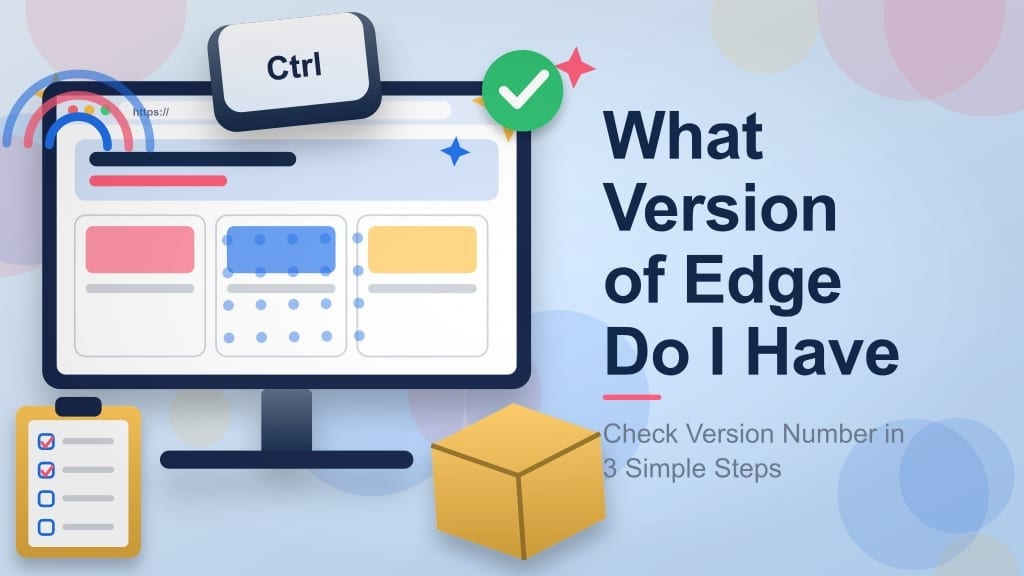
Before diving in, what version of Edge do I have —here’s how to check it instantly: press Windows + R , type edge://settings/help , and look for the version number under About Microsoft Edge . Knowing your Edge version…
💥 Quick Answer To determine what version of PowerPoint you have, check the file extension of any presentation— .pptx indicates PowerPoint 2007 or later, while .ppt suggests older versions. Right-click the PowerPoint…
💥 Quick Answer Microsoft Dynamics came out in 2005 as a unified business platform combining enterprise resource planning (ERP) and customer relationship management (CRM) capabilities. This 2005 launch marked the…