Skip to content
Computer Nook

Computer Nook

  • All Articles
  • App
  • C++
  • Coding
  • More
    • Discord
    • Excel
    • Hardware
    • Keyboard
    • Microsoft Office
    • MYSQL
    • Operating System
    • Outlook
    • PowerPoint
    • Reddit
    • Review
    • Snapchat
    • Software
    • Tip & Trick
    • Troubleshooting
    • Windows

PowerPoint

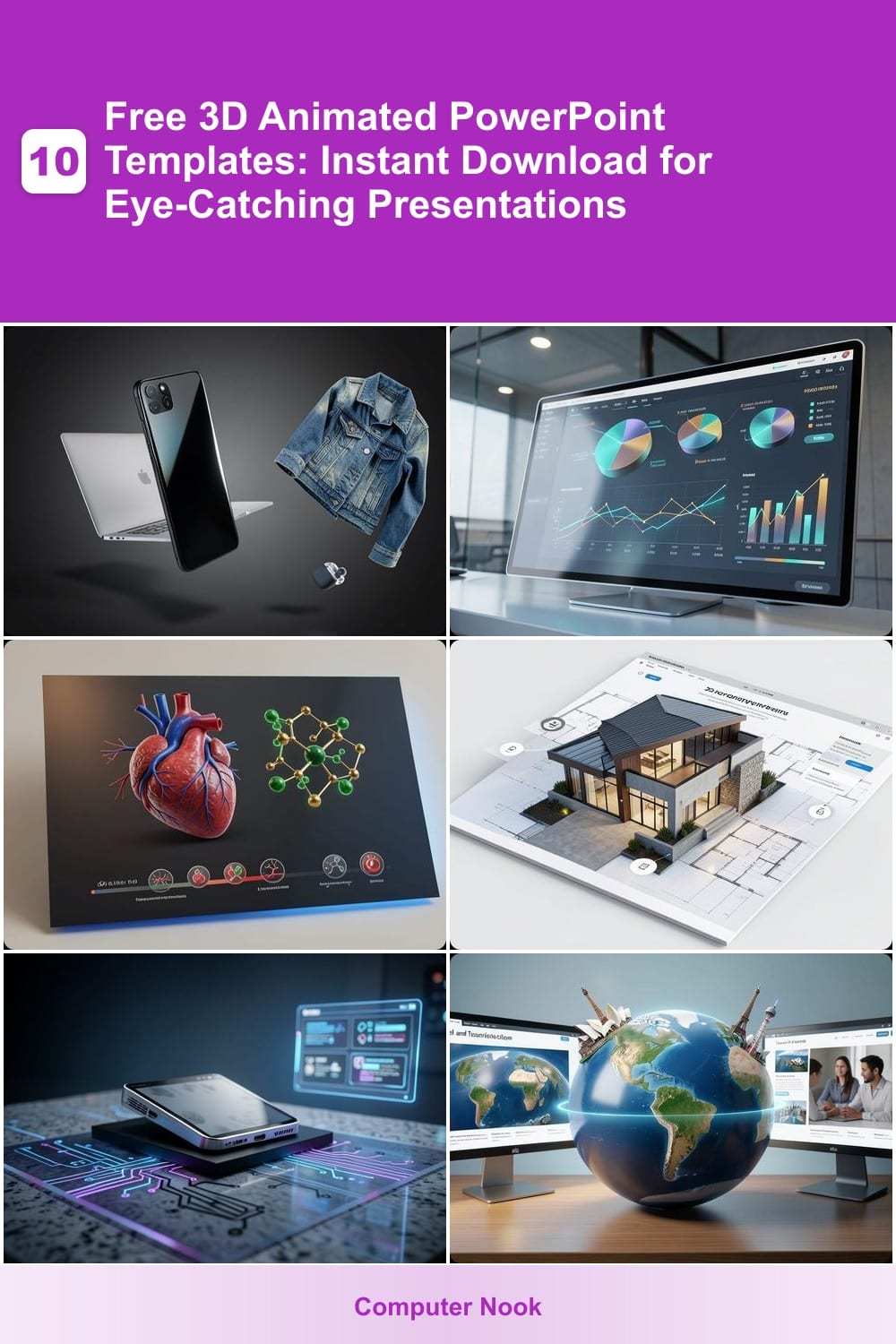
10 Free 3D Animated PowerPoint Templates: Instant Download for Eye-Catching Presentations
October 16, 2026 by Emmett Zamora
10 Free 3D Animated PowerPoint Templates: Instant Download for Eye-Catching Presentations

Need to elevate your presentations without breaking the bank? These 10 free 3D animated PowerPoint templates bring professional-grade visuals to your slides—no design skills required. Perfect for business, education, and…

Read more

Categories PowerPoint

Define Notes Pane in Microsoft PowerPoint: Where It Lives and How to Use It

November 20, 2026 by Emmett Zamora
Define Notes Pane in Microsoft PowerPoint: Where It Lives and How to Use It

💥 Quick Answer The Notes pane in Microsoft PowerPoint defines that hidden workspace below slides where you jot down speaker notes, reminders, or detailed talking points. It becomes visible when you click the 'Notes' tab…

Read more

Categories PowerPoint

PowerPoint Undo: Quick Fixes for Mistakes in Seconds

October 9, 2026 by Emmett Zamora
PowerPoint Undo: Quick Fixes for Mistakes in Seconds

My PowerPoint undo shortcut has saved me from countless embarrassing slideshows over the years. ⚡ That single Ctrl+Z (or Cmd+Z on Mac) command is the digital equivalent of a time machine for presentations—one press…

Read more

Categories PowerPoint

How Many Rows Can Power Query Handle

November 20, 2026 by Emmett Zamora
How Many Rows Can Power Query Handle

💥 Quick Answer Power Query can handle up to 2 billion rows in Excel (desktop version), though performance degrades significantly after 1 million rows due to memory constraints. For Power BI, the limit is 10 million rows…

Read more

Categories PowerPoint

How to Add 3d Models in Powerpoint: Instant Embedding for Dynamic Presentations

October 8, 2026 by Emmett Zamora
How to Add 3d Models in Powerpoint: Instant Embedding for Dynamic Presentations

My first attempt at adding 3D models to PowerPoint ended with a corrupted file and a very confused IT department. ✨ What I didn’t realize then was how much Microsoft had improved the built-in tools—today, you can embed…

Read more

Categories PowerPoint

How To Animate Tables in PowerPoint: Smooth Transitions That Wow Your Audience

November 23, 2026 by Emmett Zamora
How To Animate Tables in PowerPoint: Smooth Transitions That Wow Your Audience

To animate a table in PowerPoint, you’re about to transform a static data block into a dynamic presentation tool that holds attention—something I first discovered when teaching a group of high schoolers how to make their…

Read more

Categories PowerPoint

How to Change Font on All Slides in Powerpoint: Universal Update in 60 Seconds

October 10, 2026 by Emmett Zamora
How to Change Font on All Slides in Powerpoint: Universal Update in 60 Seconds

Learn how to change font on all slides in PowerPoint —the Slide Master trick that does it in 60 seconds ⚡ I remember spending an entire afternoon manually updating fonts in a 50-slide presentation for a client, only to…

Read more

Categories PowerPoint

How to Convert Powerpoint to Pdf: Step-by-Step Guide for Perfect Outputs

November 21, 2026 by Emmett Zamora
How to Convert Powerpoint to Pdf: Step-by-Step Guide for Perfect Outputs

Converting PowerPoint to PDF doesn’t have to be a guessing game—my uncle’s basement workshop taught me that even tech basics have foolproof methods. ✨ With just a few clicks in PowerPoint, you’ll get crisp, professional…

Read more

Categories PowerPoint

How to Create a Pie Chart in PowerPoint: Visual Data Magic in Minutes

November 23, 2026 by Emmett Zamora
How to Create a Pie Chart in PowerPoint: Visual Data Magic in Minutes

Creating a pie chart in PowerPoint is the fastest way to turn numbers into visual stories that actually make sense. ⚡ I’ve built hundreds of these over the years—from sales reports to project breakdowns—and the process…

Read more

Categories PowerPoint

How to Group Animations in PowerPoint: Layered Timing for Smooth Transitions

November 23, 2026 by Emmett Zamora
How to Group Animations in PowerPoint: Layered Timing for Smooth Transitions

Grouping animations in PowerPoint is the secret to making your slides look professional instead of chaotic. ✨ I’ve spent hours fixing presentations where animations played out of order because someone didn’t group them…

Read more

Categories PowerPoint
Page1Page2Page3Page4Next →

About Me

Emmett Zamora

Emmett Zamora
My first computer was a clunky desktop that took up half my childhood bedroom, its screen flickering like a bad dream. I spent hours typing out stories and watching my dad fix things with a screwdriver and a lot of swear words. Now, I run this site to help others navigate the digital world—whether it’s troubleshooting a stubborn PC, mastering a new tool, or just figuring out why your printer won’t stop jamming. I believe tech should be approachable, not intimidating, and I’m here to make sure you leave feeling more confident than when you arrived.

Learn more

Recent Posts

  • How to Add Bluetooth to PC: Wireless Freedom in 5 Easy Steps
    How to Add Bluetooth to PC: Wireless Freedom in 5 Easy Steps
  • How to Set up Outlook Email: Zero-Tech-Stress Account Configuration in 10 Minutes
    How to Set up Outlook Email: Zero-Tech-Stress Account Configuration in 10 Minutes
  • How to Delete Backup Files From Your Computer: Space-Saving Secrets in Minutes
    How to Delete Backup Files From Your Computer: Space-Saving Secrets in Minutes
  • Microsoft To-Do Desktop App Download: Offline Access Without Microsoft Account Sign-In
    Microsoft To-Do Desktop App Download: Offline Access Without Microsoft Account Sign-In
  • How to Connect Scanner to Computer: Step-by-Step Pairing in Minutes
    How to Connect Scanner to Computer: Step-by-Step Pairing in Minutes
  • All Guides
  • About
  • Contact
  • Privacy Policy
  • Cookie Policy
  • Terms of Use
© 2026 computernook.click