Skip to content
Computer Nook

Computer Nook

  • All Articles
  • App
  • C++
  • Coding
  • More
    • Discord
    • Excel
    • Hardware
    • Keyboard
    • Microsoft Office
    • MYSQL
    • Operating System
    • Outlook
    • PowerPoint
    • Reddit
    • Review
    • Snapchat
    • Software
    • Tip & Trick
    • Troubleshooting
    • Windows

Tip & Trick

1200 X 630 Pixels in Inches: Exact Conversion and Real-World Uses

November 20, 2026 by Emmett Zamora
1200 X 630 Pixels in Inches: Exact Conversion and Real-World Uses

💥 Quick Answer Converting 1200 x 630 pixels to inches yields 4.33 x 2.27 inches at 300 DPI (ideal for high-quality prints) or 8.66 x 4.54 inches at 72 DPI (standard for digital displays). For precise adjustments, use…

Read more

Categories Tip & Trick

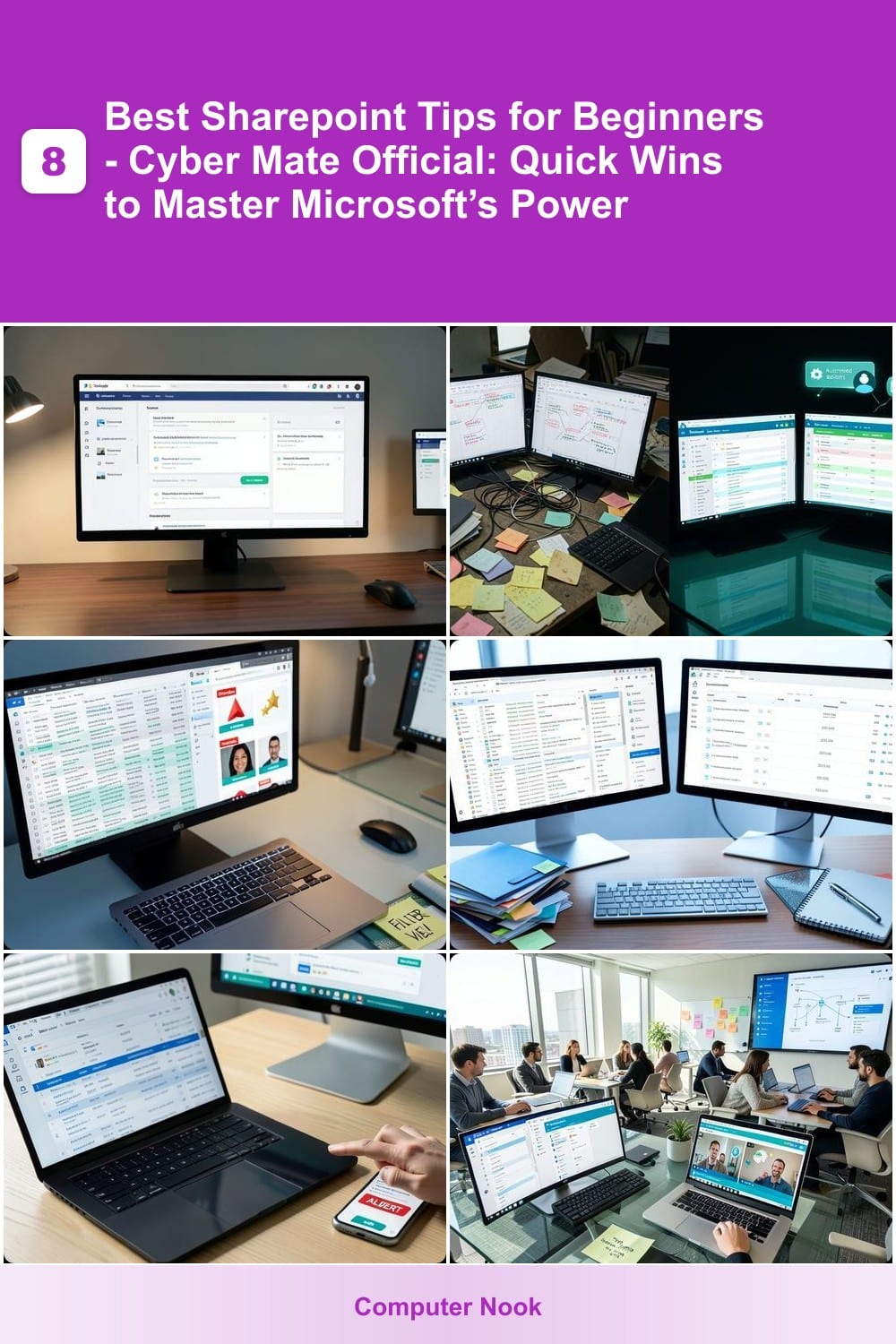
8 Best Sharepoint Tips for Beginners - Cyber Mate Official: Quick Wins to Master Microsoft’s Power Platform

October 25, 2026 by Emmett Zamora
8 Best Sharepoint Tips for Beginners - Cyber Mate Official: Quick Wins to Master Microsoft’s Power Platform

Microsoft SharePoint can feel overwhelming for beginners, but mastering these eight essential tips will transform how you collaborate and automate workflows. These quick wins focus on practical, beginner-friendly…

Read more

Categories Tip & Trick

Best Way To Take Notes On Computer: Cloud-Syncing Speed and Organization Mastered

October 7, 2026 by Emmett Zamora
Best Way To Take Notes On Computer: Cloud-Syncing Speed and Organization Mastered

The best way to take notes on a computer isn't about picking one tool—it's about matching your workflow to your needs. ✨ After testing everything from minimalist apps like Google Keep to powerhouses like Notion, I've…

Read more

Categories Tip & Trick

Can I Call Forward My iPhone: Exact Steps to Set Up Call Forwarding Instantly

November 21, 2026 by Emmett Zamora
Can I Call Forward My iPhone: Exact Steps to Set Up Call Forwarding Instantly

💥 Quick Answer Yes, you can call forward your iPhone by enabling call forwarding in Settings. Go to Settings > Cellular > Cellular Data Options > Voice > Call Forwarding, then select 'Forward to Another Number' and…

Read more

Categories Tip & Trick

Can I Keep My Alexa Lists Private

November 20, 2026 by Emmett Zamora
Can I Keep My Alexa Lists Private

💥 Quick Answer Yes, you can keep your Alexa lists private by enabling voice profiles and adjusting privacy settings in the Alexa app. Voice profiles isolate your data, and you can restrict list sharing by disabling…

Read more

Categories Tip & Trick

Can You Text From Your Computer: Best Methods and Apps for Instant Messaging

October 7, 2026 by Emmett Zamora
Can You Text From Your Computer: Best Methods and Apps for Instant Messaging

💥 Quick Answer Yes, you can text from your computer using built-in apps like Windows Mail or third-party messaging platforms such as WhatsApp Web, Facebook Messenger, or Google Messages. These tools sync with your phone…

Read more

Categories Tip & Trick

Checking Email From Another Computer: Instant Remote Access Without Passwords

October 6, 2026 by Emmett Zamora
Checking Email From Another Computer: Instant Remote Access Without Passwords

Checking my email from another computer used to mean memorizing passwords or carrying a USB drive—until I discovered these instant access methods that work across any device. ⚡ The key is using your email provider's…

Read more

Categories Tip & Trick

Do I Need Cortana on My Computer: 4 Reasons to Keep or Remove It

October 7, 2026 by Emmett Zamora
Do I Need Cortana on My Computer: 4 Reasons to Keep or Remove It

💥 Quick Answer You don’t need Cortana on your computer if you rely on basic search or voice commands, as it runs in the background consuming system resources and may collect personal data. Disabling it improves privacy…

Read more

Categories Tip & Trick

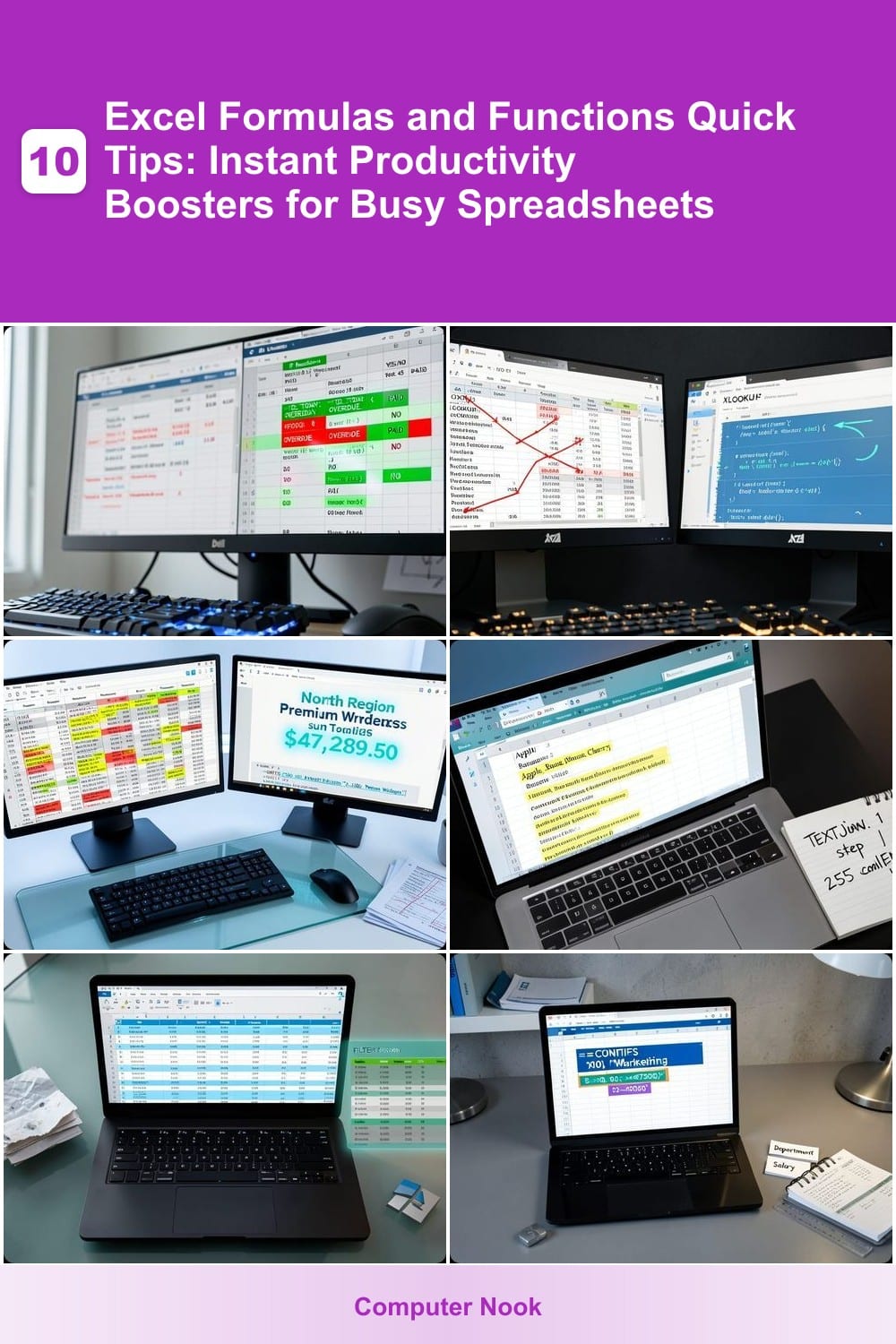
10 Excel Formulas and Functions Quick Tips: Instant Productivity Boosters for Busy Spreadsheets

November 6, 2026 by Emmett Zamora
10 Excel Formulas and Functions Quick Tips: Instant Productivity Boosters for Busy Spreadsheets

Mastering Excel formulas can transform your spreadsheets from chaotic to streamlined. These 10 quick tips cover game-changing functions that save time, reduce errors, and unlock advanced capabilities—perfect for…

Read more

Categories Tip & Trick

How Long Can You Leave Your PC On: Expert Lifespan Limits and Safe Practices

October 9, 2026 by Emmett Zamora
How Long Can You Leave Your PC On: Expert Lifespan Limits and Safe Practices

💥 Quick Answer You can leave your PC on continuously for months or years without immediate damage, but prolonged uptime increases risks like heat stress, dust buildup, and mechanical wear on components such as fans…

Read more

Categories Tip & Trick
Page1Page2Page3…Page14Next →

About Me

Emmett Zamora

Emmett Zamora
My first computer was a clunky desktop that took up half my childhood bedroom, its screen flickering like a bad dream. I spent hours typing out stories and watching my dad fix things with a screwdriver and a lot of swear words. Now, I run this site to help others navigate the digital world—whether it’s troubleshooting a stubborn PC, mastering a new tool, or just figuring out why your printer won’t stop jamming. I believe tech should be approachable, not intimidating, and I’m here to make sure you leave feeling more confident than when you arrived.

Learn more

Recent Posts

  • How to Add Bluetooth to PC: Wireless Freedom in 5 Easy Steps
    How to Add Bluetooth to PC: Wireless Freedom in 5 Easy Steps
  • How to Set up Outlook Email: Zero-Tech-Stress Account Configuration in 10 Minutes
    How to Set up Outlook Email: Zero-Tech-Stress Account Configuration in 10 Minutes
  • How to Delete Backup Files From Your Computer: Space-Saving Secrets in Minutes
    How to Delete Backup Files From Your Computer: Space-Saving Secrets in Minutes
  • Microsoft To-Do Desktop App Download: Offline Access Without Microsoft Account Sign-In
    Microsoft To-Do Desktop App Download: Offline Access Without Microsoft Account Sign-In
  • How to Connect Scanner to Computer: Step-by-Step Pairing in Minutes
    How to Connect Scanner to Computer: Step-by-Step Pairing in Minutes
  • All Guides
  • About
  • Contact
  • Privacy Policy
  • Cookie Policy
  • Terms of Use
© 2026 computernook.click