
Software
Microsoft Teams isn’t just for businesses—educators are leveraging its powerful tools to transform classrooms into dynamic collaboration hubs. These 10 benefits show how schools use Teams to enhance engagement, streamline communication, and prepare students for the digital future.
Real-Time Classroom Collaboration With Digital Whiteboards
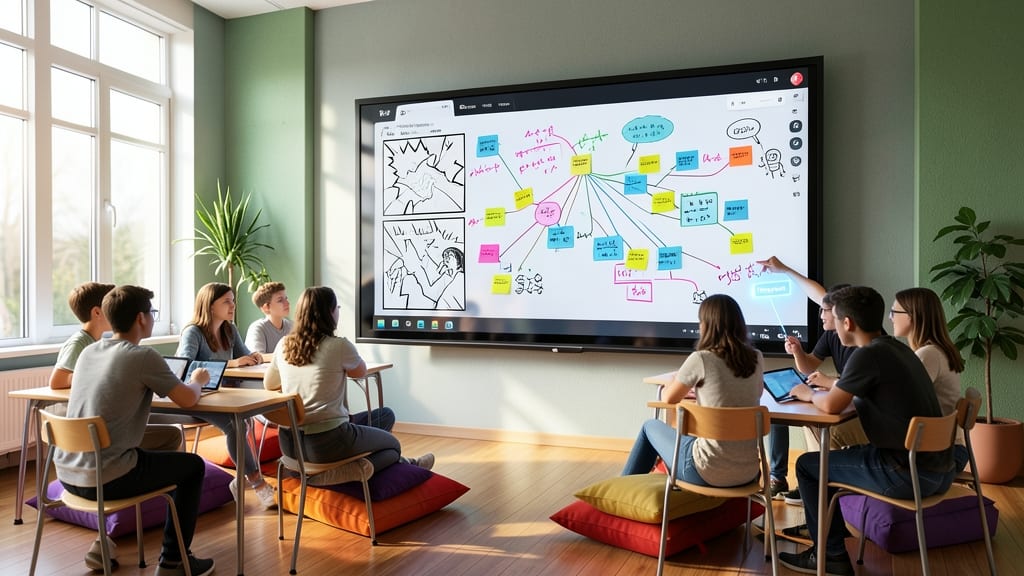
Imagine a classroom where every student’s idea—no matter how wild—can be instantly captured, shared, and built upon in real time. Microsoft Teams’ digital whiteboard tools turn passive lectures into dynamic brainstorming sessions, where teachers and students sketch equations, map out storyboards, or dissect diagrams together—all in a shared, editable space that feels like a giant digital chalkboard.
With features like laser pointers, sticky notes, and shape tools, educators can annotate PDFs or images live while students contribute simultaneously. The collaborative mode lets multiple users draw or type at once, perfect for STEM labs solving physics problems or art classes designing digital prototypes. For subjects like chemistry or engineering, the ability to layer annotations over 3D models or chemical structures makes abstract concepts tangible.
This tool shines brightest in project-based learning or flipped classrooms, where visual thinking takes center stage. Whether you’re a high school math teacher breaking down algebra or a college professor guiding a group design project, these whiteboards turn passive observers into active contributors—without needing expensive hardware. ✨
Seamless Integration With Microsoft Office 365
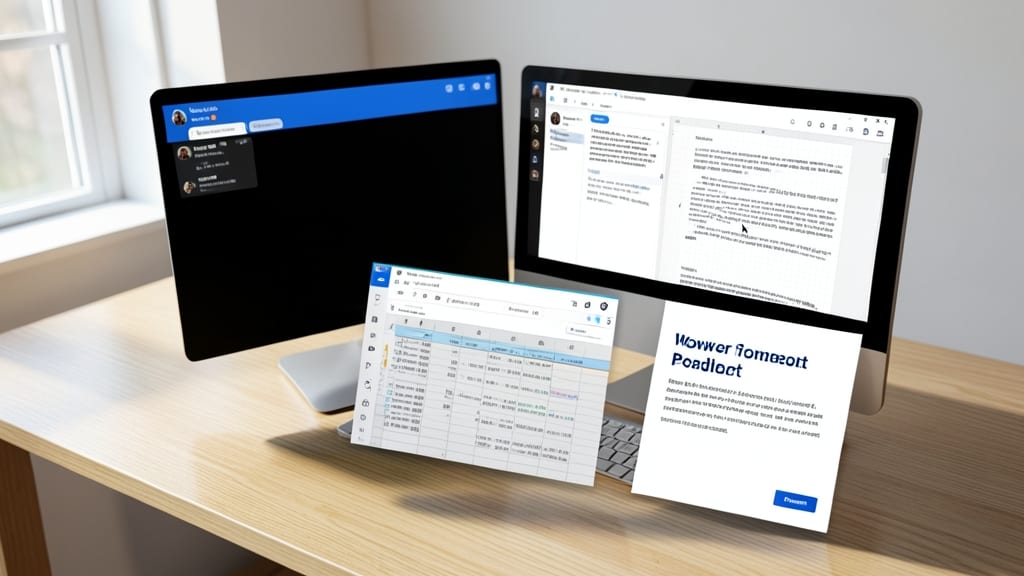
Say goodbye to the endless tab-switching between Teams and Office apps—Microsoft Teams natively embeds Word, Excel, and PowerPoint directly into chats and channels. This means you can attach a Word document for feedback, annotate an Excel spreadsheet in real time, or present a PowerPoint deck—all without leaving the conversation.
The integration goes beyond simple file sharing: Teachers can comment on specific lines in a Word doc or track changes in a shared Excel file, while students submit assignments directly through Teams. For presentations, the Live Presentations feature lets educators share slides with students who can react, ask questions, or even join as presenters—turning passive viewing into interactive discussion.
This is a game-changer for high school teachers grading essays, college professors reviewing group projects, or elementary classrooms where students collaborate on digital stories. No more lost files or version confusion—just seamless, all-in-one workflows that keep everyone on the same page. 💻
Secure Student-Teacher Communication Channels
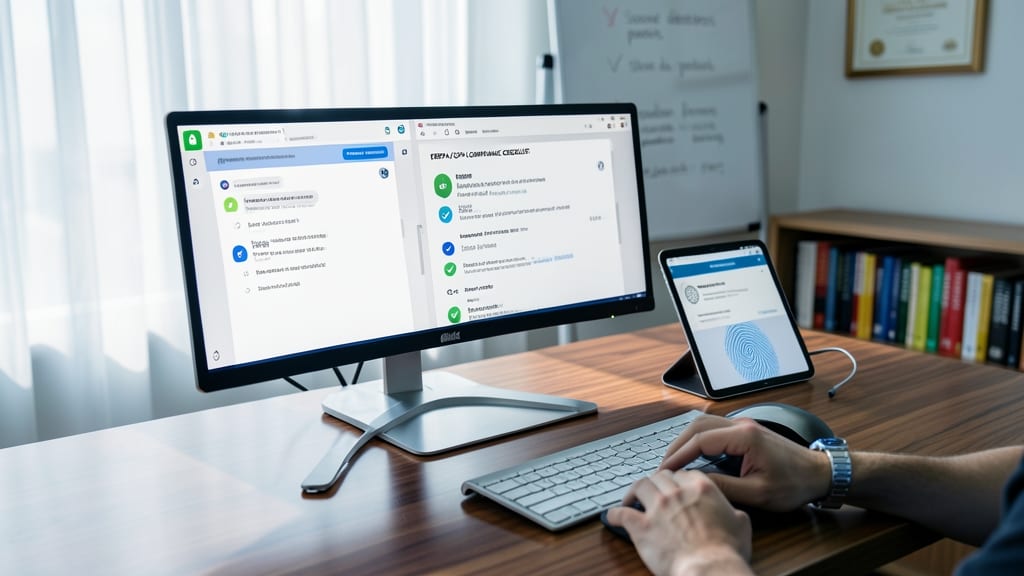
Worried about sensitive discussions slipping through unsecured channels? Microsoft Teams creates end-to-end encrypted private spaces where teachers and students can communicate without risking data breaches or compliance violations.
With FERPA and COPPA compliance built into every conversation, you get secure one-on-one chats for mentoring, parent-teacher conferences, and sensitive academic discussions. The platform replaces risky email chains or public messaging apps with role-based access controls, ensuring only authorized participants can view or join conversations.
This is especially valuable for schools handling special education plans, behavioral interventions, or grade-sensitive feedback—where privacy and documentation are critical. 💻
Virtual Classrooms For Hybrid And Remote Learning
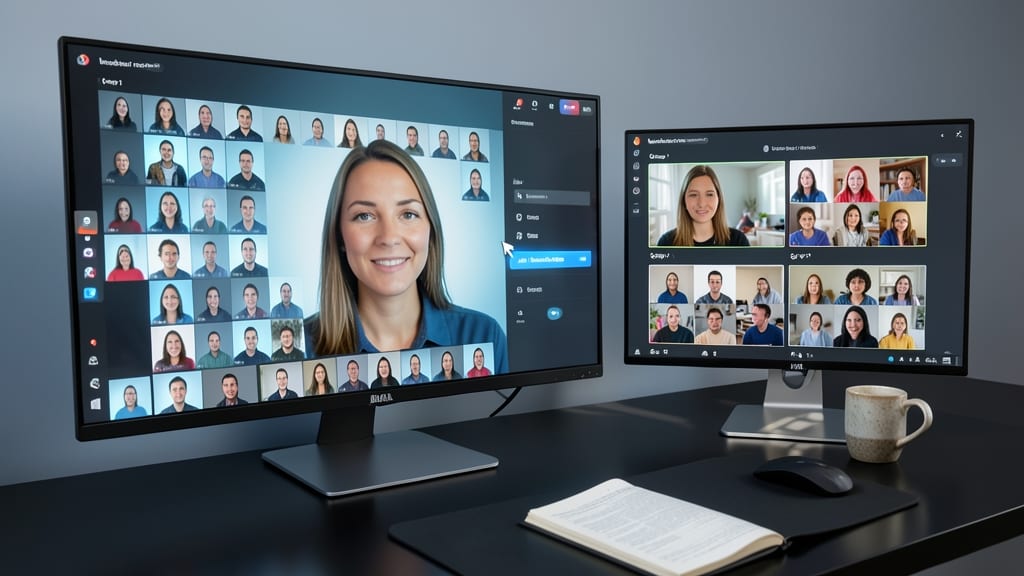
When snow days hit or students need to stay home, Microsoft Teams’ virtual classrooms keep learning alive without skipping a beat. The large meeting format supports up to 1,000 attendees, while breakout rooms let teachers split students into smaller groups—just like in-person discussions—with a single click.
Screen sharing turns every lesson into an interactive experience, whether you’re walking through a PowerPoint presentation, annotating a PDF, or demonstrating a STEM experiment in real time. The built-in whiteboard tool (covered earlier) integrates seamlessly here, too, letting students collaborate visually even when miles apart.
This feature shines brightest for hybrid schools, online academies, or districts needing backup plans. No more lost connections or awkward silence—just a smooth, classroom-like experience that keeps engagement high. ✨
Classroom Management Tools For Engagement
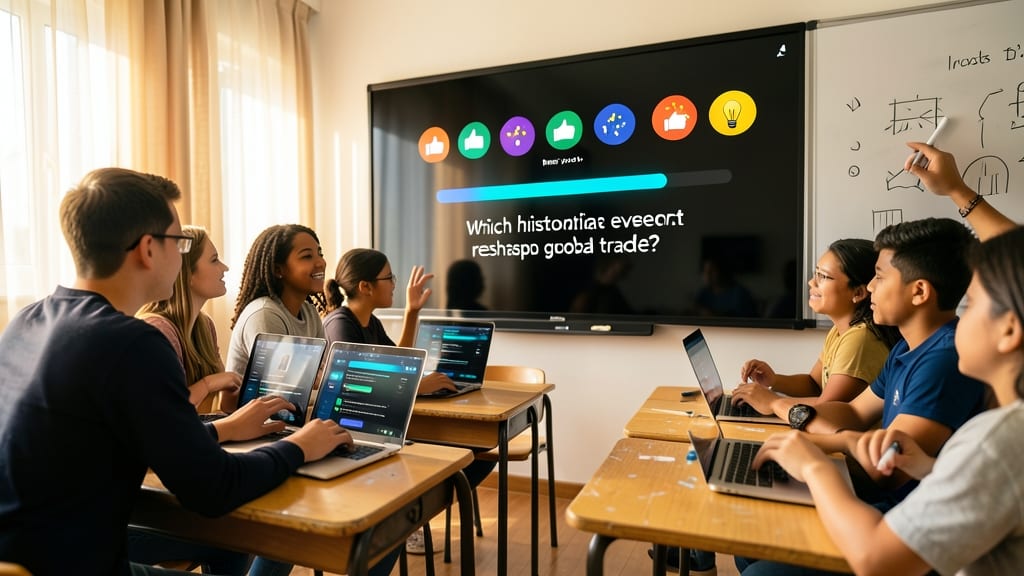
Tired of lectures where students zone out after the first five minutes? Microsoft Teams’ live polls, quizzes, and reaction buttons turn every class into an interactive experience—no extra apps required. These tools let you instantly check for understanding, spark discussions, or even gamify learning with real-time feedback.
With customizable polls (multiple-choice, text responses, or ratings), you can assess comprehension mid-lecture, while breakout room quizzes encourage teamwork. The reaction buttons (👍/👎) let students signal confusion or agreement without raising hands, making shy learners feel included. Best of all, results appear instantly, so you can adjust pacing or clarify concepts on the spot.
Perfect for high school teachers running flipped classrooms or college professors blending lectures with discussions, these tools keep energy high—even in virtual settings. 💡
Organized Classroom Resources In One Hub
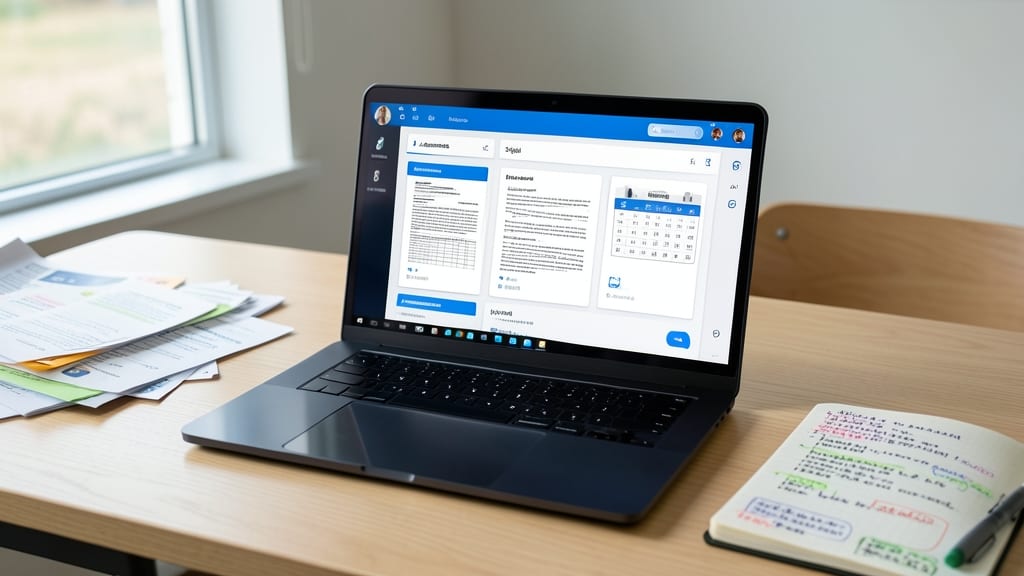
Tired of digging through endless email threads to find the latest assignment or syllabus? Microsoft Teams’ structured channels turn chaos into clarity by organizing all classroom materials in one searchable hub.
Create dedicated spaces for assignments, syllabi, and announcements, where every file, link, and update stays neatly pinned. The tabbed interface lets teachers categorize resources (e.g., "Week 1," "Projects," "Handouts") while @mentions ensure no one misses critical updates. Parents can join channels too, so they’re always in the loop—no more lost emails or forgotten deadlines.
This is the perfect solution for middle/high schools or colleges where paperwork piles up. Say goodbye to version confusion and hello to effortless access—for everyone. ✨
Parental Involvement Through Transparent Updates
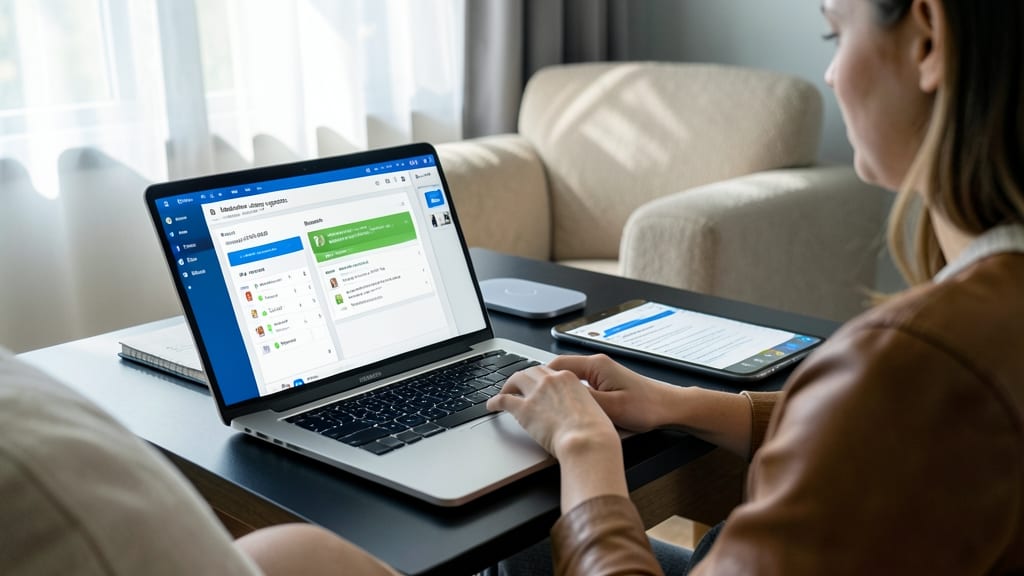
Parents no longer need to play detective to track their child’s school progress—Microsoft Teams makes transparency effortless. With real-time class updates, shared calendars, and automated progress reports, schools eliminate the guesswork and keep families connected.
Teachers can post announcements that sync instantly to parent dashboards, while gradebooks and attendance records update automatically. The classroom insights feature even highlights trends like participation or assignment completion, giving parents actionable data without asking. For busy families, the mobile app delivers push notifications for deadlines, field trips, or teacher messages—no more missed notes in backpacks.
This level of openness works best for elementary through high school, where parent involvement directly impacts student success. Schools using Teams report 30% fewer parent inquiries about lost assignments or deadlines—freeing staff time while building trust. ✨
Collaborative Project Workspaces For Group Assignments

Group projects used to mean endless email chains, lost files, and last-minute "I didn’t get your changes" panic—but Microsoft Teams’ collaborative workspaces solve all of that. With shared folders, real-time co-authoring, and version history, students finally have a single source of truth for every project, from English research papers to coding assignments.
Teams lets groups work on Word docs, Excel spreadsheets, or PowerPoint decks simultaneously, with @mentions to tag teammates and comment threads tied directly to specific lines of text. The Files tab keeps all project assets organized, while Planner integration breaks tasks into actionable steps with deadlines—no more "I thought you were handling that part!" confusion. Teachers can even set permissions to ensure only approved files get uploaded.
This isn’t just about avoiding chaos—it’s preparing students for real-world collaboration. Whether they’re drafting a business proposal in college or contributing to a startup, these skills translate directly to future careers. Plus, parents love the transparency when they can peek at progress without asking for updates. ✨
Built-In Accessibility Features For Inclusive Learning
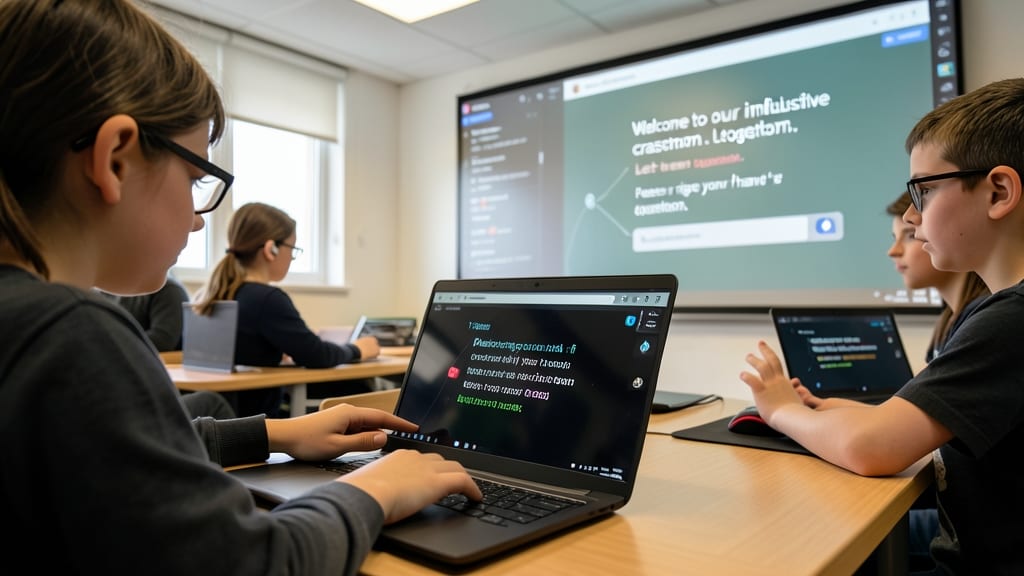
Every student deserves equal access to learning—but digital classrooms often leave some behind. Microsoft Teams bridges that gap with built-in accessibility tools designed to remove barriers for students with visual, auditory, or motor impairments.
From live captions (available in 40+ languages) to screen reader support for blind or low-vision users, Teams adapts to individual needs. High-contrast themes and customizable keyboard shortcuts make navigation easier, while real-time translation (via Microsoft Translator) helps non-native speakers. These features work seamlessly across devices, ensuring consistency whether students learn in class or at home.
This isn’t just about compliance—it’s about creating inclusive spaces where every learner can participate fully. Teachers can enable these tools with just a few clicks, making Teams the go-to platform for schools prioritizing equity. ✨
Cost-Effective Solution For Schools Of All Sizes
School budgets can’t afford to compromise on technology, but Microsoft Teams changes the game with its Education licensing plans. Through Microsoft’s A3/A5 or Microsoft 365 Education subscriptions, schools gain access to Teams at no additional cost—or at significantly reduced rates compared to third-party alternatives.
The platform delivers enterprise-grade reliability without the enterprise price tag, including 24/7 support, 99.9% uptime SLAs, and built-in compliance tools like FERPA/COPPA adherence. Smaller schools benefit from the same features as large districts, ensuring every student gets equal access to collaboration tools, whether they’re in a fully funded urban school or a rural classroom with limited resources.
This makes Teams the smart choice for administrators balancing quality and cost—proving you don’t need a six-figure budget to equip classrooms with professional-grade technology. ✨