Skip to content
Computer Nook

Computer Nook

  • All Articles
  • App
  • C++
  • Coding
  • More
    • Discord
    • Excel
    • Hardware
    • Keyboard
    • Microsoft Office
    • MYSQL
    • Operating System
    • Outlook
    • PowerPoint
    • Reddit
    • Review
    • Snapchat
    • Software
    • Tip & Trick
    • Troubleshooting
    • Windows

Outlook — Page 2

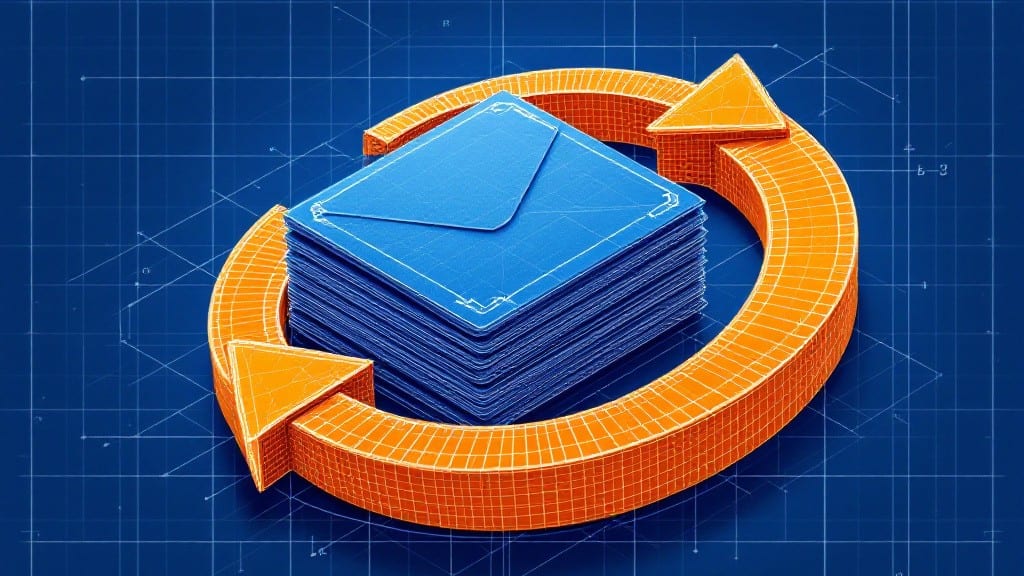
Outlook for Mac 2016 on My Computer: Reinstall Without Losing Emails
November 21, 2026 by Emmett Zamora
Outlook for Mac 2016 on My Computer: Reinstall Without Losing Emails

Reinstalling Outlook for Mac 2016 on your computer doesn’t have to mean losing emails, contacts, or calendar events—if you take the right precautions first. Struggling to reinstall Outlook for Mac 2016 without risking…
Read more

Categories Outlook

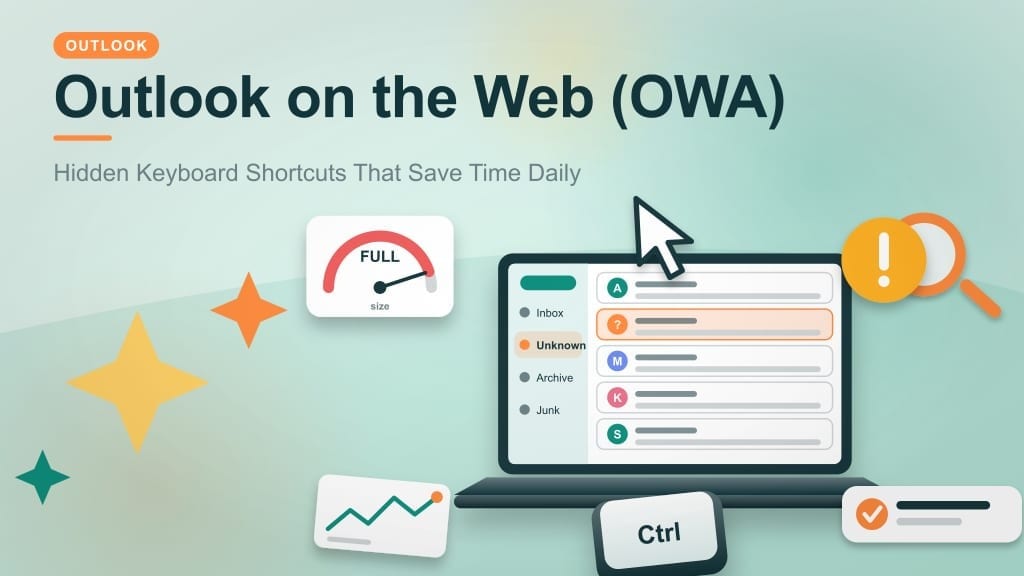
Outlook on the Web (OWA): Hidden Keyboard Shortcuts That Save Time Daily

November 21, 2026 by Emmett Zamora
Outlook on the Web (OWA): Hidden Keyboard Shortcuts That Save Time Daily

Mastering Outlook on the Web (OWA) shortcuts cuts your email time in half—no more hunting through menus for every task. Tired of clicking through menus in Outlook on the Web (OWA) when you could be flying through emails…

Read more

Categories Outlook

Quickbooks Desktop Is Unable to Send Emails to Outlook: Outlook Sync Error Resolved in 5 Steps

October 7, 2026 by Emmett Zamora
Quickbooks Desktop Is Unable to Send Emails to Outlook: Outlook Sync Error Resolved in 5 Steps

When QuickBooks Desktop is unable to send emails to Outlook , it’s a frustrating roadblock—especially when invoices and receipts get stuck in limbo. ⚡ I’ve seen this error paralyze small business workflows. The…

Read more

Categories Outlook

Turn On Do Not Disturb In Outlook Desktop: Instant Focus With One Click

October 8, 2026 by Emmett Zamora
Turn On Do Not Disturb In Outlook Desktop: Instant Focus With One Click

Turning on Do Not Disturb in Outlook Desktop is the quickest way to reclaim focus when emails pile up. ⚡ I’ve used this feature for years to silence notifications during deep work, and it’s shockingly simple—once you…

Read more

Categories Outlook

When Did the Zune Come Out: Microsoft’s Exact Launch Date and Why It Flopped

November 21, 2026 by Emmett Zamora
When Did the Zune Come Out: Microsoft’s Exact Launch Date and Why It Flopped

💥 Quick Answer The Zune came out on November 14, 2006, as Microsoft’s late attempt to challenge Apple’s iPod monopoly, but its failure was sealed by delayed partnerships, weak retail support, and Apple’s unmatched…

Read more

Categories Outlook
Page1Page2

About Me

Emmett Zamora

Emmett Zamora
My first computer was a clunky desktop that took up half my childhood bedroom, its screen flickering like a bad dream. I spent hours typing out stories and watching my dad fix things with a screwdriver and a lot of swear words. Now, I run this site to help others navigate the digital world—whether it’s troubleshooting a stubborn PC, mastering a new tool, or just figuring out why your printer won’t stop jamming. I believe tech should be approachable, not intimidating, and I’m here to make sure you leave feeling more confident than when you arrived.

Learn more

Recent Posts

  • How to Add Bluetooth to PC: Wireless Freedom in 5 Easy Steps
    How to Add Bluetooth to PC: Wireless Freedom in 5 Easy Steps
  • How to Set up Outlook Email: Zero-Tech-Stress Account Configuration in 10 Minutes
    How to Set up Outlook Email: Zero-Tech-Stress Account Configuration in 10 Minutes
  • How to Delete Backup Files From Your Computer: Space-Saving Secrets in Minutes
    How to Delete Backup Files From Your Computer: Space-Saving Secrets in Minutes
  • Microsoft To-Do Desktop App Download: Offline Access Without Microsoft Account Sign-In
    Microsoft To-Do Desktop App Download: Offline Access Without Microsoft Account Sign-In
  • How to Connect Scanner to Computer: Step-by-Step Pairing in Minutes
    How to Connect Scanner to Computer: Step-by-Step Pairing in Minutes
  • All Guides
  • About
  • Contact
  • Privacy Policy
  • Cookie Policy
  • Terms of Use
© 2026 computernook.click