Skip to content
Computer Nook

Computer Nook

  • All Articles
  • App
  • C++
  • Coding
  • More
    • Discord
    • Excel
    • Hardware
    • Keyboard
    • Microsoft Office
    • MYSQL
    • Operating System
    • Outlook
    • PowerPoint
    • Reddit
    • Review
    • Snapchat
    • Software
    • Tip & Trick
    • Troubleshooting
    • Windows

PowerPoint — Page 3

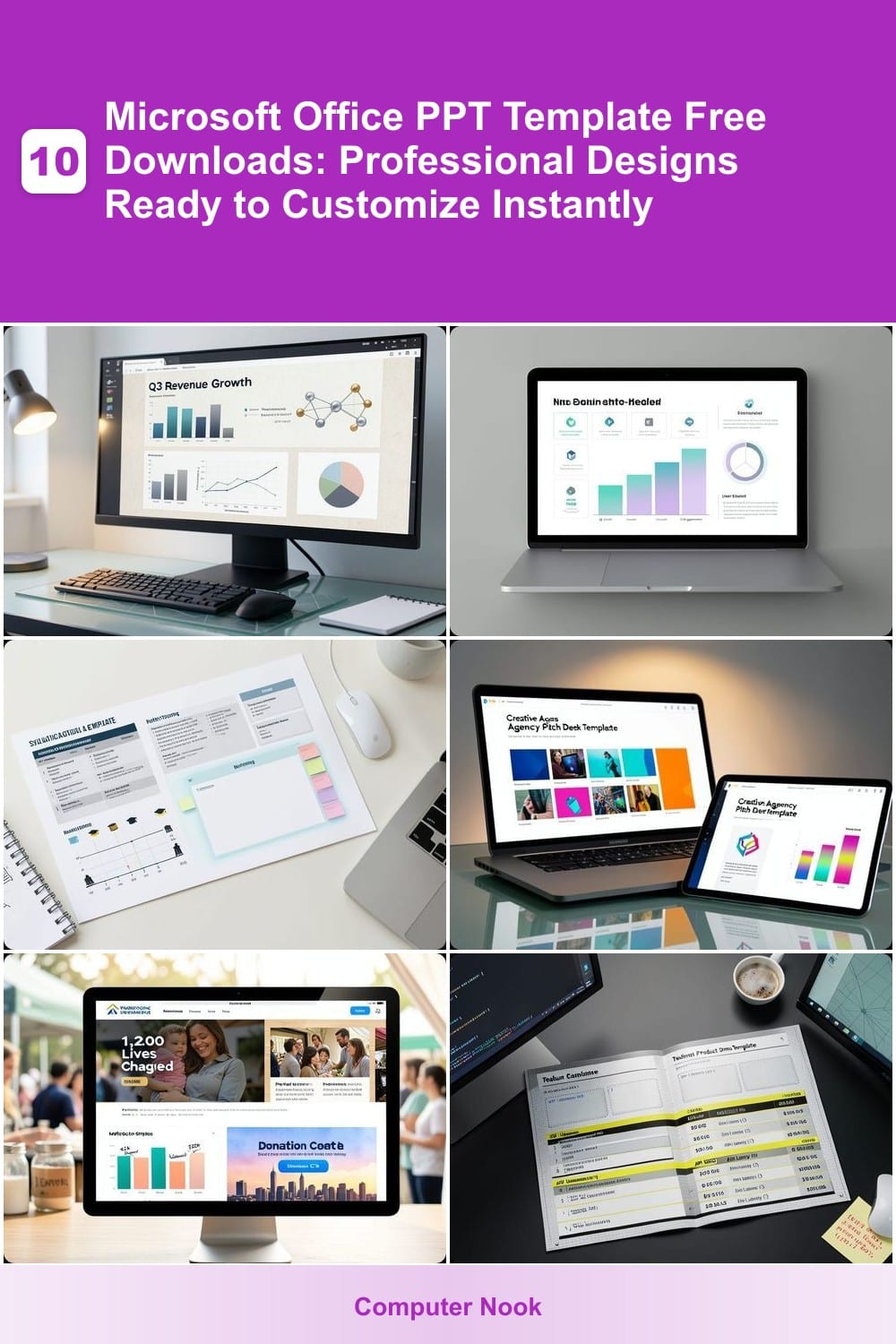
10 Microsoft Office PPT Template Free Downloads: Professional Designs Ready to Customize Instantly
October 15, 2026 by Emmett Zamora
10 Microsoft Office PPT Template Free Downloads: Professional Designs Ready to Customize Instantly

Struggling to create polished presentations quickly? These 10 free Microsoft Office-compatible PowerPoint templates deliver professional designs that require zero design skills—just download, customize, and impress your…

Read more

Categories PowerPoint

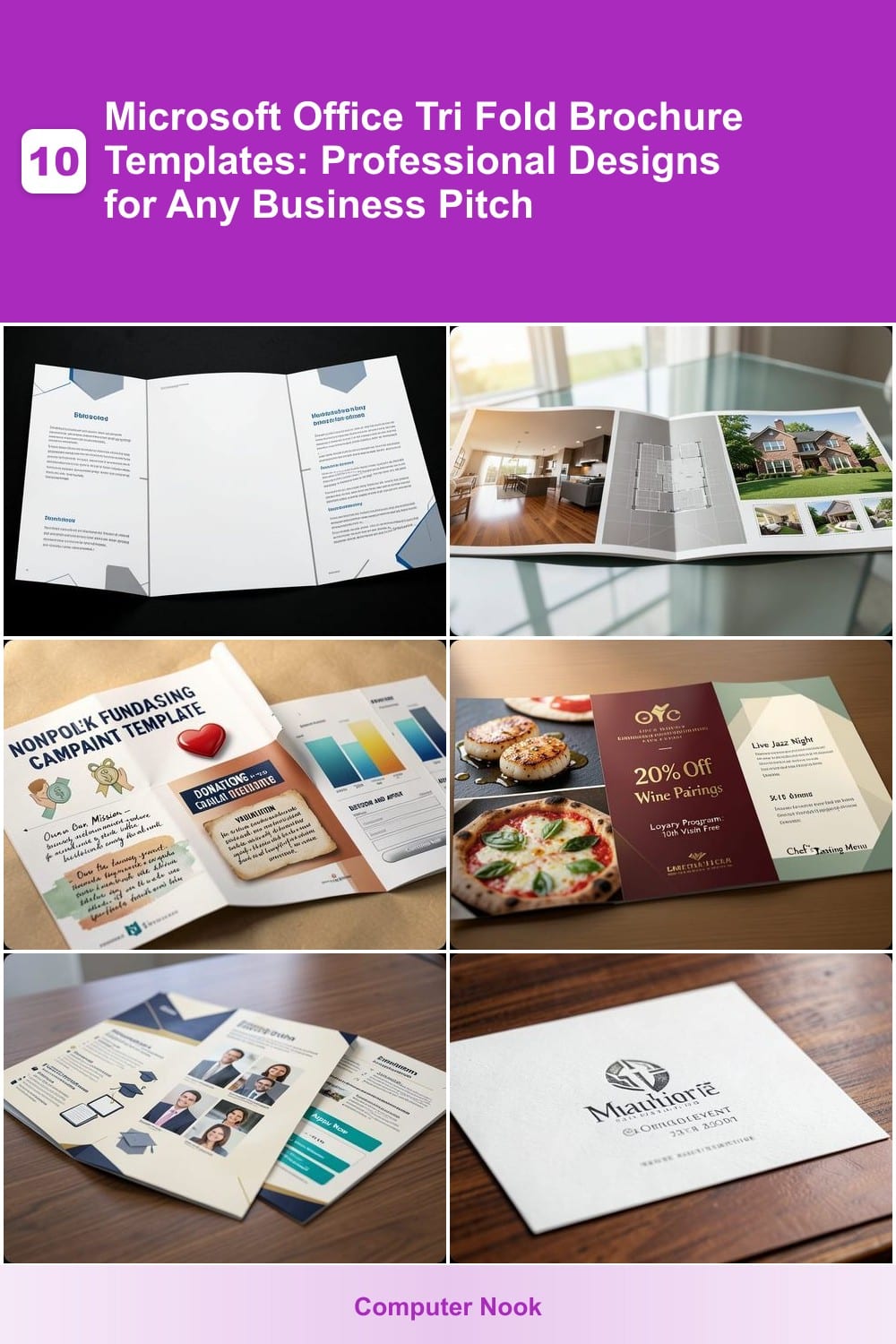
10 Microsoft Office Tri Fold Brochure Templates: Professional Designs for Any Business Pitch

October 25, 2026 by Emmett Zamora
10 Microsoft Office Tri Fold Brochure Templates: Professional Designs for Any Business Pitch

Need eye-catching tri-fold brochures for your next business pitch? These 10 Microsoft Office-compatible templates offer professional designs that require zero graphic design skills—just download, customize, and print for…

Read more

Categories PowerPoint

PowerPoint: Fix "Couldn’t Write to Microsoft Word" Errors Permanently

November 21, 2026 by Emmett Zamora
PowerPoint: Fix "Couldn’t Write to Microsoft Word" Errors Permanently

PowerPoint couldn’t write to Microsoft Word because of a stubborn permission glitch I’ve seen block presentations for clients—even when the files are open and ready. This error usually pops up when PowerPoint tries to…

Read more

Categories PowerPoint

PowerPoint Essential Training (Microsoft 365) Videos: Master Key Features in 2 Hours

November 21, 2026 by Emmett Zamora
PowerPoint Essential Training (Microsoft 365) Videos: Master Key Features in 2 Hours

Mastering PowerPoint essential training through Microsoft 365 videos unlocks tools that turn dull slides into polished presentations—even for beginners. Struggling to create professional presentations? Microsoft 365’s…

Read more

Categories PowerPoint

Visio Process Flow Diagram Templates: 10 Free Downloads for Quick Workflow Design

October 15, 2026 by Emmett Zamora
Visio Process Flow Diagram Templates: 10 Free Downloads for Quick Workflow Design

With this Visio process flow diagram template free download , you can craft sleek workflows in minutes—no design experience needed. Ever spent hours tweaking shapes or hunting for the right template? These pre-built…

Read more

Categories PowerPoint

We Can't Get to This File Because Computer Syncing Is Paused: Quick Fix to Access Files Instantly

November 17, 2026 by Emmett Zamora
We Can't Get to This File Because Computer Syncing Is Paused: Quick Fix to Access Files Instantly

We can’t get to this file because computer syncing is paused more often than I’d like—especially when I need to grab a file for a last-minute PowerPoint presentation. ⚡ That "syncing paused" message locks files until you…

Read more

Categories PowerPoint

What Version Of Powerpoint Do I Have

November 21, 2026 by Emmett Zamora
What Version Of Powerpoint Do I Have

💥 Quick Answer To determine what version of PowerPoint you have, check the file extension of any presentation— .pptx indicates PowerPoint 2007 or later, while .ppt suggests older versions. Right-click the PowerPoint…

Read more

Categories PowerPoint

Where Is Reuse Slides In Powerpoint

November 21, 2026 by Emmett Zamora
Where Is Reuse Slides In Powerpoint

💥 Quick Answer To find the reuse slides feature in PowerPoint, look in the Home tab under the Slides group, where the New Slide dropdown contains the Reuse Slides option. This opens a pane to insert slides from other…

Read more

Categories PowerPoint

Where Is Slide Master In Powerpoint

November 21, 2026 by Emmett Zamora
Where Is Slide Master In Powerpoint

💥 Quick Answer To find the Slide Master in PowerPoint, go to the View tab and click Slide Master in the 'Master Views' group. You can also open it instantly with the Ctrl+M shortcut to customize your presentation's…

Read more

Categories PowerPoint

Where Is Text Effects in PowerPoint: Exact Menu Path and Hidden Features

November 19, 2026 by Emmett Zamora
Where Is Text Effects in PowerPoint: Exact Menu Path and Hidden Features

💥 Quick Answer To find text effects in PowerPoint, go to the Format Text tab under the Text Effects group for WordArt styles, or use the Shape Format tab for shapes. Right-click text for quick formatting, or access…

Read more

Categories PowerPoint
Page1Page2Page3Page4Next →

About Me

Emmett Zamora

Emmett Zamora
My first computer was a clunky desktop that took up half my childhood bedroom, its screen flickering like a bad dream. I spent hours typing out stories and watching my dad fix things with a screwdriver and a lot of swear words. Now, I run this site to help others navigate the digital world—whether it’s troubleshooting a stubborn PC, mastering a new tool, or just figuring out why your printer won’t stop jamming. I believe tech should be approachable, not intimidating, and I’m here to make sure you leave feeling more confident than when you arrived.

Learn more

Recent Posts

  • How to Add Bluetooth to PC: Wireless Freedom in 5 Easy Steps
    How to Add Bluetooth to PC: Wireless Freedom in 5 Easy Steps
  • How to Set up Outlook Email: Zero-Tech-Stress Account Configuration in 10 Minutes
    How to Set up Outlook Email: Zero-Tech-Stress Account Configuration in 10 Minutes
  • How to Delete Backup Files From Your Computer: Space-Saving Secrets in Minutes
    How to Delete Backup Files From Your Computer: Space-Saving Secrets in Minutes
  • Microsoft To-Do Desktop App Download: Offline Access Without Microsoft Account Sign-In
    Microsoft To-Do Desktop App Download: Offline Access Without Microsoft Account Sign-In
  • How to Connect Scanner to Computer: Step-by-Step Pairing in Minutes
    How to Connect Scanner to Computer: Step-by-Step Pairing in Minutes
  • All Guides
  • About
  • Contact
  • Privacy Policy
  • Cookie Policy
  • Terms of Use
© 2026 computernook.click