Skip to content
Computer Nook

Computer Nook

  • All Articles
  • App
  • C++
  • Coding
  • More
    • Discord
    • Excel
    • Hardware
    • Keyboard
    • Microsoft Office
    • MYSQL
    • Operating System
    • Outlook
    • PowerPoint
    • Reddit
    • Review
    • Snapchat
    • Software
    • Tip & Trick
    • Troubleshooting
    • Windows

Windows — Page 10

Where Is Computer Configuration in Windows 10: Exact Path and Hidden Settings
October 6, 2026 by Emmett Zamora
Where Is Computer Configuration in Windows 10: Exact Path and Hidden Settings

💥 Quick Answer To find computer configuration in Windows 10, press Windows + R , type msconfig , then hit Enter. This opens the System Configuration tool, where you can adjust boot settings, startup programs, and system…
Read more

Categories Windows

Where Is Desktop Folder in Windows 11: Exact File Path and Hidden Location Guide

October 10, 2026 by Emmett Zamora
Where Is Desktop Folder in Windows 11: Exact File Path and Hidden Location Guide

💥 Quick Answer To find the Windows 11 Desktop folder location, navigate to C:\Users\[YourUsername]\Desktop , where [YourUsername] matches your Windows account name. This system folder stays hidden by default but can be…

Read more

Categories Windows

Where Is Microsoft Office Installed in Windows 10: Default File Paths Explained

November 21, 2026 by Emmett Zamora
Where Is Microsoft Office Installed in Windows 10: Default File Paths Explained

💥 Quick Answer Microsoft Office in Windows 10 is typically installed in the C:\Program Files\Microsoft Office or C:\Program Files (x86)\Microsoft Office folder, depending on your system architecture (64-bit or 32-bit)…

Read more

Categories Windows

Where Is My Computer on Windows 11: Exact File Explorer Path and Hidden Locations

October 8, 2026 by Emmett Zamora
Where Is My Computer on Windows 11: Exact File Explorer Path and Hidden Locations

💥 Quick Answer On Windows 11, your computer's storage and drives appear in the This PC section of File Explorer, accessible through the Start menu or the Win+E shortcut. This replaces the older 'My Computer' folder and…

Read more

Categories Windows

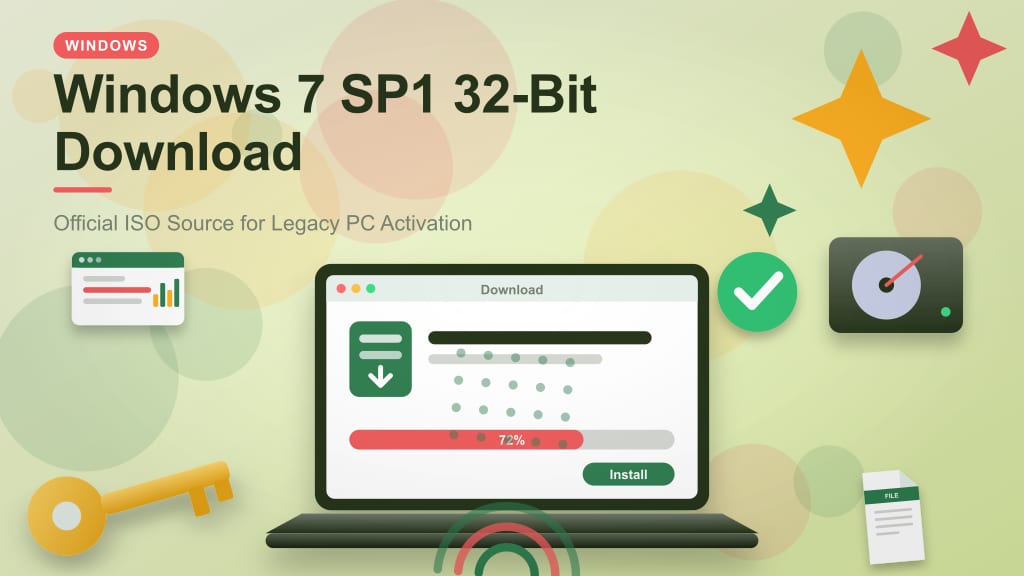
Windows 7 SP1 32-Bit Download: Official ISO Source for Legacy PC Activation

November 17, 2026 by Emmett Zamora
Windows 7 SP1 32-Bit Download: Official ISO Source for Legacy PC Activation

Downloading the official Windows 7 SP1 32-bit ISO is still possible in 2024 , but you’ll need to know where to look—and how to trust the source. Microsoft’s direct links vanished years ago, leaving users chasing sketchy…

Read more

Categories Windows

Window Server 2008 R2 Service Pack 2 Download: Official ISO Sources for Legacy Systems

November 21, 2026 by Emmett Zamora
Window Server 2008 R2 Service Pack 2 Download: Official ISO Sources for Legacy Systems

Need the official Windows Server 2008 R2 Service Pack 2 download before Microsoft pulls the plug? You’re in the right place—these are the last updates your legacy system will ever get. Still running 2008 R2? That January…

Read more

Categories Windows

Windows 10 20H2 Update Download Offline: Media Creation Tool ISO Method for Faster Installs

October 13, 2026 by Emmett Zamora
Windows 10 20H2 Update Download Offline: Media Creation Tool ISO Method for Faster Installs

Downloading the Windows 10 20H2 update offline using the Media Creation Tool gives you a fast, interruption-free installer—no waiting for slow internet speeds or download interruptions. If your connection keeps stalling…

Read more

Categories Windows

Windows 10 Installation Errors: Fix "Couldn't Be Installed" Issues Fast

November 21, 2026 by Emmett Zamora
Windows 10 Installation Errors: Fix "Couldn't Be Installed" Issues Fast

My Windows 10 installation failed with "couldn't be installed" after hours of waiting—turns out, a single corrupted file in the ISO was the culprit. ⚡ The good news? Most of these errors have quick fixes, and I’ve tested…

Read more

Categories Windows

Windows 10 64-Bit Drivers Download: Trusted Sources for Latest Updates

October 16, 2026 by Emmett Zamora
Windows 10 64-Bit Drivers Download: Trusted Sources for Latest Updates

Downloading Windows 10 64-bit drivers from official sources keeps your system running smoothly and safely—no more crashes or slowdowns. Struggling to find the right drivers can turn a quick update into a headache. I’ll…

Read more

Categories Windows

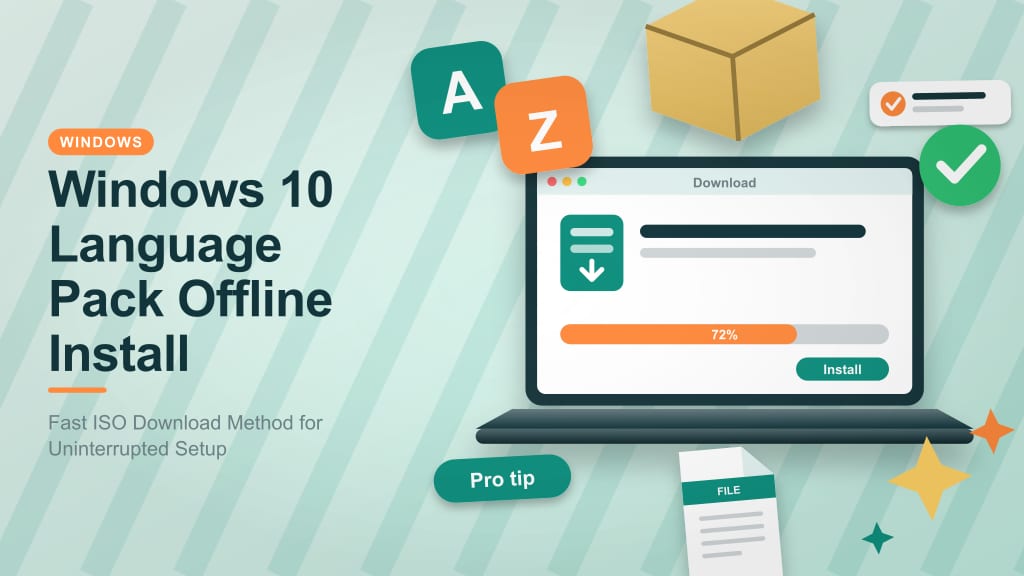
Windows 10 Language Pack Offline Install: Fast ISO Download Method for Uninterrupted Setup

November 17, 2026 by Emmett Zamora
Windows 10 Language Pack Offline Install: Fast ISO Download Method for Uninterrupted Setup

Installing a Windows 10 language pack offline via ISO is the fastest way to skip slow downloads and interruptions during setup. Picture this: You’re mid-installation, and your internet cuts out—or worse, your connection…

Read more

Categories Windows
Page1…Page8Page9Page10Page11Page12Page13Next →

About Me

Emmett Zamora

Emmett Zamora
My first computer was a clunky desktop that took up half my childhood bedroom, its screen flickering like a bad dream. I spent hours typing out stories and watching my dad fix things with a screwdriver and a lot of swear words. Now, I run this site to help others navigate the digital world—whether it’s troubleshooting a stubborn PC, mastering a new tool, or just figuring out why your printer won’t stop jamming. I believe tech should be approachable, not intimidating, and I’m here to make sure you leave feeling more confident than when you arrived.

Learn more

Recent Posts

  • How to Add Bluetooth to PC: Wireless Freedom in 5 Easy Steps
    How to Add Bluetooth to PC: Wireless Freedom in 5 Easy Steps
  • How to Set up Outlook Email: Zero-Tech-Stress Account Configuration in 10 Minutes
    How to Set up Outlook Email: Zero-Tech-Stress Account Configuration in 10 Minutes
  • How to Delete Backup Files From Your Computer: Space-Saving Secrets in Minutes
    How to Delete Backup Files From Your Computer: Space-Saving Secrets in Minutes
  • Microsoft To-Do Desktop App Download: Offline Access Without Microsoft Account Sign-In
    Microsoft To-Do Desktop App Download: Offline Access Without Microsoft Account Sign-In
  • How to Connect Scanner to Computer: Step-by-Step Pairing in Minutes
    How to Connect Scanner to Computer: Step-by-Step Pairing in Minutes
  • All Guides
  • About
  • Contact
  • Privacy Policy
  • Cookie Policy
  • Terms of Use
© 2026 computernook.click