Skip to content
Computer Nook

Computer Nook

  • All Articles
  • App
  • C++
  • Coding
  • More
    • Discord
    • Excel
    • Hardware
    • Keyboard
    • Microsoft Office
    • MYSQL
    • Operating System
    • Outlook
    • PowerPoint
    • Reddit
    • Review
    • Snapchat
    • Software
    • Tip & Trick
    • Troubleshooting
    • Windows

All Recipes — Page 40

Ctrl Alt Delete Remote Desktop: Forced Logout Fix for Frozen Sessions

October 12, 2026 by Emmett Zamora
Ctrl Alt Delete Remote Desktop: Forced Logout Fix for Frozen Sessions

That frozen Remote Desktop session in Pittsburgh back in 2003—where the ctrl alt delete on remote desktop command refused to register—still haunts me, and for good reason. ⚡ Today, I’m sharing the exact fix. methods that…
Read more

Categories Operating System

Download Microsoft Net Framework 3.5 Service Pack 1: Offline Installer for Windows 10/11 Systems

October 12, 2026 by Emmett Zamora
Download Microsoft Net Framework 3.5 Service Pack 1: Offline Installer for Windows 10/11 Systems

To download Microsoft .NET Framework 3.5 Service Pack 1, you’ll need the official offline installer—especially if Windows Update fails to enable it. Older games and apps often demand this version, and without it, your…

Read more

Categories Software

10 Excel 2013 Advanced Formulas and Functions: Master Data Analysis with Powerful Tools

October 12, 2026 by Emmett Zamora
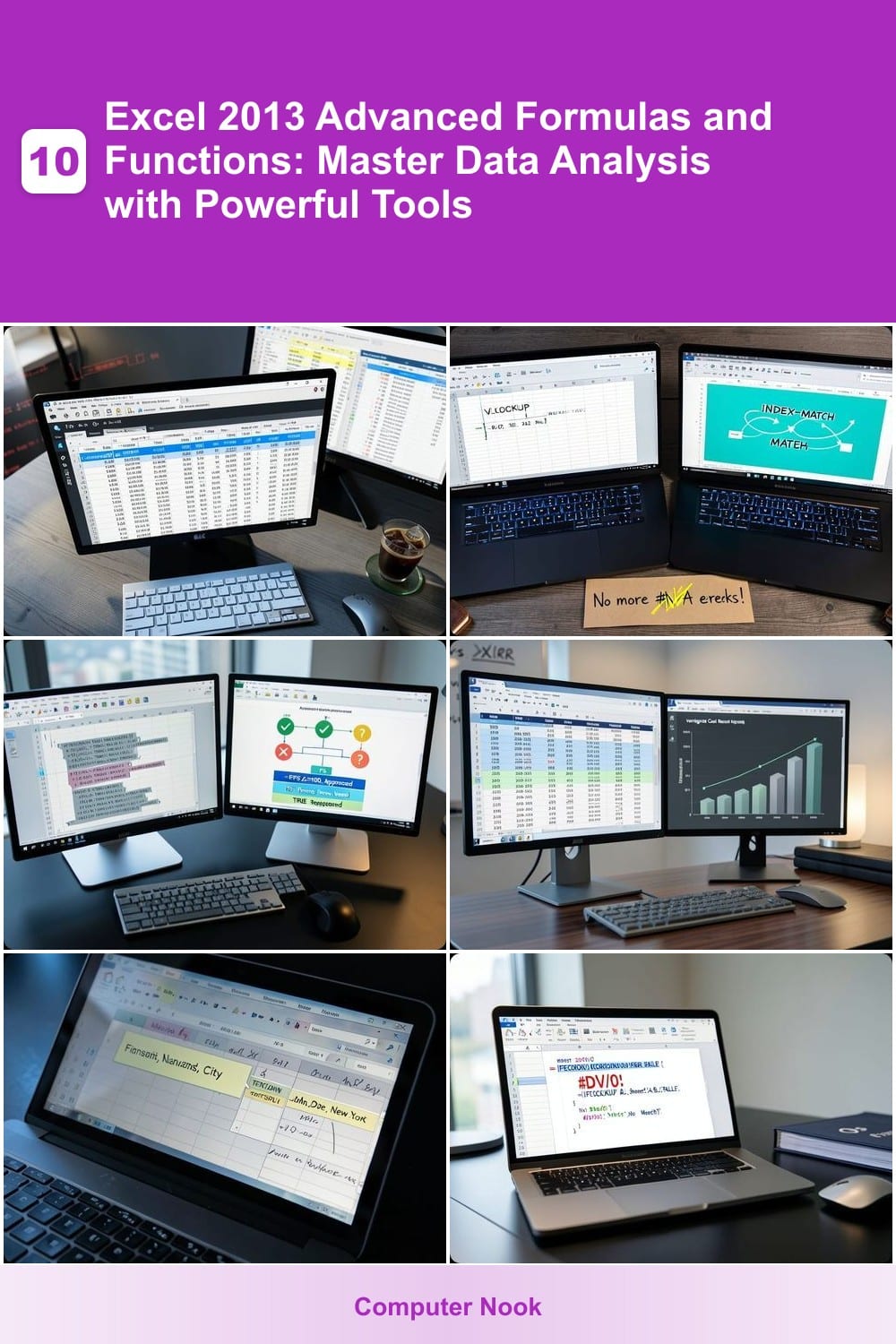
10 Excel 2013 Advanced Formulas and Functions: Master Data Analysis with Powerful Tools

Excel 2013 remains a powerhouse for data analysis, and these 10 advanced formulas and functions will transform how you manipulate complex datasets. From financial modeling to automated reporting, master these tools to…

Read more

Categories Software

Gaming Features Aren't Available for Windows Desktop: Bypass Limitations With Pro-Level Workarounds

October 12, 2026 by Emmett Zamora
Gaming Features Aren't Available for Windows Desktop: Bypass Limitations With Pro-Level Workarounds

The frustration of finding that gaming features aren’t available for the Windows desktop hit my local esports team hard—no Xbox Game Bar, no DirectX diagnostics, and GPU acceleration vanished overnight. ⚡ After debugging…

Read more

Categories Windows

Google Chrome Download 2014 for Windows 8: Legacy Mode Setup Without Compatibility Errors

October 12, 2026 by Emmett Zamora
Google Chrome Download 2014 for Windows 8: Legacy Mode Setup Without Compatibility Errors

Downloading Google Chrome from 2014 for Windows 8 still works if you know where to look — but Microsoft’s security updates will block it unless you tweak a few settings first. Many legacy systems rely on this old version…

Read more

Categories Windows

Onedrive Access Guide: Instant PC Login Without the Hassle

October 12, 2026 by Emmett Zamora
Onedrive Access Guide: Instant PC Login Without the Hassle

My first time setting up OneDrive was in my uncle's basement back in 1998 when we were syncing files between two floppy drives—now it takes less than 2 minutes to access your files from any PC. 💻 The process has evolved…

Read more

Categories Tip & Trick

How to Add a To-Do List to Your Desktop: Instant Task Tracker Without Clutter

October 12, 2026 by Emmett Zamora
How to Add a To-Do List to Your Desktop: Instant Task Tracker Without Clutter

My desktop used to be a digital junk drawer—until I discovered how to add a to-do list that stays visible without stealing focus. ✨ The trick is using lightweight tools that sync with your workflow, not fight it. I’ve…

Read more

Categories Tip & Trick

How to Add Apps to Mac Desktop: Organize Your Workspace in Seconds

October 12, 2026 by Emmett Zamora
How to Add Apps to Mac Desktop: Organize Your Workspace in Seconds

Adding apps to your Mac desktop used to feel like a hack—until I realized it’s the fastest way to organize my workflow. ✨ The method I use now takes under 10 seconds per app, whether you're working with native macOS…

Read more

Categories App

How to Add Bluetooth to PC: Wireless Freedom in 5 Easy Steps

October 12, 2026 by Emmett Zamora
How to Add Bluetooth to PC: Wireless Freedom in 5 Easy Steps

Adding Bluetooth to your PC is easier than you think—no special hardware needed. ✨ I’ve helped dozens of users turn their laptops and desktops into wireless hubs using just built-in tools, and the process takes less than…

Read more

Categories Tip & Trick

How to Add Google Calendar to Desktop Windows 11: Live Widget That Updates in Real-Time

October 12, 2026 by Emmett Zamora
How to Add Google Calendar to Desktop Windows 11: Live Widget That Updates in Real-Time

Adding Google Calendar to your Windows 11 desktop is one of those small tweaks that makes your workday feel noticeably smoother. ✨ I spent hours last month testing different methods—some clunky, some brilliant—and…

Read more

Categories Windows
Page1…Page38Page39Page40Page41Page42…Page62Next →

About Me

Emmett Zamora

Emmett Zamora
My first computer was a clunky desktop that took up half my childhood bedroom, its screen flickering like a bad dream. I spent hours typing out stories and watching my dad fix things with a screwdriver and a lot of swear words. Now, I run this site to help others navigate the digital world—whether it’s troubleshooting a stubborn PC, mastering a new tool, or just figuring out why your printer won’t stop jamming. I believe tech should be approachable, not intimidating, and I’m here to make sure you leave feeling more confident than when you arrived.

Learn more

Recent Posts

  • How to Add Bluetooth to PC: Wireless Freedom in 5 Easy Steps
    How to Add Bluetooth to PC: Wireless Freedom in 5 Easy Steps
  • How to Set up Outlook Email: Zero-Tech-Stress Account Configuration in 10 Minutes
    How to Set up Outlook Email: Zero-Tech-Stress Account Configuration in 10 Minutes
  • How to Delete Backup Files From Your Computer: Space-Saving Secrets in Minutes
    How to Delete Backup Files From Your Computer: Space-Saving Secrets in Minutes
  • Microsoft To-Do Desktop App Download: Offline Access Without Microsoft Account Sign-In
    Microsoft To-Do Desktop App Download: Offline Access Without Microsoft Account Sign-In
  • How to Connect Scanner to Computer: Step-by-Step Pairing in Minutes
    How to Connect Scanner to Computer: Step-by-Step Pairing in Minutes
  • All Guides
  • About
  • Contact
  • Privacy Policy
  • Cookie Policy
  • Terms of Use
© 2026 computernook.click