Skip to content
Computer Nook

Computer Nook

  • All Articles
  • App
  • C++
  • Coding
  • More
    • Discord
    • Excel
    • Hardware
    • Keyboard
    • Microsoft Office
    • MYSQL
    • Operating System
    • Outlook
    • PowerPoint
    • Reddit
    • Review
    • Snapchat
    • Software
    • Tip & Trick
    • Troubleshooting
    • Windows

All Recipes — Page 47

How to Clean Your Computer: Speed Up Performance in 10 Minutes

October 10, 2026 by Emmett Zamora
How to Clean Your Computer: Speed Up Performance in 10 Minutes

Learning how to clean up your computer the right way saved me from tossing my clunky old machine—it was running slower than a dial-up connection, coughing up dust, and groaning with every click. 💻 The fix didn’t require…
Read more

Categories Tip & Trick

How To Connect Computer To TV: Wireless Mirroring in Seconds

October 10, 2026 by Emmett Zamora
How To Connect Computer To TV: Wireless Mirroring in Seconds

Connecting your computer to your TV shouldn't require a PhD in electronics. ✨ Back in my uncle's basement in 1998, I spent hours wrestling with VGA cables that refused to sync—today, we've got options that work in…

Read more

Categories Tip & Trick

How to Connect Printer to Computer: Wireless Pairing in 3 Simple Steps

October 10, 2026 by Emmett Zamora
How to Connect Printer to Computer: Wireless Pairing in 3 Simple Steps

Connecting a printer to your computer used to mean tangled cables and endless driver hunts—until now. ✨ I’ve helped dozens of folks skip the frustration by mastering wireless pairing, and the process is shockingly simple…

Read more

Categories Tip & Trick

How to Connect Scanner to Computer: Step-by-Step Pairing in Minutes

October 10, 2026 by Emmett Zamora
How to Connect Scanner to Computer: Step-by-Step Pairing in Minutes

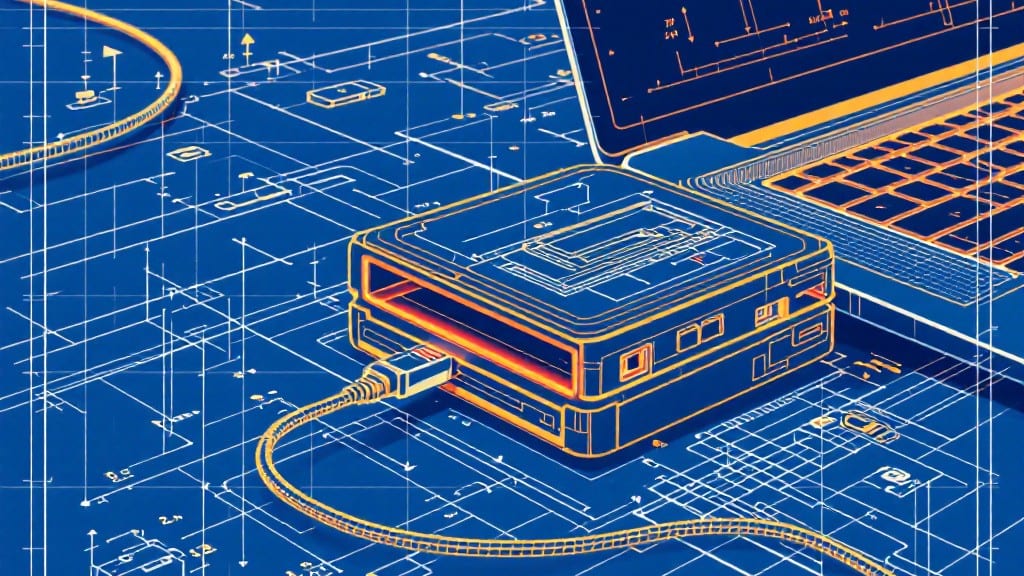
Connecting a scanner to your computer used to mean wrestling with tangled cables and cryptic error messages. ⚡ I’ve set up scanners for everyone from my dad’s old IBM repair clients to the kids at the Denver tech…

Read more

Categories Tip & Trick

How to Download an Excel File: Direct Links and Legacy System Support

October 10, 2026 by Emmett Zamora
How to Download an Excel File: Direct Links and Legacy System Support

To download an Excel file, you don’t need a PhD in tech—just a few clicks. ✨ I’ve helped hundreds of folks snag spreadsheets from emails, cloud storage, and websites without a hitch, and the process is simpler than it…

Read more

Categories Software

How to Find All Photos on My Computer Windows 11: Hidden Image Vault in 3 Clicks

October 10, 2026 by Emmett Zamora
How to Find All Photos on My Computer Windows 11: Hidden Image Vault in 3 Clicks

Discover how to find all photos on my computer in Windows 11 —it’s simpler than you’d expect, even for those hidden in forgotten folders. ✨ I’ve spent hours digging through systems to uncover every last JPEG, PNG, and…

Read more

Categories Windows

How to Get Your Computer to Read to You: Screen Reader Activation in Minutes

October 10, 2026 by Emmett Zamora
How to Get Your Computer to Read to You: Screen Reader Activation in Minutes

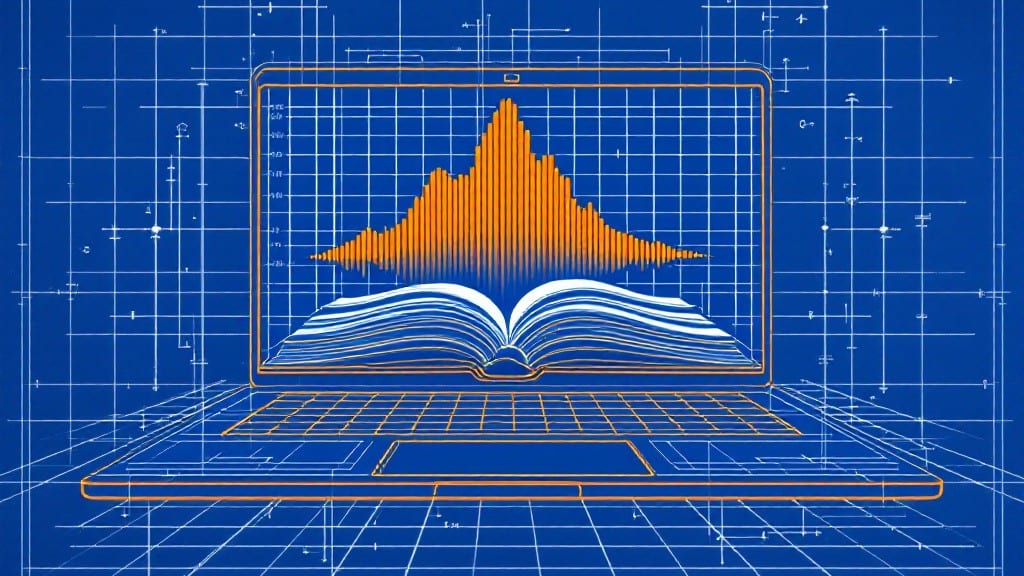
My computer reading aloud to me changed everything after that first week with my uncle’s old IBM. ⚡ Built-in screen readers like Narrator (Windows), VoiceOver (macOS), and Orca (Linux) turn text into speech instantly—no…

Read more

Categories Tip & Trick

How to Install RAM in a Desktop PC: Stress-Free Upgrade in 5 Steps

October 10, 2026 by Emmett Zamora
How to Install RAM in a Desktop PC: Stress-Free Upgrade in 5 Steps

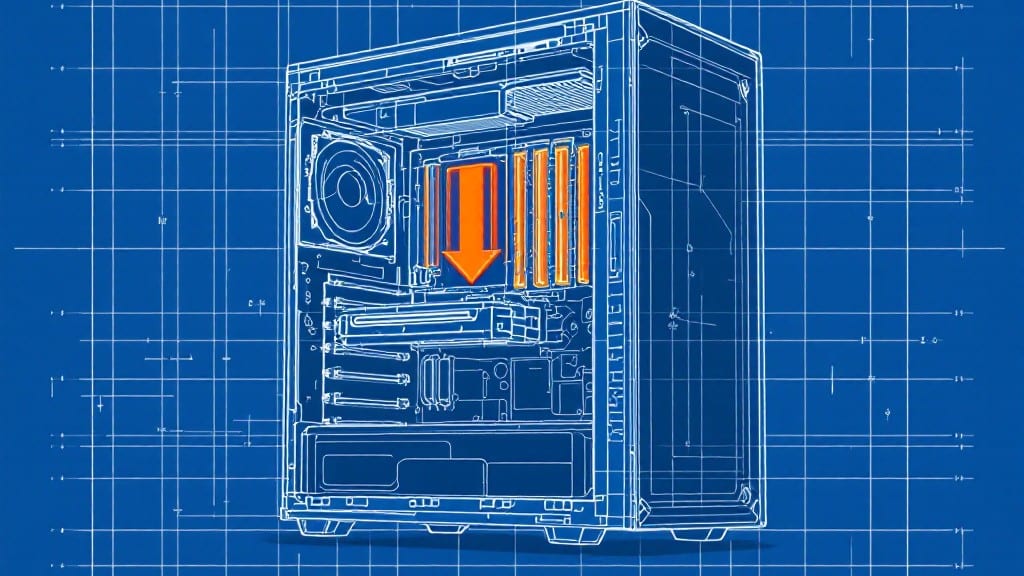
Installing RAM in your desktop PC is easier than you think— I’ve done it on 50 machines , and the process takes less than 10 minutes once you know the steps. The key is matching your RAM type (DDR4 or DDR5) to your…

Read more

Categories Tip & Trick

How to Join Computer to Azure AD: Zero-Config Hybrid Identity Setup

October 10, 2026 by Emmett Zamora
How to Join Computer to Azure AD: Zero-Config Hybrid Identity Setup

Joining a computer to Azure AD transforms how you log in—no more local accounts, just seamless cloud-based identity that follows you anywhere. ✨ I’ve helped dozens of teams make this switch, and the process is simpler…

Read more

Categories Tip & Trick

PC Video Looping: Instant Playback on Any Clip

October 10, 2026 by Emmett Zamora
PC Video Looping: Instant Playback on Any Clip

To loop a video on your PC takes less than a minute—no fancy software required. ⚡ I’ve used this trick to demo software, test animations, and even create background loops for video calls without installing a thing. The…

Read more

Categories Tip & Trick
Page1…Page45Page46Page47Page48Page49…Page62Next →

About Me

Emmett Zamora

Emmett Zamora
My first computer was a clunky desktop that took up half my childhood bedroom, its screen flickering like a bad dream. I spent hours typing out stories and watching my dad fix things with a screwdriver and a lot of swear words. Now, I run this site to help others navigate the digital world—whether it’s troubleshooting a stubborn PC, mastering a new tool, or just figuring out why your printer won’t stop jamming. I believe tech should be approachable, not intimidating, and I’m here to make sure you leave feeling more confident than when you arrived.

Learn more

Recent Posts

  • How to Add Bluetooth to PC: Wireless Freedom in 5 Easy Steps
    How to Add Bluetooth to PC: Wireless Freedom in 5 Easy Steps
  • How to Set up Outlook Email: Zero-Tech-Stress Account Configuration in 10 Minutes
    How to Set up Outlook Email: Zero-Tech-Stress Account Configuration in 10 Minutes
  • How to Delete Backup Files From Your Computer: Space-Saving Secrets in Minutes
    How to Delete Backup Files From Your Computer: Space-Saving Secrets in Minutes
  • Microsoft To-Do Desktop App Download: Offline Access Without Microsoft Account Sign-In
    Microsoft To-Do Desktop App Download: Offline Access Without Microsoft Account Sign-In
  • How to Connect Scanner to Computer: Step-by-Step Pairing in Minutes
    How to Connect Scanner to Computer: Step-by-Step Pairing in Minutes
  • All Guides
  • About
  • Contact
  • Privacy Policy
  • Cookie Policy
  • Terms of Use
© 2026 computernook.click