
Tip & Trick
Remote work offers flexibility but exposes you to cyber threats like phishing, malware, and data breaches. These 10 security best practices—backed by IT experts—will fortify your digital workspace before attackers strike, whether you're using Windows, Mac, or Linux.
Multi-Factor Authentication for Every Account
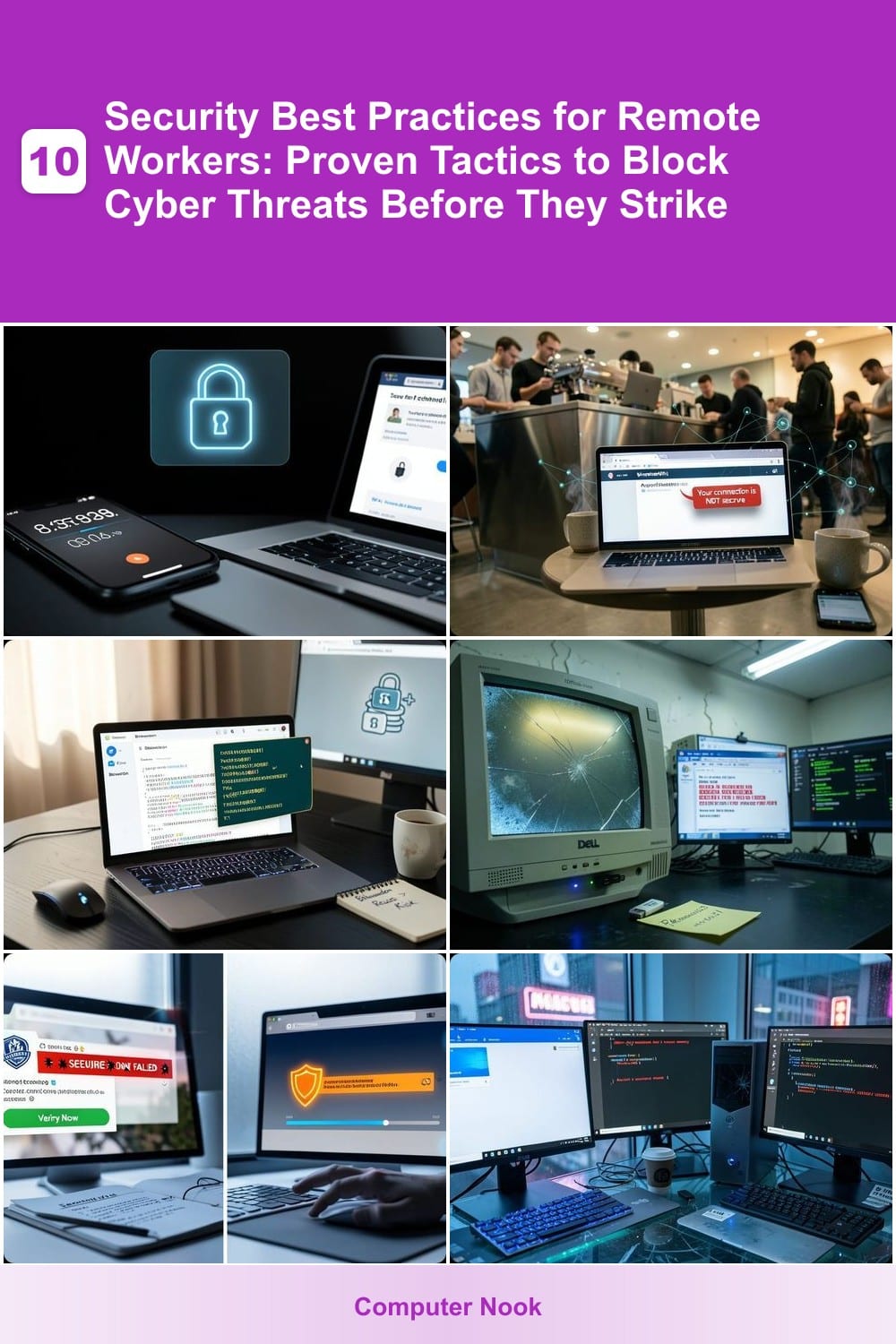
Even if your password is leaked in a data breach, multi-factor authentication (MFA) acts as a second lock on your accounts—making it nearly impossible for hackers to access your email, banking, or work systems.
Most services now support TOTP (time-based codes via apps like Google Authenticator or Authy) or biometric verification (fingerprint/face ID). These methods are far more secure than SMS codes (which can be intercepted) and take just seconds to use. For maximum protection, enable MFA on email, cloud storage, and financial accounts—the top targets for credential theft.
This is non-negotiable for remote workers handling sensitive data. Start with your most critical accounts, then expand to everything else. 💪
Virtual Private Network for Public Wi-Fi
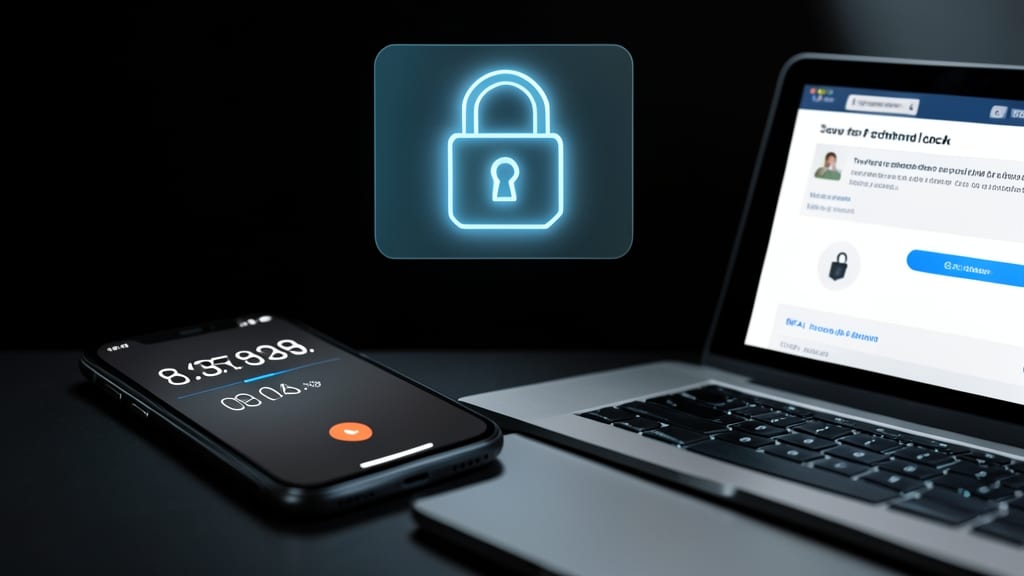
Public Wi-Fi networks at coffee shops or airports are prime hunting grounds for hackers—your unencrypted browsing history, login credentials, and even financial transactions become visible prey. A VPN (Virtual Private Network) acts as an invisible force field, encrypting all your internet traffic so that even if someone intercepts it, they’ll only see gibberish.
Top-tier VPNs like NordVPN or ExpressVPN offer military-grade AES-256 encryption, no-logs policies, and kill switches to cut connections instantly if your VPN drops. Many also include ad-blockers and DNS leak protection to further shield your data. With a single click, you can mask your IP address and browse anonymously—critical when handling work emails or accessing company resources on shared networks.
This isn’t just for road warriors—freelancers, remote employees, and even casual users should use a VPN whenever connecting to public Wi-Fi. It’s the digital equivalent of locking your car doors in a sketchy parking lot. 🌟
Password Manager with Auto-Generated Complex Passwords
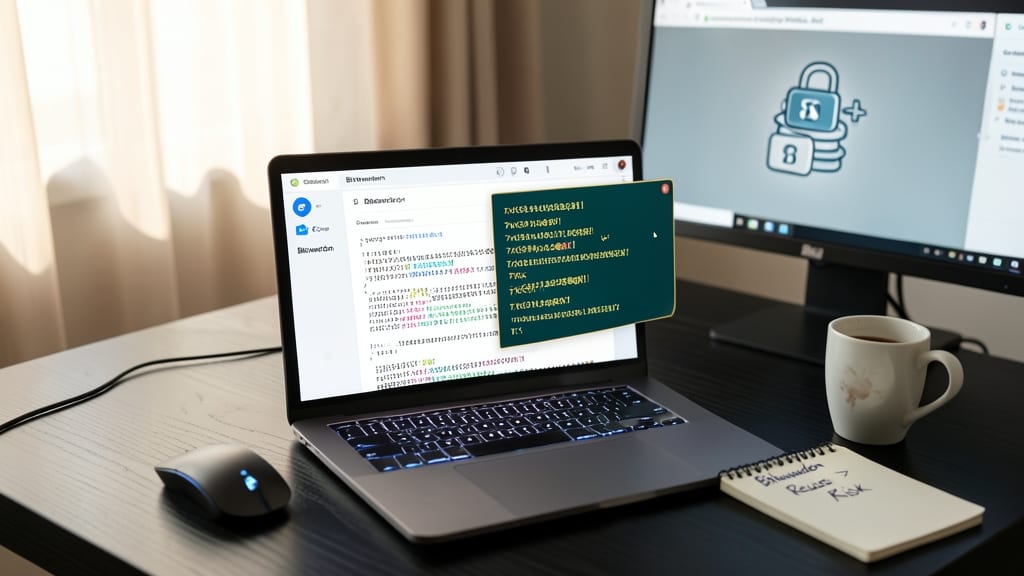
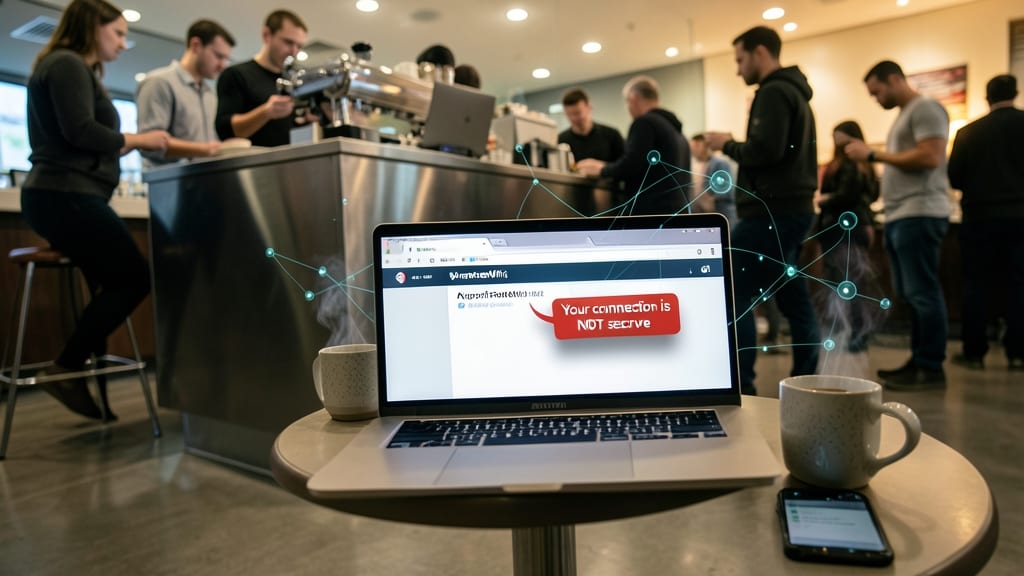
Tired of reusing the same password across 50+ accounts? A password manager with auto-generated complex passwords is your secret weapon against credential stuffing and brute-force attacks—especially for remote workers juggling work and personal logins.
Tools like Bitwarden or 1Password generate 20+ character passwords with random symbols, numbers, and uppercase letters, then securely store them in an encrypted vault. Their cross-device sync ensures you never type a password manually again, while biometric unlocks add an extra layer of security. Most offer zero-knowledge architecture, meaning even the company can’t access your data.
This is non-negotiable for freelancers, developers, or anyone managing client accounts—one breach can expose everything. Start with a free tier, then upgrade for advanced features like TOTP support for MFA. 💪
Endpoint Detection and Response Software
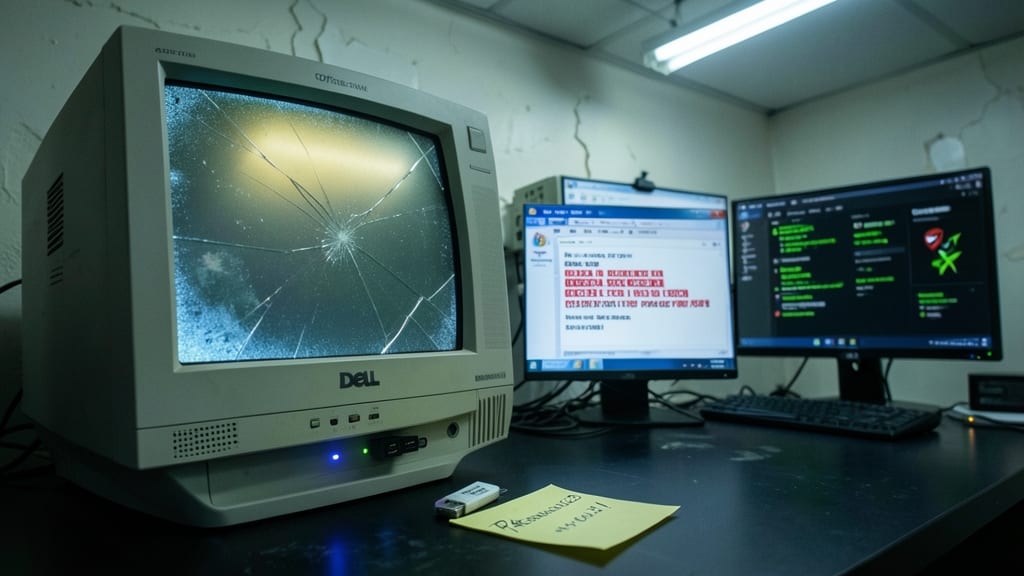
Windows users running legacy software like Office 2010 or Internet Explorer 11 face a unique threat: outdated systems are prime targets for ransomware that exploits unpatched vulnerabilities. Endpoint Detection and Response (EDR) software like CrowdStrike Falcon or SentinelOne acts as a silent guardian, scanning your device for suspicious behavior before malware can encrypt your files.
These tools use AI-driven threat detection to identify ransomware patterns in real time, even on older Windows versions. Features like automated quarantine and behavioral analysis mean you won’t just detect threats—you’ll stop them before they cause damage. Many solutions also integrate with existing antivirus tools for an extra layer of protection without slowing down your system.
If you’re stuck maintaining legacy software for work or personal use, EDR is your best defense against evolving cyberattacks. It’s especially valuable for freelancers or small businesses where budget constraints delay OS upgrades. 💪
Secure Browser with Built-In Phishing Protection
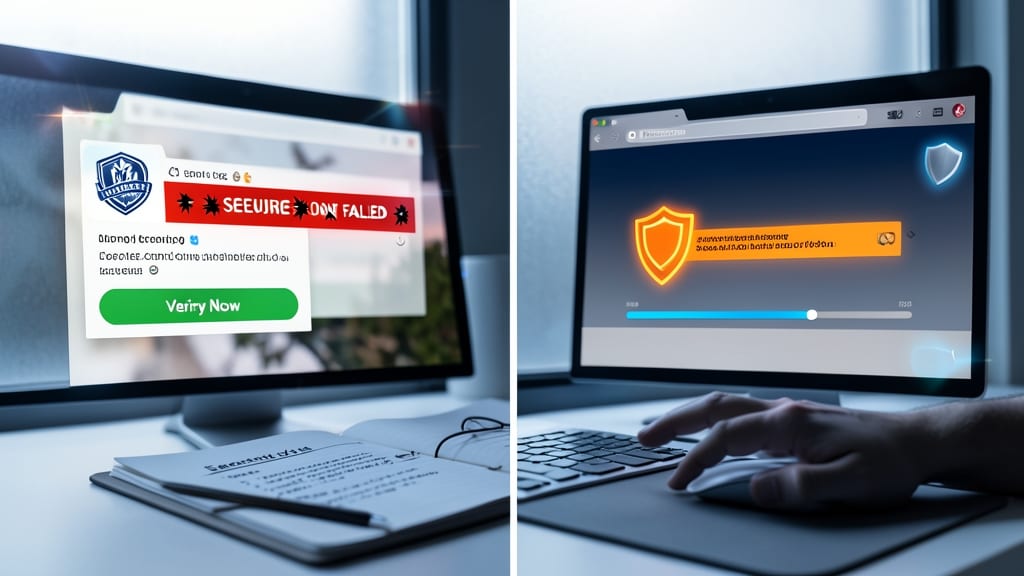
Tired of falling for "urgent" emails or fake login pages that trick even the most cautious workers? A secure browser with built-in phishing protection like Brave or Microsoft Edge Defender acts as your first line of defense, scanning links in real-time before they load.
These browsers block 90% of phishing attempts by comparing URLs against global threat databases, flagging suspicious domains, and even warning about fraudulent emails before you click. Features like automatic HTTPS upgrades and tracker-blocking further reduce exposure to malicious ads. For teams, extensions like uBlock Origin add an extra layer of customizable filtering.
Perfect for remote teams handling sensitive data, freelancers processing payments, or anyone who’s ever clicked a link they instantly regretted. 💻
Regular Software Updates for All Devices
Forget "set it and forget it"—your devices are under siege by attackers exploiting unpatched flaws in Windows 11, macOS Ventura, and Ubuntu Server. Zero-day vulnerabilities don’t announce themselves; they silently compromise systems while you’re distracted by meetings or deadlines.
Automated updates on Windows Update, Apple’s Software Update, and Linux’s unattended-upgrades tool close these gaps before hackers weaponize them. Microsoft’s Patch Tuesday alone fixes 100+ vulnerabilities monthly, while Apple’s Security Updates patch iOS, macOS, and watchOS in tandem. Even Linux distros now ship critical kernel patches within 48 hours of disclosure—no manual intervention required.
This isn’t just for IT admins: Freelancers with Linux servers, Windows users with legacy software, and macOS power users all need this. Set updates to auto-install (except for critical workstations) and schedule reboots during off-hours. Your firewall won’t save you from a vulnerability that hasn’t been patched yet. ✨
Cloud Backup with Versioning Enabled
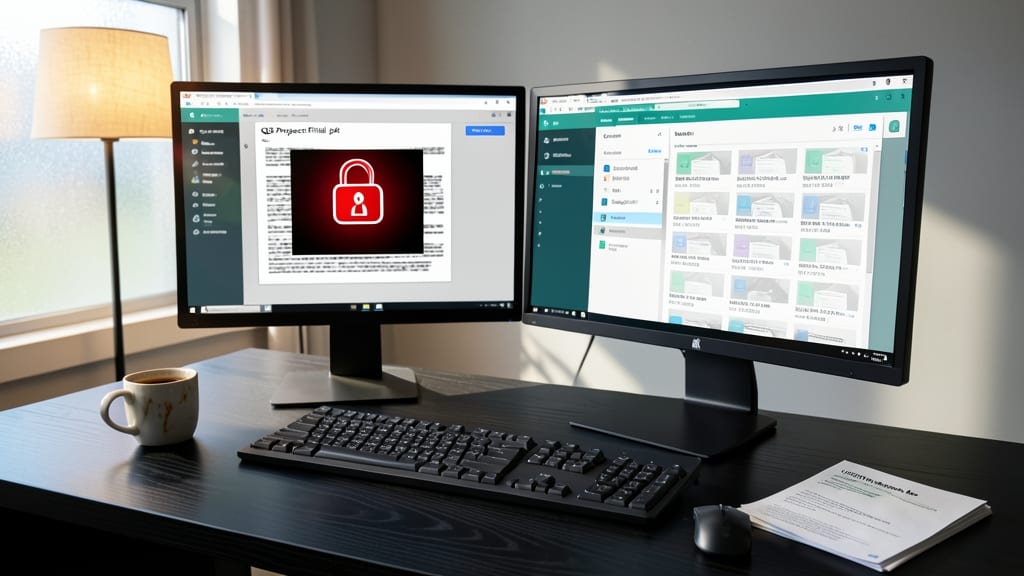
Losing a critical document—or worse, having it locked by ransomware—can derail your entire workflow. Cloud backup with versioning acts as your digital safety net, letting you restore files to any previous state, even if malware strikes.
Services like OneDrive and Google Drive offer versioning by default when enabled, storing up to 100 versions of each file automatically. This means if a client contract gets corrupted or overwritten, you can revert in seconds. For freelancers and teams, this is a zero-cost upgrade that prevents costly downtime.
Perfect for remote workers handling contracts, invoices, or creative projects—just enable versioning in your cloud settings and set a 30-day retention policy to balance storage and recovery needs. ✨
Secure File Sharing for Sensitive Documents
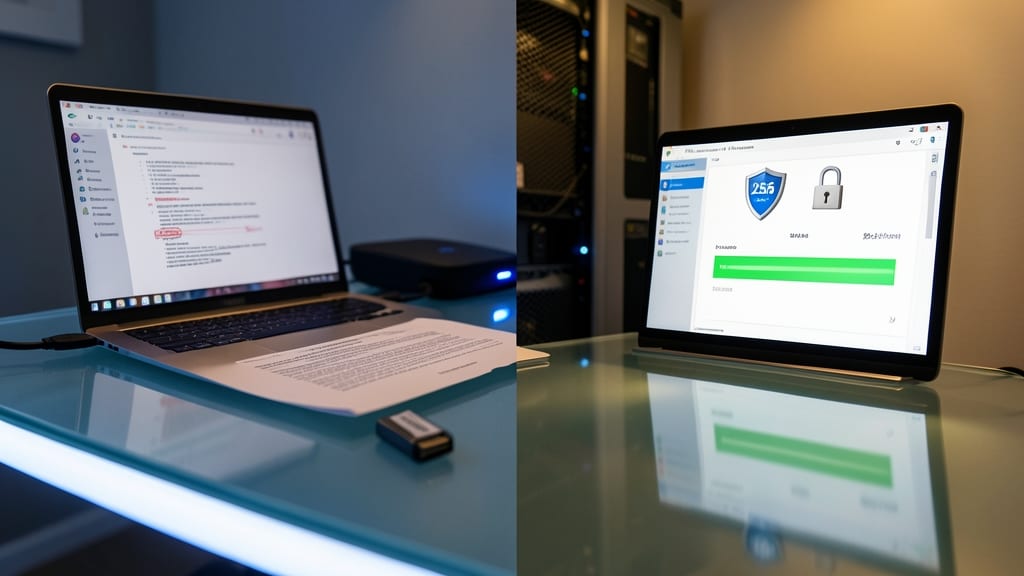
Sending contracts or client files via email? Standard attachments can expose sensitive data to leaks or interception. Tools like SFTP (Secure File Transfer Protocol) or Boxcryptor encrypt files during transit, ensuring only authorized recipients can access them—no IT degree required.
SFTP uses AES-256 encryption for transfers, while Boxcryptor integrates with cloud services like Dropbox or Google Drive, encrypting files end-to-end before they leave your device. Both methods revoke access instantly if a file is shared accidentally, and many support zero-configuration setups for non-technical users.
Perfect for freelancers, legal teams, or anyone handling confidential documents remotely. 💻
Home Network Firewall with Intrusion Detection
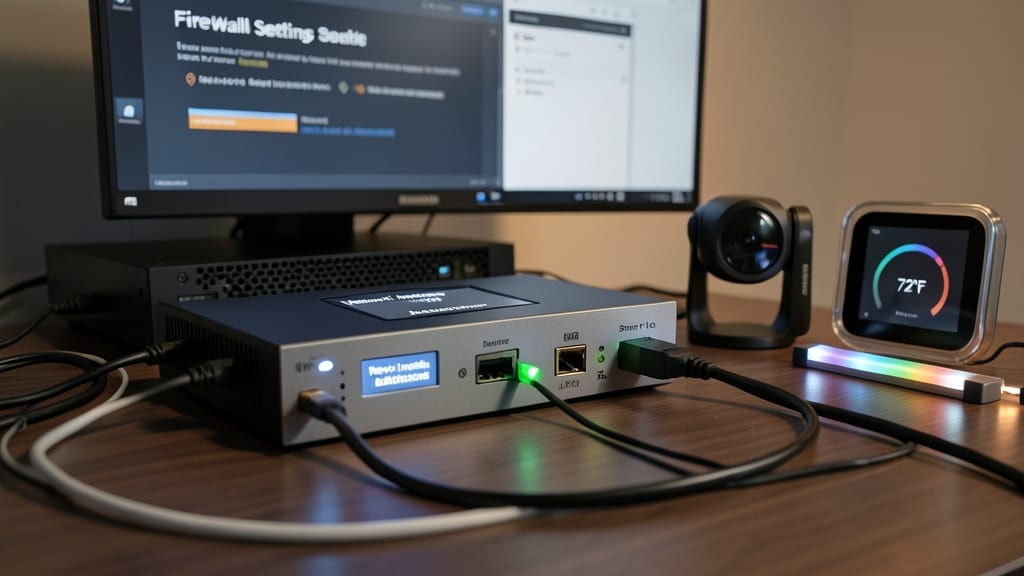
Your home router’s default firewall isn’t enough to stop modern cyberattacks—especially when you’ve got smart thermostats, security cameras, and IoT gadgets all connected. A dedicated home network firewall with intrusion detection (like pfSense or OPNsense) adds a critical layer that blocks port scans, DDoS attempts, and brute-force attacks before they reach your devices.
These solutions go beyond basic packet filtering by using AI-driven threat intelligence to detect suspicious behavior, such as repeated connection attempts or unusual traffic patterns. You can also set up custom rules to whitelist only the services you need, reducing attack surfaces. Many even include VPN server capabilities for secure remote access to your network.
This is a must-have for remote workers who rely on smart home setups or frequently connect to public networks. It’s the digital equivalent of a deadbolt on your network’s front door. 💪
Security Awareness Training for Remote Teams
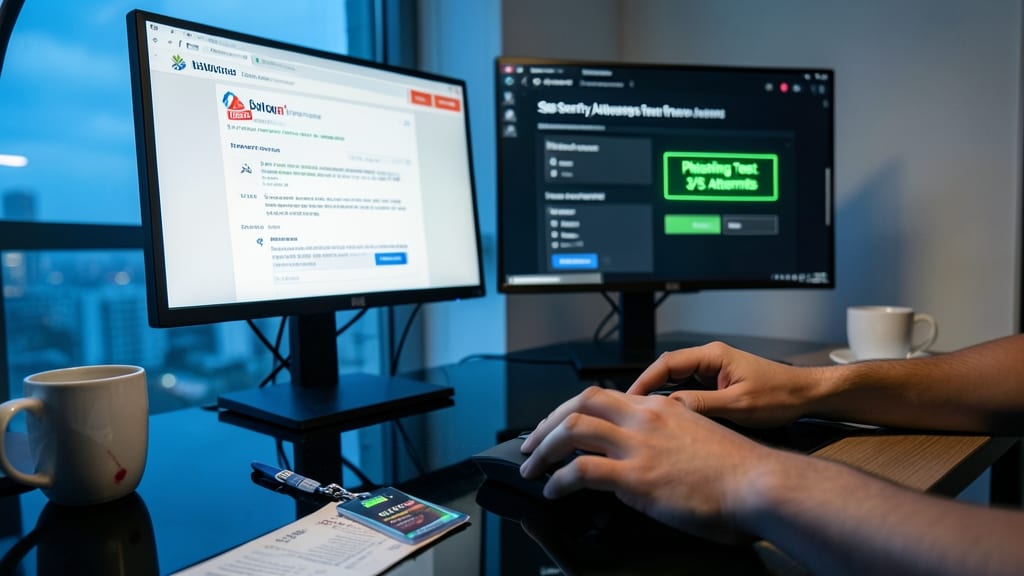
Even the strongest firewalls can’t stop a single click on a fake invoice email—human error causes 70% of breaches, and remote teams are prime targets. Security awareness training turns your biggest vulnerability into your strongest defense by making phishing tests and interactive modules part of your workflow.
Platforms like KnowBe4 or PhishMe deliver customized phishing simulations that mimic real attacks, while training modules cover everything from recognizing spear-phishing to secure remote access habits. The best programs track progress with real-time analytics, showing which teams need extra reinforcement—often reducing successful attacks by 60-80% within months.
This isn’t just for IT departments—freelancers, managers, and even interns benefit from bite-sized lessons delivered via email or Slack. Start with a quarterly phishing test and watch your team’s instincts sharpen before the next cybercriminal strikes. ✨