Skip to content
Computer Nook

Computer Nook

  • All Articles
  • App
  • C++
  • Coding
  • More
    • Discord
    • Excel
    • Hardware
    • Keyboard
    • Microsoft Office
    • MYSQL
    • Operating System
    • Outlook
    • PowerPoint
    • Reddit
    • Review
    • Snapchat
    • Software
    • Tip & Trick
    • Troubleshooting
    • Windows

All Recipes — Page 34

How to Set up a Conference Call: Quick Checklist for Crystal-Clear Connections
October 15, 2026 by Emmett Zamora
How to Set up a Conference Call: Quick Checklist for Crystal-Clear Connections

Setting up a conference call used to mean dialing in blindly and praying for clear audio. ✨ Today, I’ve streamlined the process across platforms so you can host a crystal-clear meeting in under 10 minutes —no tech degree…

Read more

Categories Tip & Trick

How to Turn up Mic Volume on Pc: Instant Boost for Clearer Audio

October 15, 2026 by Emmett Zamora
How to Turn up Mic Volume on Pc: Instant Boost for Clearer Audio

My mic volume was stuck at zero until I learned the right sequence—turns out Windows hides the controls where you’d least expect them. ✨ The fix takes less than a minute once you know where to look, whether you’re using…

Read more

Categories Tip & Trick

How to Update Drivers on PC: Windows Update vs Manual Downloads

October 15, 2026 by Emmett Zamora
How to Update Drivers on PC: Windows Update vs Manual Downloads

Updating drivers on your PC isn’t just about keeping things running—it’s about unlocking performance and stability you didn’t know you were missing. ⚡ I’ve spent years watching systems slow down because outdated drivers…

Read more

Categories Tip & Trick

Media Feature Pack for Windows 11 Download: Official Sources and Direct ISO Links

October 15, 2026 by Emmett Zamora
Media Feature Pack for Windows 11 Download: Official Sources and Direct ISO Links

Downloading the Windows 11 Media Feature Pack from Microsoft’s official sources gives you the full suite of video editing and 3D modeling tools without the risk of malware. I’ve wasted hours chasing sketchy third-party…

Read more

Categories Windows

Microsoft Basic Display Adapter Driver Download: Windows 10/11 Compatibility Fixes for Crashing Screens

October 15, 2026 by Emmett Zamora
Microsoft Basic Display Adapter Driver Download: Windows 10/11 Compatibility Fixes for Crashing Screens

Downloading the Microsoft Basic Display Adapter driver fixes crashes and blurry screens caused by missing or outdated graphics drivers in Windows 10 or 11. Ever stared at a frozen screen with that dreaded "Microsoft…

Read more

Categories Troubleshooting

Microsoft Lync Download for Windows 7: Legacy Compatibility Fix for Skype for Business Users

October 15, 2026 by Emmett Zamora
Microsoft Lync Download for Windows 7: Legacy Compatibility Fix for Skype for Business Users

To download Microsoft Lync for Windows 7, you’ll need the 2013 or 2016 version from Microsoft’s legacy archives—though direct links are now rare and often blocked. If you’re still using Lync for old enterprise workflows…

Read more

Categories Windows

Microsoft Office Picture Manager Free Downloads: Retro Photo Editing Tools for Windows XP Users

October 15, 2026 by Emmett Zamora
Microsoft Office Picture Manager Free Downloads: Retro Photo Editing Tools for Windows XP Users

Microsoft Office Picture Manager free downloads are still available for Windows XP users who want to edit photos the old-school way—just not from Microsoft’s site anymore. If you’ve ever spent hours organizing digital…

Read more

Categories Software

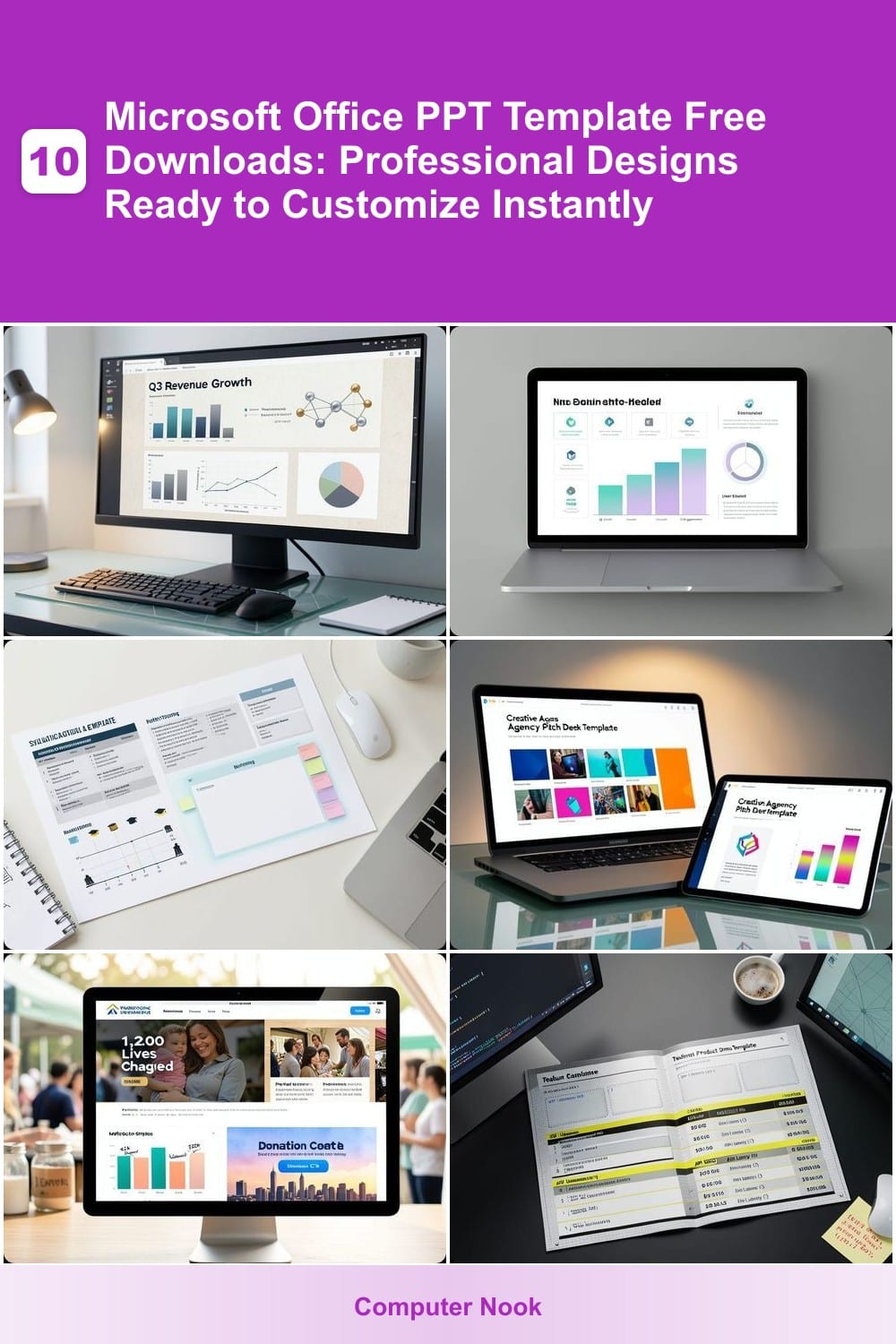
10 Microsoft Office PPT Template Free Downloads: Professional Designs Ready to Customize Instantly

October 15, 2026 by Emmett Zamora
10 Microsoft Office PPT Template Free Downloads: Professional Designs Ready to Customize Instantly

Struggling to create polished presentations quickly? These 10 free Microsoft Office-compatible PowerPoint templates deliver professional designs that require zero design skills—just download, customize, and impress your…

Read more

Categories PowerPoint

Microsoft Office Removal Tool Offline Download: Direct ISO File for Legacy System Cleanup

October 15, 2026 by Emmett Zamora
Microsoft Office Removal Tool Offline Download: Direct ISO File for Legacy System Cleanup

Stuck removing Microsoft Office with the Microsoft Office removal tool offline download —here’s how to cleanly uninstall it from your offline Windows system. The Microsoft Office Removal Tool offline download ISO lets…

Read more

Categories Troubleshooting

Microsoft Security Essentials for Windows XP: Last Free Antivirus for Legacy PCs

October 15, 2026 by Emmett Zamora
Microsoft Security Essentials for Windows XP: Last Free Antivirus for Legacy PCs

Microsoft Security Essentials for Windows XP remains the safest free antivirus choice for users stuck on the outdated OS, offering basic malware protection where modern tools refuse to run. If your XP machine still…

Read more

Categories Windows
Page1…Page32Page33Page34Page35Page36…Page62Next →

About Me

Emmett Zamora

Emmett Zamora
My first computer was a clunky desktop that took up half my childhood bedroom, its screen flickering like a bad dream. I spent hours typing out stories and watching my dad fix things with a screwdriver and a lot of swear words. Now, I run this site to help others navigate the digital world—whether it’s troubleshooting a stubborn PC, mastering a new tool, or just figuring out why your printer won’t stop jamming. I believe tech should be approachable, not intimidating, and I’m here to make sure you leave feeling more confident than when you arrived.

Learn more

Recent Posts

  • How to Add Bluetooth to PC: Wireless Freedom in 5 Easy Steps
    How to Add Bluetooth to PC: Wireless Freedom in 5 Easy Steps
  • How to Set up Outlook Email: Zero-Tech-Stress Account Configuration in 10 Minutes
    How to Set up Outlook Email: Zero-Tech-Stress Account Configuration in 10 Minutes
  • How to Delete Backup Files From Your Computer: Space-Saving Secrets in Minutes
    How to Delete Backup Files From Your Computer: Space-Saving Secrets in Minutes
  • Microsoft To-Do Desktop App Download: Offline Access Without Microsoft Account Sign-In
    Microsoft To-Do Desktop App Download: Offline Access Without Microsoft Account Sign-In
  • How to Connect Scanner to Computer: Step-by-Step Pairing in Minutes
    How to Connect Scanner to Computer: Step-by-Step Pairing in Minutes
  • All Guides
  • About
  • Contact
  • Privacy Policy
  • Cookie Policy
  • Terms of Use
© 2026 computernook.click