Skip to content
Computer Nook

Computer Nook

  • All Articles
  • App
  • C++
  • Coding
  • More
    • Discord
    • Excel
    • Hardware
    • Keyboard
    • Microsoft Office
    • MYSQL
    • Operating System
    • Outlook
    • PowerPoint
    • Reddit
    • Review
    • Snapchat
    • Software
    • Tip & Trick
    • Troubleshooting
    • Windows

All Recipes — Page 33

Windows 7 Enterprise SP1 64 Bit Download: Legacy Activation Keys & Direct ISO Source
October 16, 2026 by Emmett Zamora
Windows 7 Enterprise SP1 64 Bit Download: Legacy Activation Keys & Direct ISO Source

Microsoft’s official Windows 7 Enterprise SP1 64-bit download is still available through archived channels—but only if you know where to look. Still running legacy systems? You’re not alone, but Microsoft’s end-of-life…
Read more

Categories Windows

Windows Server 2008 R2 SP1 Download: Direct ISO File for Legacy System Installation

October 16, 2026 by Emmett Zamora
Windows Server 2008 R2 SP1 Download: Direct ISO File for Legacy System Installation

Downloading the official Windows Server 2008 R2 SP1 ISO file is your first step to keeping legacy systems running—but Microsoft’s official channels can be confusing. Still running legacy systems? You’re not alone, and…

Read more

Categories Windows

10 Windows Vista Games That Came With Computers: Nostalgic Pre-Installed Titles You’ll Actually Miss

October 16, 2026 by Emmett Zamora
10 Windows Vista Games That Came With Computers: Nostalgic Pre-Installed Titles You’ll Actually Miss

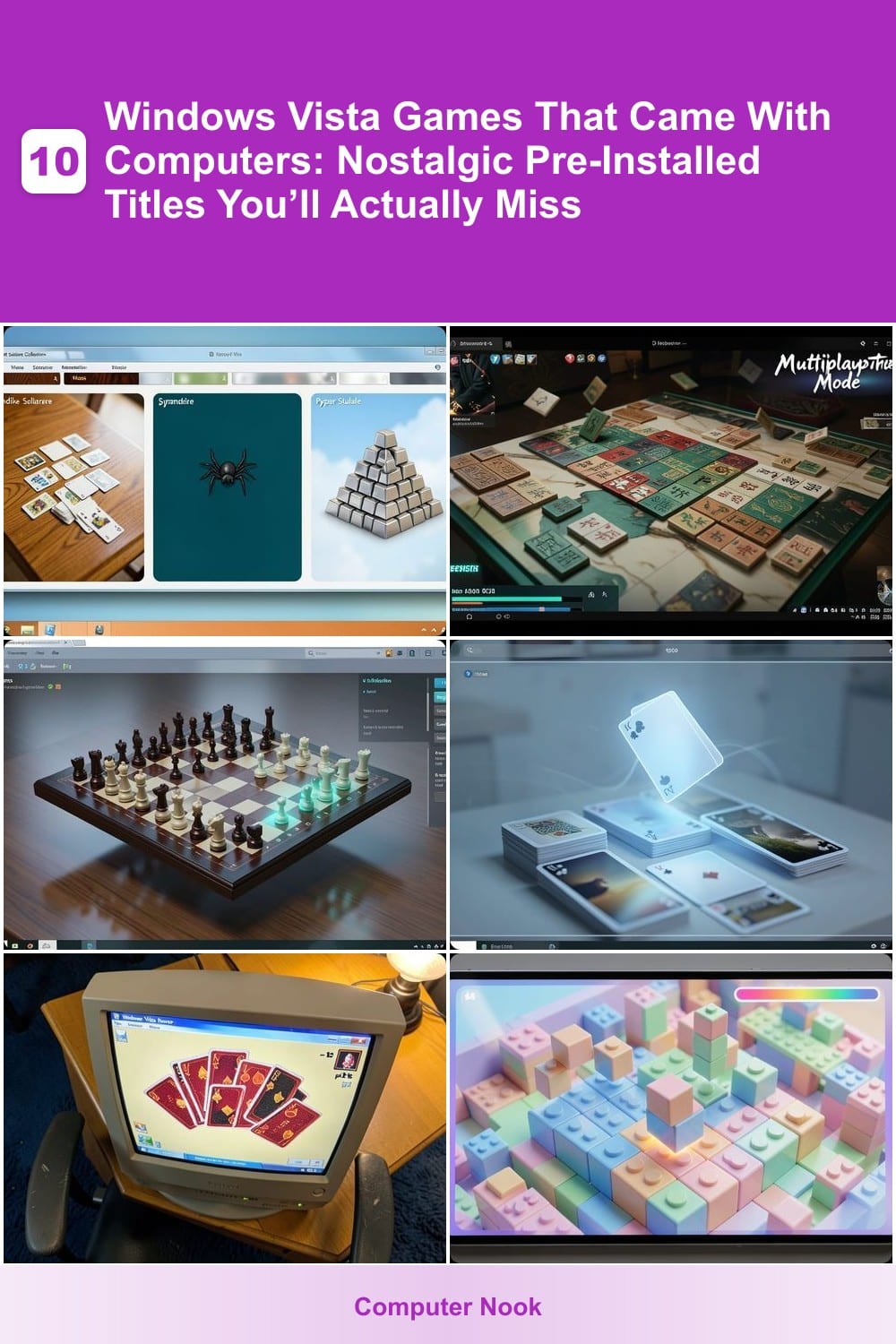
Remember the games bundled with Windows Vista? These 10 pre-installed titles shaped childhoods, sparked creativity, and even taught basic programming. From classic solitaire to hidden gems, relive the nostalgia of…

Read more

Categories Windows

360 Virtual Tour Software Free Download: No-Cost Tools for Stunning Interactive Tours

October 15, 2026 by Emmett Zamora
360 Virtual Tour Software Free Download: No-Cost Tools for Stunning Interactive Tours

Downloading 360 virtual tour software for free lets you transform spaces into interactive experiences without breaking the bank. Whether you’re a real estate agent, travel blogger, or just showing off your backyard, the…

Read more

Categories Software

EPM Add-In for Microsoft Office 2010 Download: Direct 32-Bit Installer for Legacy Systems

October 15, 2026 by Emmett Zamora
EPM Add-In for Microsoft Office 2010 Download: Direct 32-Bit Installer for Legacy Systems

Microsoft Office 2010 users can still download the EPM add-in for project management without upgrading—here’s the direct link and step-by-step guide to avoid compatibility issues. If your team relies on Office 2010’s…

Read more

Categories Software

For What Reason Would You Need to Download a Codec Pack?: Media File Support Explained Simply

October 15, 2026 by Emmett Zamora
For What Reason Would You Need to Download a Codec Pack?: Media File Support Explained Simply

For what reason would you need to download a codec pack? 💥 Quick Answer: You’ll want one when your computer struggles to play, edit, or convert media files like MKV, FLV, or AVI because they lack the necessary decoders…

Read more

Categories Software

How to Download Videos From Clipchamp: Instant Access Without Quality Loss

October 15, 2026 by Emmett Zamora
How to Download Videos From Clipchamp: Instant Access Without Quality Loss

To download a video from Clipchamp without losing quality, you only need three clicks —and I’ll show you exactly where to find them. 💡 I’ve helped dozens of friends save their projects this way, and the process is…

Read more

Categories Tip & Trick

How to Move Emails to Spam: Permanent Fix for Overlooked Messages

October 15, 2026 by Emmett Zamora
How to Move Emails to Spam: Permanent Fix for Overlooked Messages

Moving emails to spam shouldn’t feel like digging through a junk drawer—it’s a 5-second fix that most people miss. ✨ I’ve spent hours helping clients untangle inboxes where legitimate messages got buried because they…

Read more

Categories Tip & Trick

How to Record Last 10 Minutes on PC: Instant Screen Capture Without Software

October 15, 2026 by Emmett Zamora
How to Record Last 10 Minutes on PC: Instant Screen Capture Without Software

Recording the last 10 minutes on your PC isn't magic—it’s about setting up the right tools before you need them. ✨ I spent hours testing every method after a client accidentally closed their screen recording…

Read more

Categories Tip & Trick

How to Reduce Space Between Icons on Desktop in Windows 10: Tighten Spacing in 3 Simple Clicks

October 15, 2026 by Emmett Zamora
How to Reduce Space Between Icons on Desktop in Windows 10: Tighten Spacing in 3 Simple Clicks

Learn how to reduce space between icons on desktop in Windows 10 —your icons will finally stop playing musical chairs, and you’ll reclaim that cluttered space in just three clicks. ✨ required. The trick lives in the…

Read more

Categories Windows
Page1…Page31Page32Page33Page34Page35…Page62Next →

About Me

Emmett Zamora

Emmett Zamora
My first computer was a clunky desktop that took up half my childhood bedroom, its screen flickering like a bad dream. I spent hours typing out stories and watching my dad fix things with a screwdriver and a lot of swear words. Now, I run this site to help others navigate the digital world—whether it’s troubleshooting a stubborn PC, mastering a new tool, or just figuring out why your printer won’t stop jamming. I believe tech should be approachable, not intimidating, and I’m here to make sure you leave feeling more confident than when you arrived.

Learn more

Recent Posts

  • How to Add Bluetooth to PC: Wireless Freedom in 5 Easy Steps
    How to Add Bluetooth to PC: Wireless Freedom in 5 Easy Steps
  • How to Set up Outlook Email: Zero-Tech-Stress Account Configuration in 10 Minutes
    How to Set up Outlook Email: Zero-Tech-Stress Account Configuration in 10 Minutes
  • How to Delete Backup Files From Your Computer: Space-Saving Secrets in Minutes
    How to Delete Backup Files From Your Computer: Space-Saving Secrets in Minutes
  • Microsoft To-Do Desktop App Download: Offline Access Without Microsoft Account Sign-In
    Microsoft To-Do Desktop App Download: Offline Access Without Microsoft Account Sign-In
  • How to Connect Scanner to Computer: Step-by-Step Pairing in Minutes
    How to Connect Scanner to Computer: Step-by-Step Pairing in Minutes
  • All Guides
  • About
  • Contact
  • Privacy Policy
  • Cookie Policy
  • Terms of Use
© 2026 computernook.click