Skip to content
Computer Nook

Computer Nook

  • All Articles
  • App
  • C++
  • Coding
  • More
    • Discord
    • Excel
    • Hardware
    • Keyboard
    • Microsoft Office
    • MYSQL
    • Operating System
    • Outlook
    • PowerPoint
    • Reddit
    • Review
    • Snapchat
    • Software
    • Tip & Trick
    • Troubleshooting
    • Windows

All Recipes — Page 55

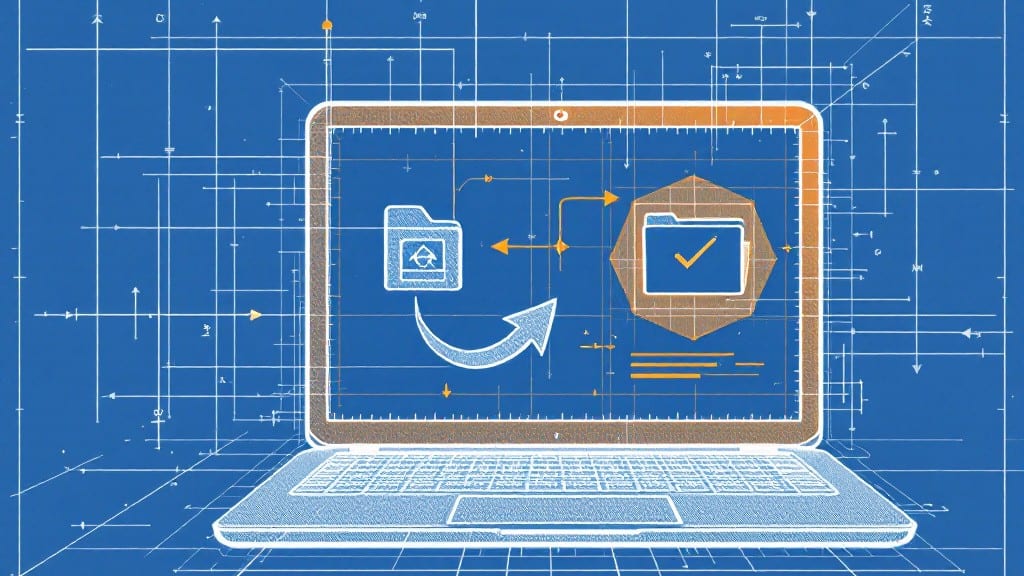
How to Create a Shortcut on Desktop: Drag-and-Drop Efficiency in Seconds
October 8, 2026 by Emmett Zamora
How to Create a Shortcut on Desktop: Drag-and-Drop Efficiency in Seconds

Creating a desktop shortcut in seconds changed how I work forever—no more digging through folders or remembering file paths. ⚡ Whether you're on Windows, macOS, or Linux, the process is shockingly simple once you know…

Read more

Categories Tip & Trick

How to Enable Outlook Desktop Notifications: Instant Alerts for Emails and Events

October 8, 2026 by Emmett Zamora
How to Enable Outlook Desktop Notifications: Instant Alerts for Emails and Events

Enabling Outlook desktop notifications is the fastest way to stop missing important emails and calendar alerts. ✨ I spent years working with Microsoft’s notification systems, and this setup takes less than two minutes—no…

Read more

Categories Outlook

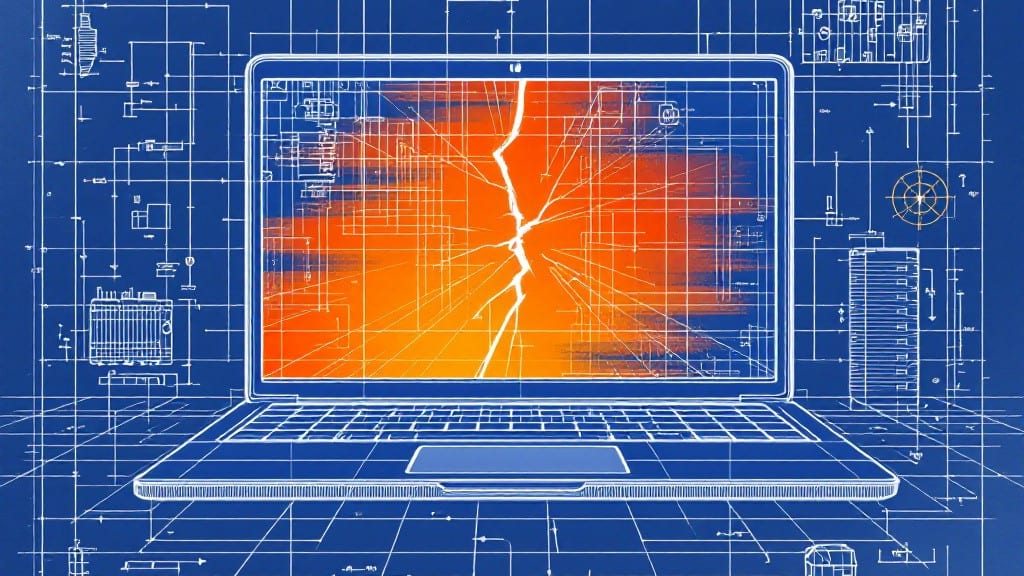
How to Fix a Computer Screen That Is Cracked on the Inside: Clear Glass Repair Without Full Replacement

October 8, 2026 by Emmett Zamora
How to Fix a Computer Screen That Is Cracked on the Inside: Clear Glass Repair Without Full Replacement

Learn how to fix a computer screen that is cracked on the inside—it’s often simpler than you think, especially when only the clear glass layer is damaged. ⚡ I’ve repaired this exact issue on three laptops, and the right…

Read more

Categories Troubleshooting

How to Get Outlook Notifications on Desktop: Desktop Alerts in 3 Simple Clicks

October 8, 2026 by Emmett Zamora
How to Get Outlook Notifications on Desktop: Desktop Alerts in 3 Simple Clicks

My Outlook notifications used to vanish into the digital void—until I discovered these three clicks that bring them roaring back to life on your desktop. ✨ The fix is simpler than you’d expect, but most people overlook…

Read more

Categories Outlook

How to Get Your Computer to Read to You Windows 10: Enable Narrator for Instant Accessibility

October 8, 2026 by Emmett Zamora
How to Get Your Computer to Read to You Windows 10: Enable Narrator for Instant Accessibility

My Windows 10 computer now reads aloud every email, document, and webpage I open—no extra software needed. ✨ The built-in Narrator tool transforms text into clear speech with just a few clicks, and I’ve tested it on…

Read more

Categories Windows

How to Hide Background Graphics in Powerpoint: Invisible Overlays in Seconds

October 8, 2026 by Emmett Zamora
How to Hide Background Graphics in Powerpoint: Invisible Overlays in Seconds

To hide background graphics in PowerPoint, you’re just one click away from cleaner slides—no design degree required. ✨ I’ve used this trick for client presentations where a busy background kept stealing focus, and the…

Read more

Categories PowerPoint

How to Make Your Computer Charge Faster: Instant Power Surge in 5 Minutes

October 8, 2026 by Emmett Zamora
How to Make Your Computer Charge Faster: Instant Power Surge in 5 Minutes

My laptop battery used to drain faster than my patience during a Denver winter storm—until I discovered how to make your computer charge faster by fixing three overlooked bottlenecks. The culprit? A mix of worn cables…

Read more

Categories Tip & Trick

How to Send Files From Phone to Computer: Wireless Transfer in 30 Seconds

October 8, 2026 by Emmett Zamora
How to Send Files From Phone to Computer: Wireless Transfer in 30 Seconds

Sending files from your phone to computer used to mean fumbling with cables or waiting for cloud uploads. ⚡ I’ve transferred thousands of photos, videos, and documents this way—now it takes less than 30 seconds using the…

Read more

Categories Tip & Trick

How to Watch TV on Computer: Streamline Your Favorite Shows in Seconds

October 8, 2026 by Emmett Zamora
How to Watch TV on Computer: Streamline Your Favorite Shows in Seconds

Watching TV on your computer used to require a clunky HDMI cable and a prayer for buffering. ⚡ Now, with the right apps and setup, you can stream live channels, on-demand shows, and even your cable box—all without…

Read more

Categories Tip & Trick

How to Write on PowerPoints on iPad: Stylus-Friendly Presentation Perfection

October 8, 2026 by Emmett Zamora
How to Write on PowerPoints on iPad: Stylus-Friendly Presentation Perfection

Writing on PowerPoints directly on my iPad changed how I create presentations forever—no more fumbling with laptops at conferences. ✨ The Apple Pencil integration makes handwritten notes and sketches just as smooth as…

Read more

Categories PowerPoint
Page1…Page53Page54Page55Page56Page57…Page62Next →

About Me

Emmett Zamora

Emmett Zamora
My first computer was a clunky desktop that took up half my childhood bedroom, its screen flickering like a bad dream. I spent hours typing out stories and watching my dad fix things with a screwdriver and a lot of swear words. Now, I run this site to help others navigate the digital world—whether it’s troubleshooting a stubborn PC, mastering a new tool, or just figuring out why your printer won’t stop jamming. I believe tech should be approachable, not intimidating, and I’m here to make sure you leave feeling more confident than when you arrived.

Learn more

Recent Posts

  • How to Add Bluetooth to PC: Wireless Freedom in 5 Easy Steps
    How to Add Bluetooth to PC: Wireless Freedom in 5 Easy Steps
  • How to Set up Outlook Email: Zero-Tech-Stress Account Configuration in 10 Minutes
    How to Set up Outlook Email: Zero-Tech-Stress Account Configuration in 10 Minutes
  • How to Delete Backup Files From Your Computer: Space-Saving Secrets in Minutes
    How to Delete Backup Files From Your Computer: Space-Saving Secrets in Minutes
  • Microsoft To-Do Desktop App Download: Offline Access Without Microsoft Account Sign-In
    Microsoft To-Do Desktop App Download: Offline Access Without Microsoft Account Sign-In
  • How to Connect Scanner to Computer: Step-by-Step Pairing in Minutes
    How to Connect Scanner to Computer: Step-by-Step Pairing in Minutes
  • All Guides
  • About
  • Contact
  • Privacy Policy
  • Cookie Policy
  • Terms of Use
© 2026 computernook.click