
Operating System
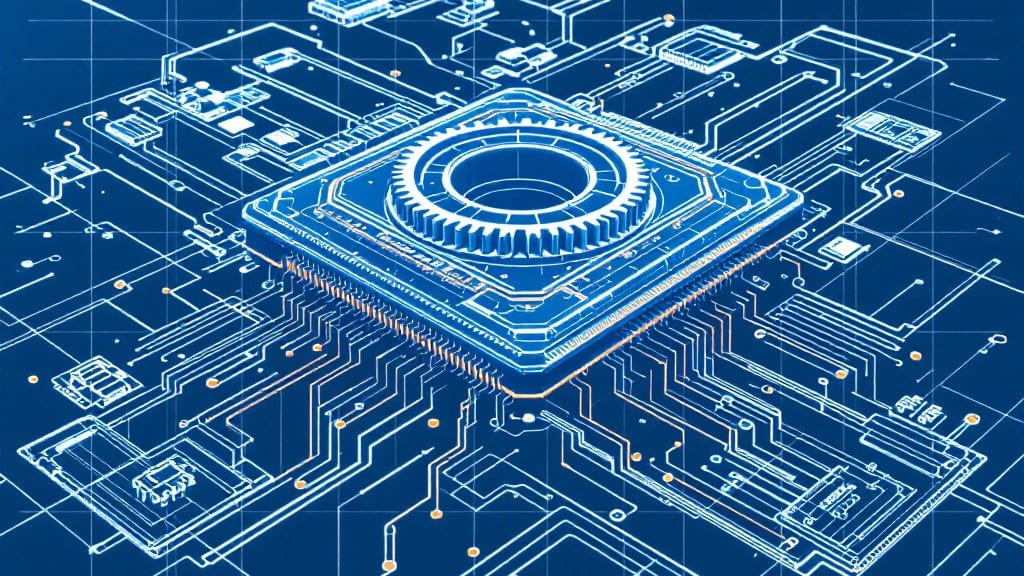
A processor handles all core computer functions by executing software instructions, managing data processing, and coordinating system operations. From running applications to controlling hardware interactions, it serves as the central hub that keeps everything running smoothly.
A processor's real magic lies in how it balances speed and efficiency. 🔥 Think of it like a conductor in an orchestra—it orchestrates millions of calculations per second while juggling multiple tasks simultaneously.
My uncle's old IBM systems had single-core processors that struggled with modern demands, but today's multi-core chips handle everything from video editing to web browsing effortlessly. The key difference? Modern architectures prioritize both raw power and smart task distribution, making even budget processors surprisingly capable for everyday use.
💡 In This Article
- How a CPU Executes Instructions and Processes Data
- Choosing the Right Processor for Your Needs
How a CPU executes instructions and processes data
The processor's core operation begins with the fetch-decode-execute cycle, a continuous loop that repeats at astonishing speeds. First, the CPU fetches an instruction from memory, typically RAM, where programs are stored.
This happens at the processor's clock speed—measured in gigahertz (GHz)—which determines how many cycles it can complete per second. For example, a 3.5GHz processor completes 3.5 billion cycles per second, allowing it to fetch and process millions of instructions in a blink.
Once fetched, the instruction moves to the decoder, where it's broken down into machine-level operations the CPU understands. Modern processors use microarchitecture designs like Intel's Golden Cove or AMD's Zen 4 to optimize this step.
These architectures include specialized circuits that handle common tasks, like arithmetic or logical operations, with minimal overhead. The decode stage is where the processor determines what needs to happen—whether it's performing a calculation, moving data, or controlling hardware.
Execution is where the real work happens. The CPU's Arithmetic Logic Unit (ALU) and Floating-Point Unit (FPU) handle mathematical and logical operations, while the control unit manages data flow.
For instance, when you open a photo editor, the CPU might spend 80% of its time processing pixel data through the FPU, while the ALU handles UI interactions. The cycle then loops back to fetch the next instruction, creating a seamless flow of operations that makes your computer feel responsive.
Multitasking relies on parallel processing, where multiple cores work simultaneously. A 6-core processor can handle six independent tasks at once—like running a spreadsheet, playing music, and updating software—without slowing down. However, not all tasks benefit equally from extra cores.
Single-threaded applications, like older games, often see minimal speedups, while multi-threaded software, like video renders, scale almost linearly with core count. This is why modern processors balance core count with hyper-threading, a technique that lets each core handle two threads at once.
Cache memory plays a critical role in performance. The CPU has three layers of cache: L1 (32-64KB), L2 (256KB-1MB), and L3 (shared, up to 64MB). These act as ultra-fast buffers between the processor and RAM.
For example, when editing a video, the CPU repeatedly accesses the same frames. Storing these in L3 cache reduces latency from 100ns (RAM) to just 5-10ns (cache), speeding up rendering by a factor of 10 or more.
This hierarchy ensures the processor spends less time waiting for data and more time executing instructions.
What most people don't realize is how the CPU prioritizes tasks. The scheduler in the operating system assigns time slices to processes, ensuring no single application monopolizes resources.
For instance, while you're typing an email, the CPU might spend 5% of its time on background updates and 95% on your active window. This dynamic balancing is why modern systems feel snappy even with dozens of programs running.
The processor's ability to switch between tasks at millisecond intervals is what makes multitasking feel seamless.