
Operating System
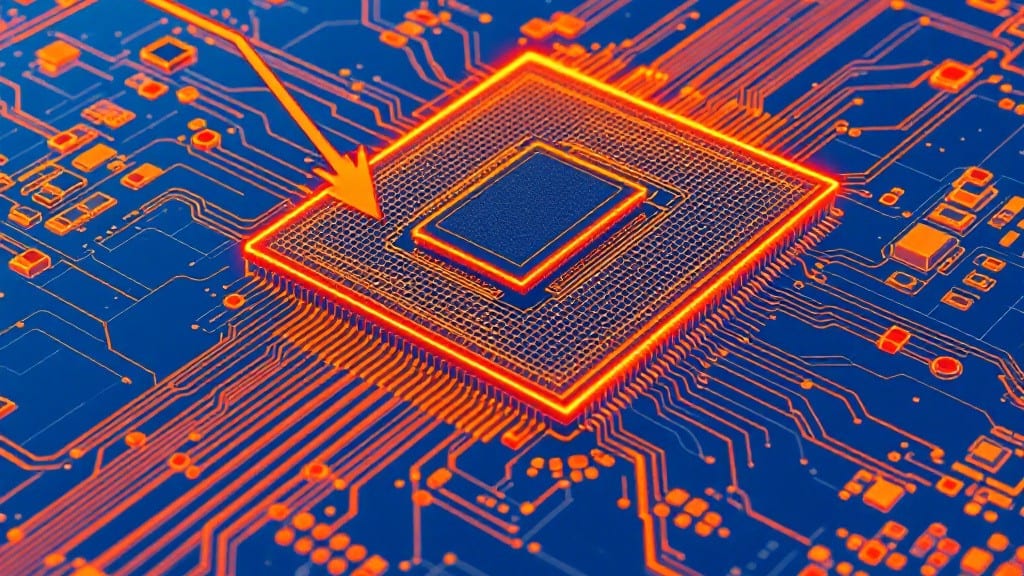
Memory on a computer temporarily stores data and instructions for active processes, enabling fast access by the CPU. Unlike permanent storage like SSDs, RAM (volatile memory) holds information only while powered on, directly impacting multitasking speed and performance.
Memory, or RAM (Random Access Memory), acts like your computer's short-term workspace—it lets your CPU quickly pull and push data without digging through slower storage. 🔥 Think of it like a chef's prep table: while the oven (storage) holds ingredients long-term, the table keeps what's actively being cooked.
When you power off, everything on that table vanishes, which is why saving files matters. My uncle's old IBMs used to crash constantly when we ran too many programs at once—modern systems handle multitasking better thanks to faster RAM speeds and clever caching.
This setup explains why upgrading RAM can feel like giving your computer a caffeine boost. For instance, video editors need more memory to keep large project files open simultaneously, while gamers benefit from low-latency RAM to reduce input lag.
The key is matching your memory type (DDR4 vs DDR5) with your system's capabilities—something I learned the hard way when trying to install DDR5 in my old ThinkPad!
💡 In This Article
- How RAM and CPU Work Together for Faster Processing
- Choosing the Right Memory Type for Your System
How RAM and CPU work together for faster processing
Here's what's actually happening when your CPU interacts with RAM: the processor constantly fetches instructions and data from memory, but not all memory is created equal. RAM speed, measured in MHz (megahertz), determines how quickly data can be transferred between memory modules and the CPU.
For example, DDR5-4800 means the RAM transfers data at 4,800 million cycles per second, while DDR4-3200 operates at half that speed. What most people don't realize is that the CPU can't process data faster than RAM can deliver it—this creates a bottleneck when speeds mismatch. 🔥
The real magic happens with memory latency, measured in CL (CAS Latency) cycles. Lower numbers like CL16 mean faster response times—each cycle takes about 1 nanosecond (billionth of a second) at 1GHz.
A CL30 module would take 30ns to respond, which might not sound like much but adds up during complex tasks like rendering 4K video frames. Modern gaming CPUs with 6-8 cores can saturate even fast RAM, which is why latency matters more than raw speed in high-performance scenarios.
Caching layers (L1, L2, L3) act as RAM's speed boosters. The CPU's L1 cache is built directly into the processor and runs at CPU speeds (3-5GHz), while L3 cache (shared across cores) operates at RAM speeds but with 10-100x more capacity.
Here's the hierarchy: L1 (smallest/fastest) → L2 (medium) → L3 (largest/slowest but still faster than RAM). When your CPU needs data, it checks these layers sequentially—this is why modern CPUs with 32MB L3 cache can handle complex tasks without constantly hitting RAM. ✨
Memory bandwidth, measured in GB/s (gigabytes per second), explains why video editors need fast RAM. A DDR5-4800 kit with 4 memory channels delivers about 76.8GB/s, while DDR4-3200 with 2 channels offers 51.2GB/s.
The difference becomes obvious when working with 8K video projects—each frame might require 500MB+ of data. Gamers also benefit from high bandwidth for texture streaming, though latency often matters more for competitive play. The key is matching your workload to your system's capabilities.
Consider this real-world example: my uncle's 1998 Pentium II had 64MB RAM running at 100MHz with CL5 latency. Today's Intel Core i9 with 32GB DDR5-6000 offers 10x the bandwidth while reducing latency by 80%.
This isn't just about raw numbers—it's about how these components work together to eliminate waiting time during intensive tasks. 💫
The science behind this involves something called "memory prefetching," where modern CPUs predict what data you'll need next and load it before you ask. High-speed RAM with low latency makes this possible, reducing the 200-500ns delays that would otherwise occur during each memory access.
For gamers, this means smoother frame rates, while video editors experience faster preview rendering. The relationship between RAM and CPU isn't just about speed—it's about synchronization and efficiency.
What this all means for you: if you're doing heavy multitasking (like running Blender while streaming), prioritize low-latency RAM over raw speed. For gaming, DDR5-5600 with CL36 might be better than DDR5-6000 with CL40.
The perfect balance depends on your specific workload—something I learned when upgrading my Denver editing rig from DDR4-3000 to DDR5-5200 for Adobe Premiere projects. 🌟