Skip to content
Computer Nook

Computer Nook

  • All Articles
  • App
  • C++
  • Coding
  • More
    • Discord
    • Excel
    • Hardware
    • Keyboard
    • Microsoft Office
    • MYSQL
    • Operating System
    • Outlook
    • PowerPoint
    • Reddit
    • Review
    • Snapchat
    • Software
    • Tip & Trick
    • Troubleshooting
    • Windows

Tip & Trick — Page 14

Keyboard Shortcut to Find a Word: Ctrl+F (Windows) or Cmd+F (Mac) Explained
November 23, 2026 by Emmett Zamora
Keyboard Shortcut to Find a Word: Ctrl+F (Windows) or Cmd+F (Mac) Explained

💥 Quick Answer Finding a word using a keyboard shortcut is done with Ctrl+F on Windows or Cmd+F on Mac, instantly opening a search bar in most browsers, documents, and apps for quick text location. The Ctrl+F and Cmd+F…
Read more

Categories Tip & Trick

Microsoft 365 Word Tips and Tricks Read Online: Proven Shortcuts That Save Hours Weekly

October 12, 2026 by Emmett Zamora
Microsoft 365 Word Tips and Tricks Read Online: Proven Shortcuts That Save Hours Weekly

Mastering Microsoft Word can transform your productivity—these seven underused yet powerful Microsoft 365 Word tips and tricks will help you work smarter, not harder, cutting down daily tasks to mere seconds. 1 Quick…

Read more

Categories Tip & Trick

Microsoft Onenote 2013 Tips and Tricks: Hidden Features to Boost Productivity Now

October 25, 2026 by Emmett Zamora
Microsoft Onenote 2013 Tips and Tricks: Hidden Features to Boost Productivity Now

Microsoft OneNote 2013 is packed with productivity features most users overlook. These seven hidden tricks will transform how you organize notes, collaborate, and streamline workflows—without upgrading to a newer…

Read more

Categories Tip & Trick

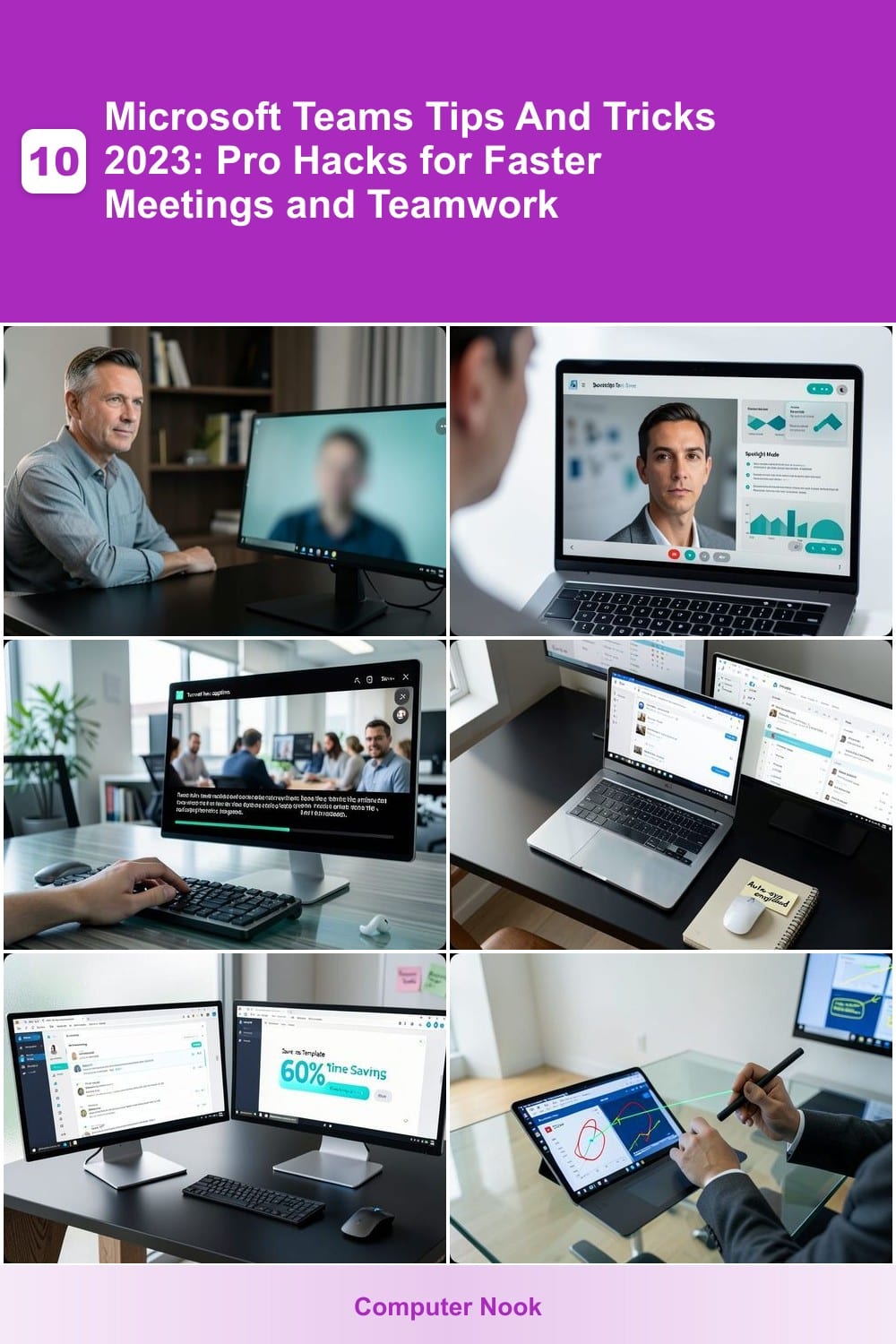
10 Microsoft Teams Tips And Tricks 2023: Pro Hacks for Faster Meetings and Teamwork

October 25, 2026 by Emmett Zamora
10 Microsoft Teams Tips And Tricks 2023: Pro Hacks for Faster Meetings and Teamwork

Microsoft Teams is the backbone of modern teamwork, but most users only scratch the surface of its capabilities. These 10 pro-level tips and tricks for 2023 will transform how you host meetings, collaborate, and…

Read more

Categories Tip & Trick

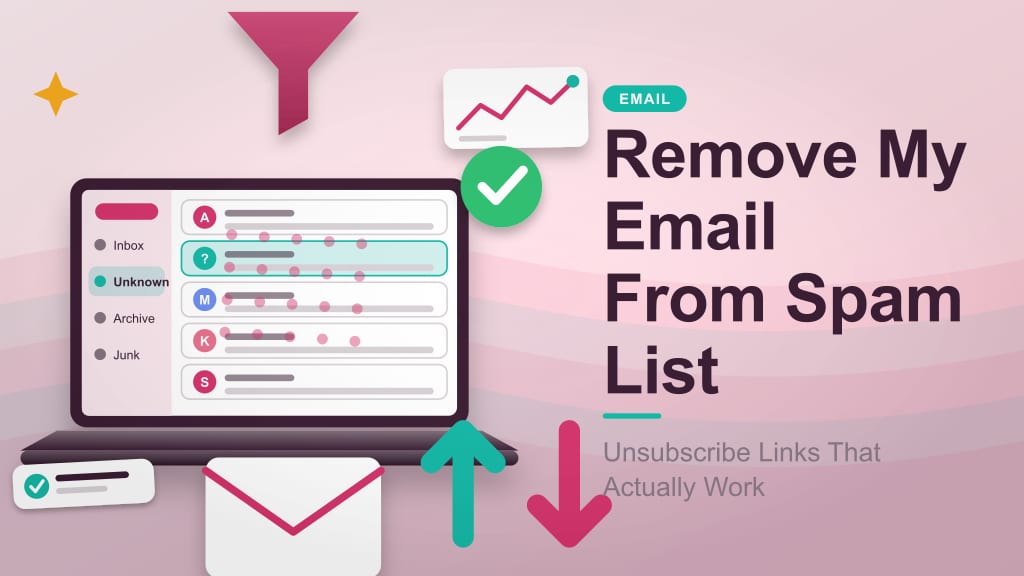
Remove My Email From Spam List: Unsubscribe Links That Actually Work

November 17, 2026 by Emmett Zamora
Remove My Email From Spam List: Unsubscribe Links That Actually Work

After I finally figured out how to remove my email from spam lists for good, my inbox stopped drowning in spam—no more fake buttons or dead-end forms. ✨ The key is knowing where to look and which actions trigger real…

Read more

Categories Tip & Trick

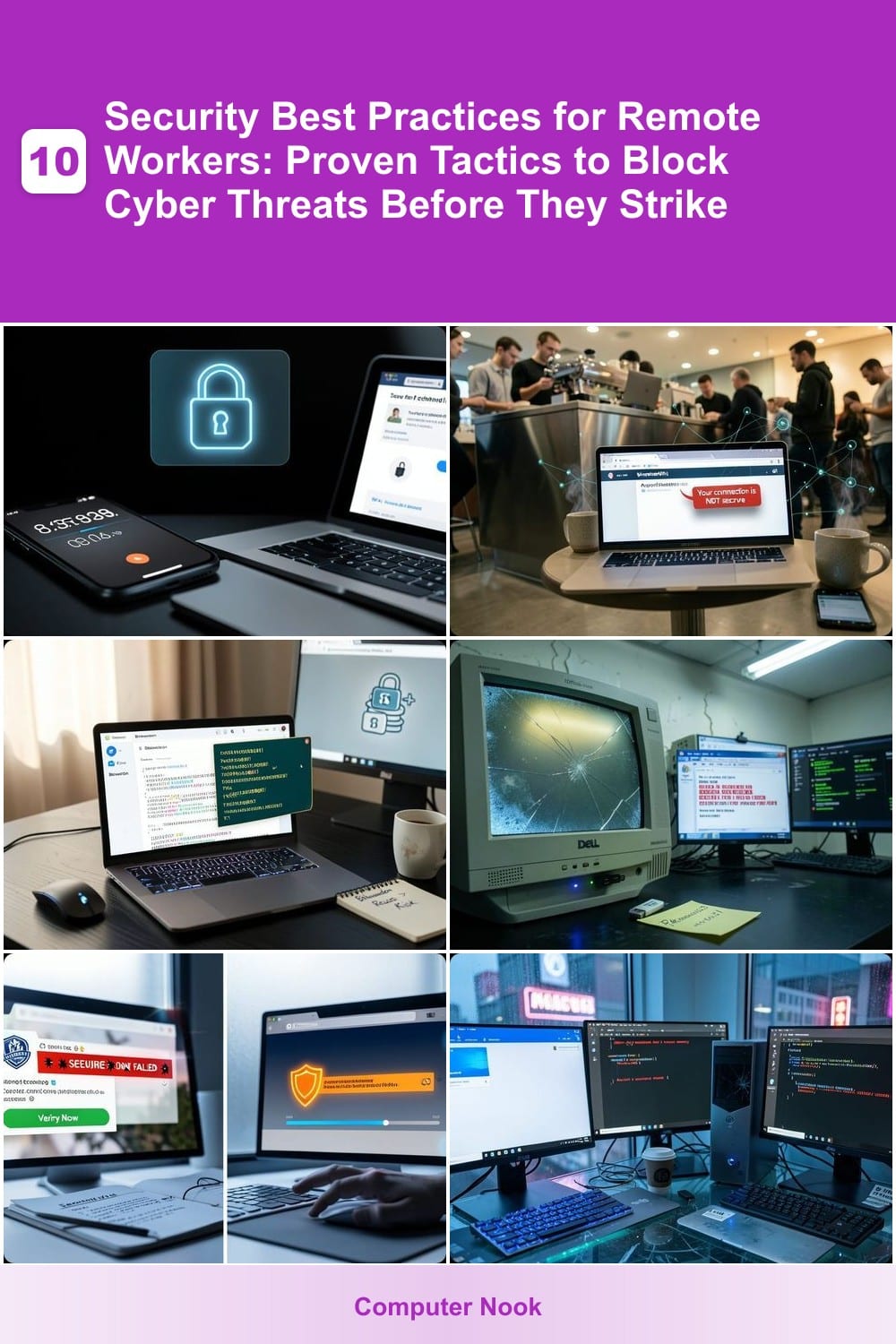
10 Security Best Practices for Remote Workers: Proven Tactics to Block Cyber Threats Before They Strike

October 12, 2026 by Emmett Zamora
10 Security Best Practices for Remote Workers: Proven Tactics to Block Cyber Threats Before They Strike

Remote work offers flexibility but exposes you to cyber threats like phishing, malware, and data breaches. These 10 security best practices—backed by IT experts—will fortify your digital workspace before attackers…

Read more

Categories Tip & Trick

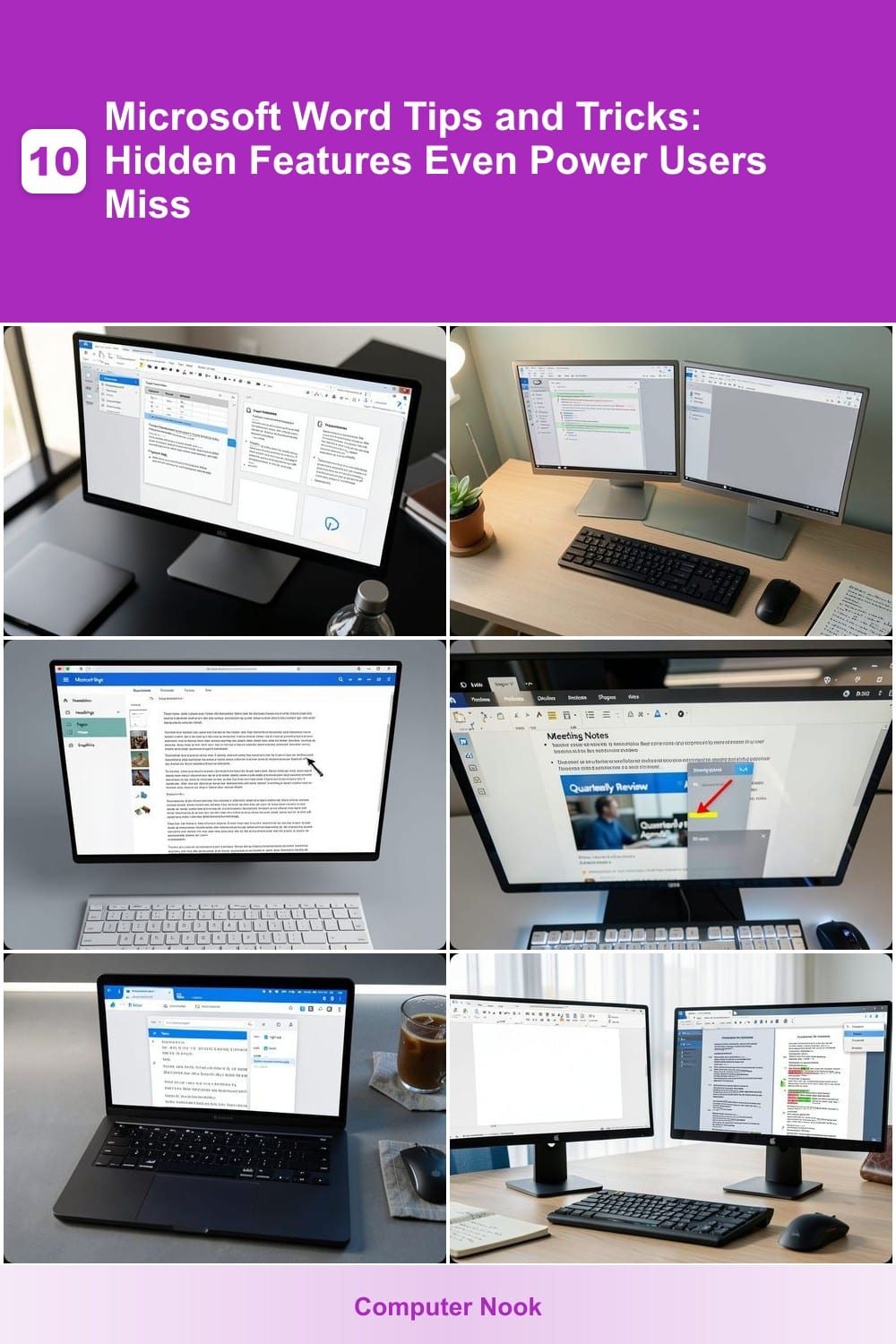
10 Microsoft Word Tips and Tricks: Hidden Features Even Power Users Miss

October 25, 2026 by Emmett Zamora
10 Microsoft Word Tips and Tricks: Hidden Features Even Power Users Miss

Microsoft Word is packed with hidden features that can save you hours of work. These 10 underrated tips and tricks will transform how you create, edit, and format documents—whether you're a student, professional, or…

Read more

Categories Tip & Trick

Where Can I Download MS Word: Official Sources vs Free Alternatives

November 17, 2026 by Emmett Zamora
Where Can I Download MS Word: Official Sources vs Free Alternatives

💥 Quick Answer To download Microsoft Word, visit the official Microsoft 365 website for paid subscriptions or use the free web version via OneDrive. For trial versions, check Microsoft’s free download page, but avoid…

Read more

Categories Tip & Trick

Why Is My Video File So Big: 5 Key Causes and How to Shrink It Fast

November 21, 2026 by Emmett Zamora
Why Is My Video File So Big: 5 Key Causes and How to Shrink It Fast

💥 Quick Answer Your video file is so big because high-resolution settings, long recording durations, uncompressed formats (like MP4 or MOV), or excessive bitrate and color depth contribute to its size. Additional…

Read more

Categories Tip & Trick
Page1…Page12Page13Page14

About Me

Emmett Zamora

Emmett Zamora
My first computer was a clunky desktop that took up half my childhood bedroom, its screen flickering like a bad dream. I spent hours typing out stories and watching my dad fix things with a screwdriver and a lot of swear words. Now, I run this site to help others navigate the digital world—whether it’s troubleshooting a stubborn PC, mastering a new tool, or just figuring out why your printer won’t stop jamming. I believe tech should be approachable, not intimidating, and I’m here to make sure you leave feeling more confident than when you arrived.

Learn more

Recent Posts

  • How to Add Bluetooth to PC: Wireless Freedom in 5 Easy Steps
    How to Add Bluetooth to PC: Wireless Freedom in 5 Easy Steps
  • How to Set up Outlook Email: Zero-Tech-Stress Account Configuration in 10 Minutes
    How to Set up Outlook Email: Zero-Tech-Stress Account Configuration in 10 Minutes
  • How to Delete Backup Files From Your Computer: Space-Saving Secrets in Minutes
    How to Delete Backup Files From Your Computer: Space-Saving Secrets in Minutes
  • Microsoft To-Do Desktop App Download: Offline Access Without Microsoft Account Sign-In
    Microsoft To-Do Desktop App Download: Offline Access Without Microsoft Account Sign-In
  • How to Connect Scanner to Computer: Step-by-Step Pairing in Minutes
    How to Connect Scanner to Computer: Step-by-Step Pairing in Minutes
  • All Guides
  • About
  • Contact
  • Privacy Policy
  • Cookie Policy
  • Terms of Use
© 2026 computernook.click