Skip to content
Computer Nook

Computer Nook

  • All Articles
  • App
  • C++
  • Coding
  • More
    • Discord
    • Excel
    • Hardware
    • Keyboard
    • Microsoft Office
    • MYSQL
    • Operating System
    • Outlook
    • PowerPoint
    • Reddit
    • Review
    • Snapchat
    • Software
    • Tip & Trick
    • Troubleshooting
    • Windows

All Recipes — Page 31

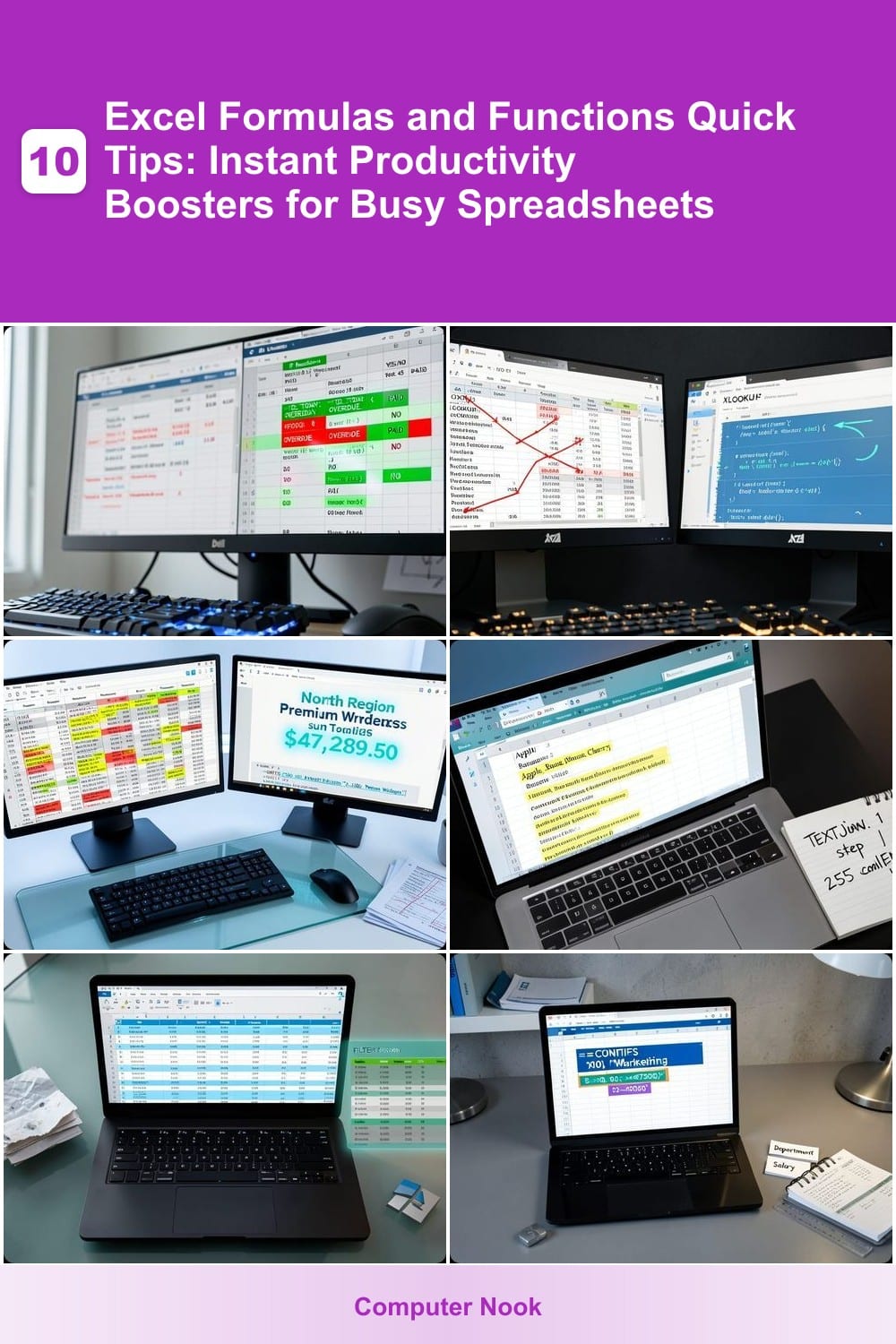
10 Excel Formulas and Functions Quick Tips: Instant Productivity Boosters for Busy Spreadsheets
November 6, 2026 by Emmett Zamora
10 Excel Formulas and Functions Quick Tips: Instant Productivity Boosters for Busy Spreadsheets

Mastering Excel formulas can transform your spreadsheets from chaotic to streamlined. These 10 quick tips cover game-changing functions that save time, reduce errors, and unlock advanced capabilities—perfect for…
Read more

Categories Tip & Trick

Teams Emojis That Interact with Each Other: Boost Collaboration in Real-Time Chats

October 26, 2026 by Emmett Zamora
Teams Emojis That Interact with Each Other: Boost Collaboration in Real-Time Chats

Microsoft Teams emojis that interact with each other can transform your team chats from static to dynamic. These animated and reactive emojis foster engagement, clarify tone, and make remote collaboration feel more…

Read more

Categories Software

8 Best Sharepoint Tips for Beginners - Cyber Mate Official: Quick Wins to Master Microsoft’s Power Platform

October 25, 2026 by Emmett Zamora
8 Best Sharepoint Tips for Beginners - Cyber Mate Official: Quick Wins to Master Microsoft’s Power Platform

Microsoft SharePoint can feel overwhelming for beginners, but mastering these eight essential tips will transform how you collaborate and automate workflows. These quick wins focus on practical, beginner-friendly…

Read more

Categories Tip & Trick

10 Benefits Of Microsoft Teams For Education: How Schools Boost Collaboration And Engagement

October 25, 2026 by Emmett Zamora
10 Benefits Of Microsoft Teams For Education: How Schools Boost Collaboration And Engagement

Microsoft Teams isn’t just for businesses—educators are leveraging its powerful tools to transform classrooms into dynamic collaboration hubs. These 10 benefits show how schools use Teams to enhance engagement…

Read more

Categories Software

10 Microsoft Teams Benefits for Students: Boost Collaboration and Productivity in Class Projects

October 25, 2026 by Emmett Zamora
10 Microsoft Teams Benefits for Students: Boost Collaboration and Productivity in Class Projects

Struggling to stay organized and collaborate on group projects? Microsoft Teams offers powerful tools designed specifically to streamline student workflows, enhance communication, and improve academic outcomes—all for…

Read more

Categories Software

Free Excel Templates for Small Business: Boost Productivity With Ready-Made Tools

October 25, 2026 by Emmett Zamora
Free Excel Templates for Small Business: Boost Productivity With Ready-Made Tools

Small business owners need efficient tools to save time and cut costs. These seven free Excel templates cover everything from budgeting to inventory management, helping you streamline operations without breaking the…

Read more

Categories Software

Microsoft Bringing Teams Reminders to Menu: Hidden Menu Tricks to Boost Productivity

October 25, 2026 by Emmett Zamora
Microsoft Bringing Teams Reminders to Menu: Hidden Menu Tricks to Boost Productivity

Microsoft Teams is rolling out new reminder features that can transform how you manage tasks. These hidden menu tricks will help you set, customize, and automate reminders directly within Teams—saving time and keeping…

Read more

Categories Software

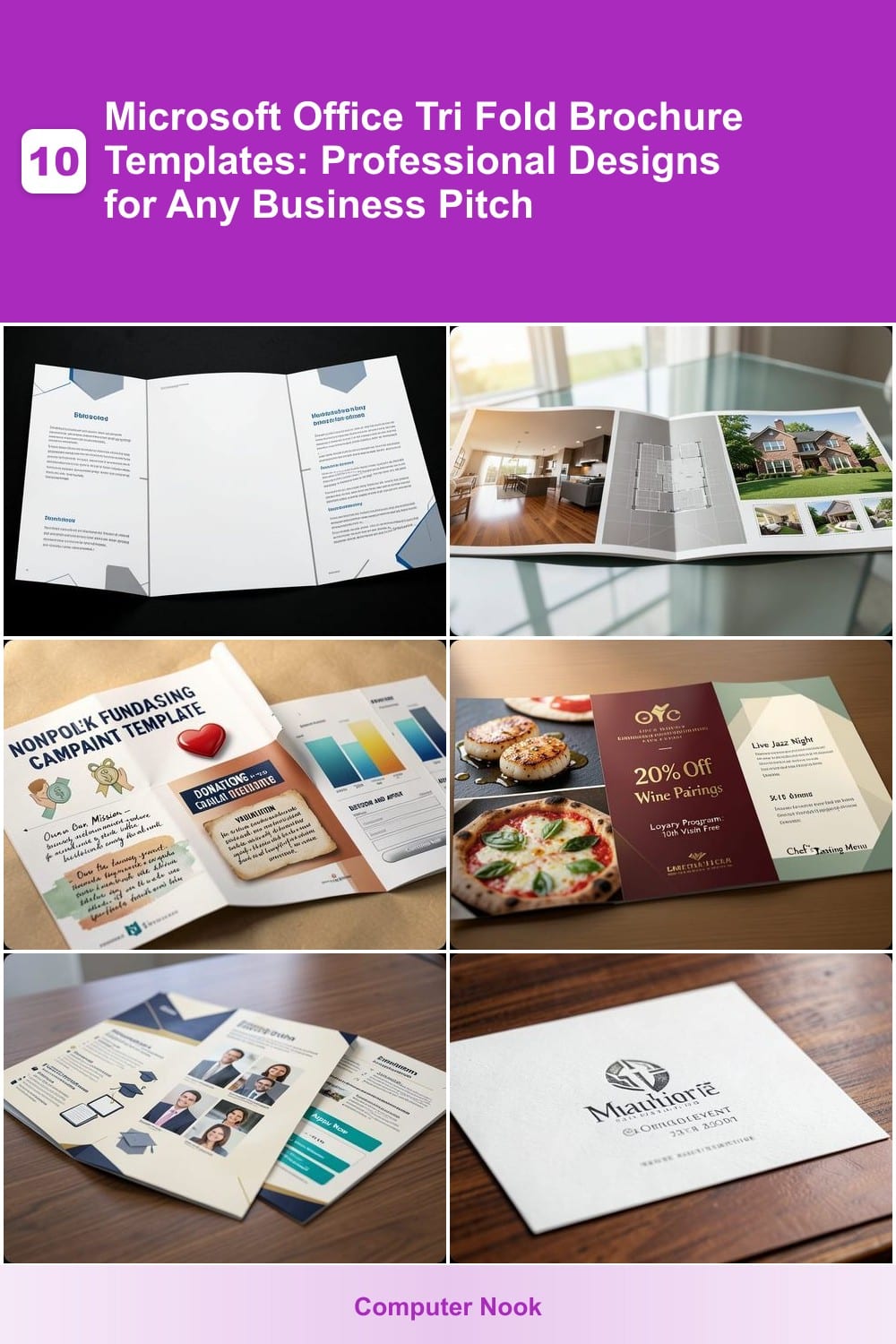
10 Microsoft Office Tri Fold Brochure Templates: Professional Designs for Any Business Pitch

October 25, 2026 by Emmett Zamora
10 Microsoft Office Tri Fold Brochure Templates: Professional Designs for Any Business Pitch

Need eye-catching tri-fold brochures for your next business pitch? These 10 Microsoft Office-compatible templates offer professional designs that require zero graphic design skills—just download, customize, and print for…

Read more

Categories PowerPoint

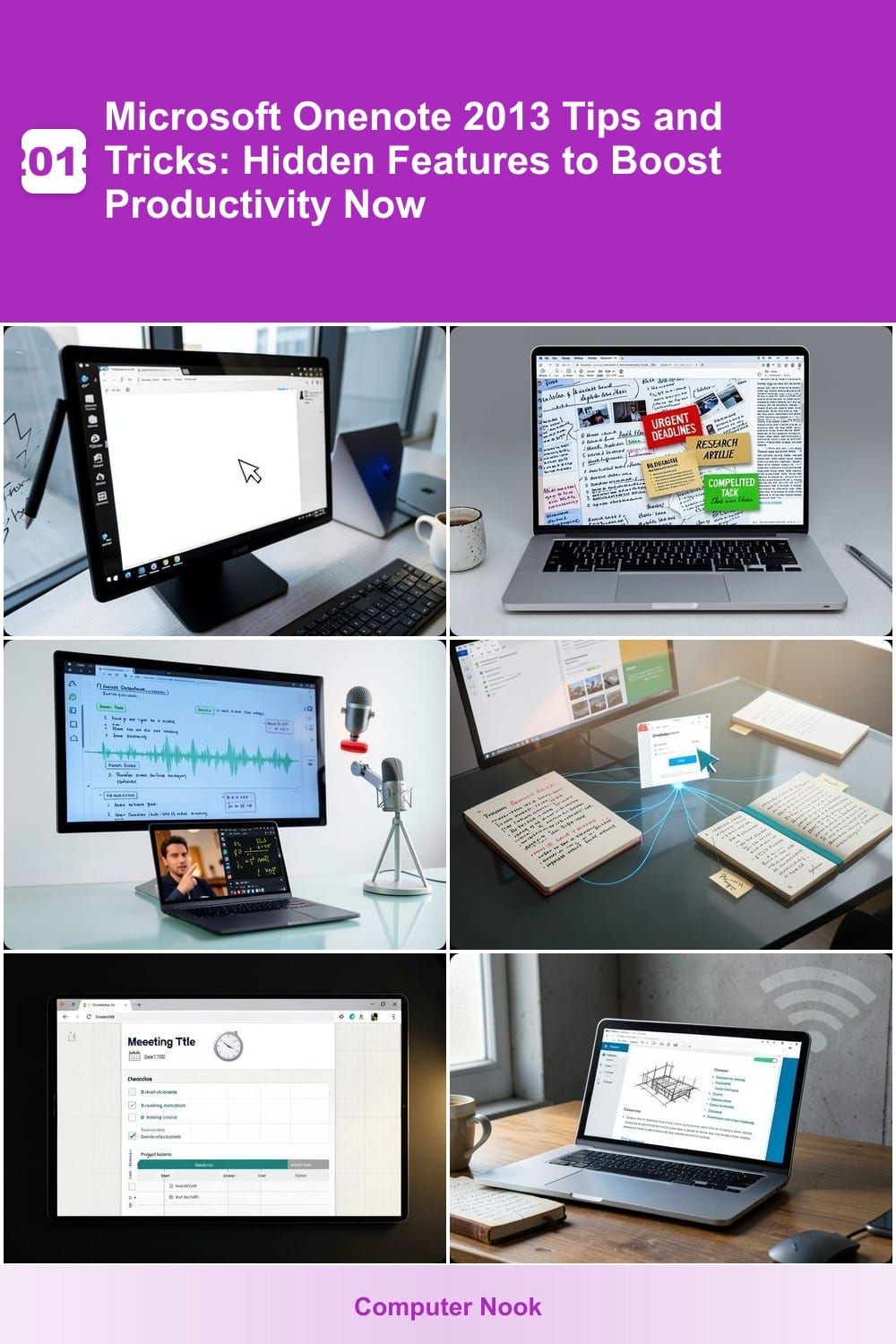
Microsoft Onenote 2013 Tips and Tricks: Hidden Features to Boost Productivity Now

October 25, 2026 by Emmett Zamora
Microsoft Onenote 2013 Tips and Tricks: Hidden Features to Boost Productivity Now

Microsoft OneNote 2013 is packed with productivity features most users overlook. These seven hidden tricks will transform how you organize notes, collaborate, and streamline workflows—without upgrading to a newer…

Read more

Categories Tip & Trick

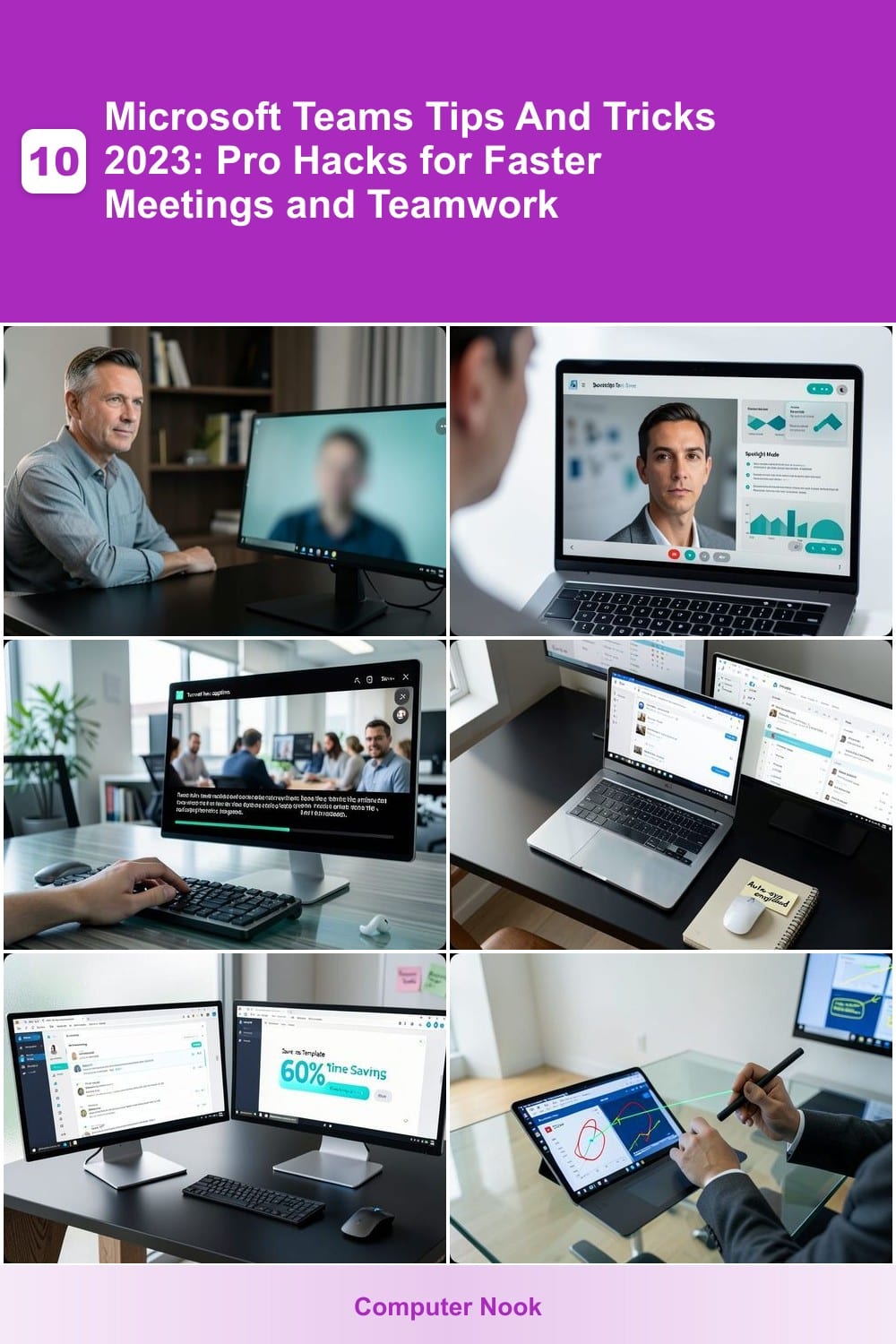
10 Microsoft Teams Tips And Tricks 2023: Pro Hacks for Faster Meetings and Teamwork

October 25, 2026 by Emmett Zamora
10 Microsoft Teams Tips And Tricks 2023: Pro Hacks for Faster Meetings and Teamwork

Microsoft Teams is the backbone of modern teamwork, but most users only scratch the surface of its capabilities. These 10 pro-level tips and tricks for 2023 will transform how you host meetings, collaborate, and…

Read more

Categories Tip & Trick
Page1…Page29Page30Page31Page32Page33…Page62Next →

About Me

Emmett Zamora

Emmett Zamora
My first computer was a clunky desktop that took up half my childhood bedroom, its screen flickering like a bad dream. I spent hours typing out stories and watching my dad fix things with a screwdriver and a lot of swear words. Now, I run this site to help others navigate the digital world—whether it’s troubleshooting a stubborn PC, mastering a new tool, or just figuring out why your printer won’t stop jamming. I believe tech should be approachable, not intimidating, and I’m here to make sure you leave feeling more confident than when you arrived.

Learn more

Recent Posts

  • How to Add Bluetooth to PC: Wireless Freedom in 5 Easy Steps
    How to Add Bluetooth to PC: Wireless Freedom in 5 Easy Steps
  • How to Set up Outlook Email: Zero-Tech-Stress Account Configuration in 10 Minutes
    How to Set up Outlook Email: Zero-Tech-Stress Account Configuration in 10 Minutes
  • How to Delete Backup Files From Your Computer: Space-Saving Secrets in Minutes
    How to Delete Backup Files From Your Computer: Space-Saving Secrets in Minutes
  • Microsoft To-Do Desktop App Download: Offline Access Without Microsoft Account Sign-In
    Microsoft To-Do Desktop App Download: Offline Access Without Microsoft Account Sign-In
  • How to Connect Scanner to Computer: Step-by-Step Pairing in Minutes
    How to Connect Scanner to Computer: Step-by-Step Pairing in Minutes
  • All Guides
  • About
  • Contact
  • Privacy Policy
  • Cookie Policy
  • Terms of Use
© 2026 computernook.click