Skip to content
Computer Nook

Computer Nook

  • All Articles
  • App
  • C++
  • Coding
  • More
    • Discord
    • Excel
    • Hardware
    • Keyboard
    • Microsoft Office
    • MYSQL
    • Operating System
    • Outlook
    • PowerPoint
    • Reddit
    • Review
    • Snapchat
    • Software
    • Tip & Trick
    • Troubleshooting
    • Windows

All Recipes — Page 44

Onedrive Can't Open Files on Desktop: Quick Permissions Reset for Instant Access

October 12, 2026 by Emmett Zamora
Onedrive Can't Open Files on Desktop: Quick Permissions Reset for Instant Access

When OneDrive can’t open files on the desktop , you’re locked out of your own documents—no sync, no access, just pure frustration. ✨ The culprit? A permissions glitch that happens when OneDrive’s background processes get…

Read more

Categories Troubleshooting

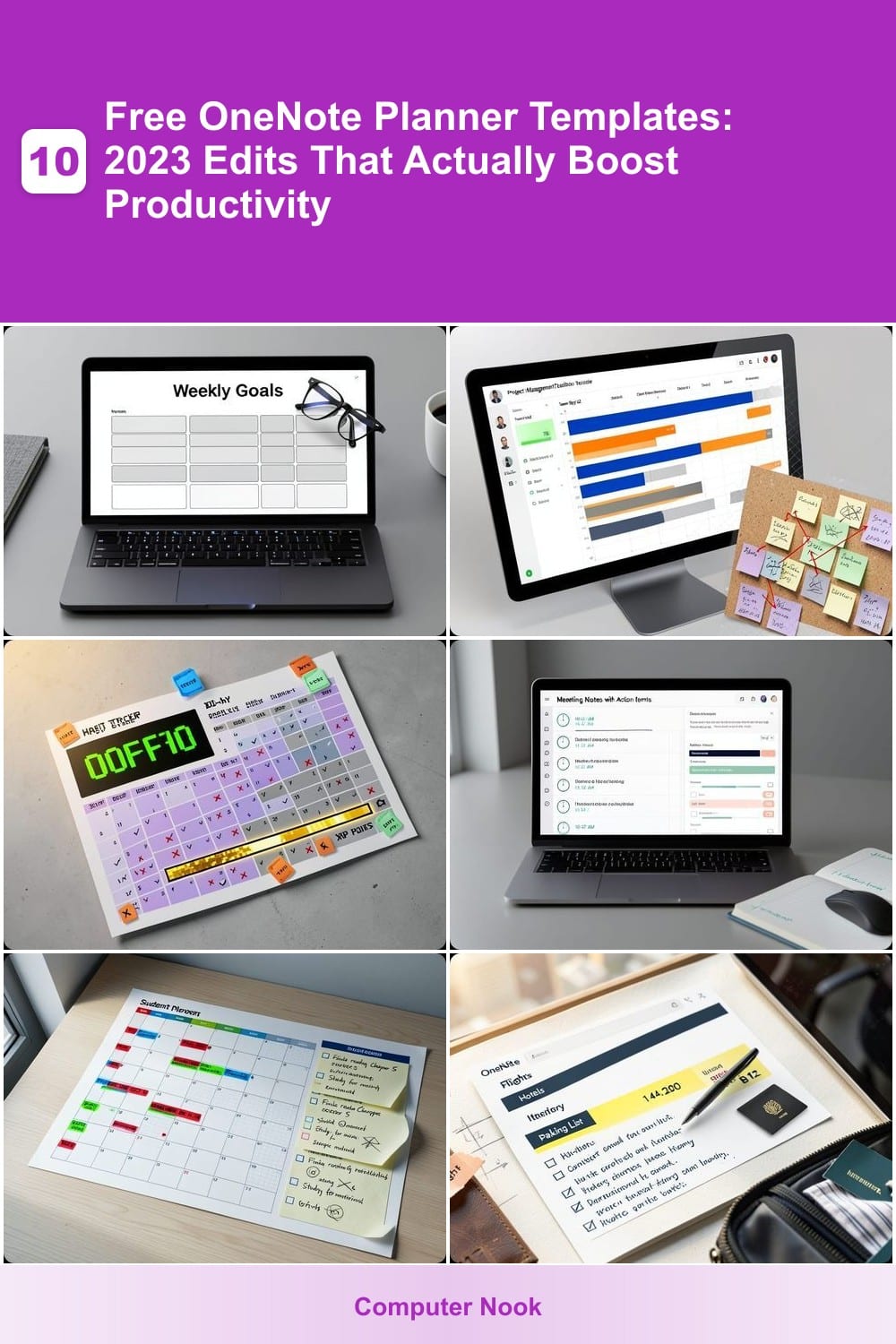
10 Free OneNote Planner Templates: 2023 Edits That Actually Boost Productivity

October 12, 2026 by Emmett Zamora
10 Free OneNote Planner Templates: 2023 Edits That Actually Boost Productivity

Struggling to stay organized in 2023? These free OneNote planner templates are designed to transform your digital workspace into a productivity powerhouse—no tech skills required. Each template includes customizable…

Read more

Categories Operating System

PC Settings Won't Open Windows 8: Forced Reset Tricks for Stubborn Systems

October 12, 2026 by Emmett Zamora
PC Settings Won't Open Windows 8: Forced Reset Tricks for Stubborn Systems

Frustrated because PC settings won’t open in Windows 8 ? ✨ I’ve fixed this on three different machines—each time, the issue traced back to either corrupted system files or a locked registry. key. The good news? Most…

Read more

Categories Windows

Remote Desktop Service Currently Busy: Quick Fixes to Free Up Connections

October 12, 2026 by Emmett Zamora
Remote Desktop Service Currently Busy: Quick Fixes to Free Up Connections

My Remote Desktop service was stuck "currently busy" for hours—until I found these three fixes that cleared up the jam every time. ✨ The error usually means too many active connections, a hung service, or permissions…

Read more

Categories Troubleshooting

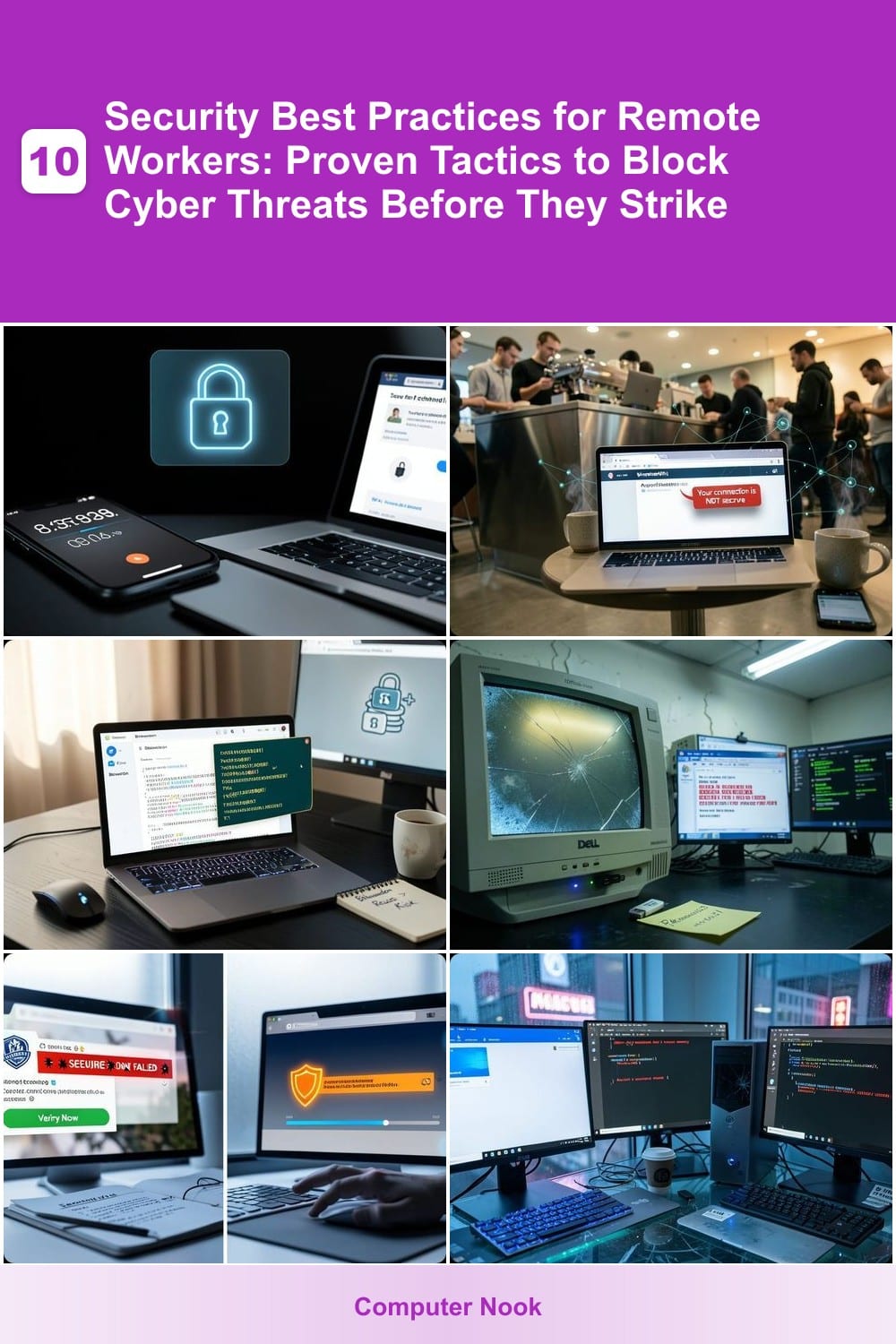
10 Security Best Practices for Remote Workers: Proven Tactics to Block Cyber Threats Before They Strike

October 12, 2026 by Emmett Zamora
10 Security Best Practices for Remote Workers: Proven Tactics to Block Cyber Threats Before They Strike

Remote work offers flexibility but exposes you to cyber threats like phishing, malware, and data breaches. These 10 security best practices—backed by IT experts—will fortify your digital workspace before attackers…

Read more

Categories Tip & Trick

TCP Out-of-Order Packets: Why They Happen and How to Fix Them Fast

October 12, 2026 by Emmett Zamora
TCP Out-of-Order Packets: Why They Happen and How to Fix Them Fast

When your network sends TCP out-of-order packets , it’s not just a minor glitch—it’s a silent performance killer that turns lag into frustration and buffering into a nightmare. Struggling with slow internet, laggy video…

Read more

Categories Troubleshooting

TCP-RST-from-Server: Why It Happens and How to Fix It Fast

October 12, 2026 by Emmett Zamora
TCP-RST-from-Server: Why It Happens and How to Fix It Fast

A TCP-RST-from-server error means your connection was abruptly cut off by the server, often without warning. Picture this: you’re mid-download or streaming a show, and suddenly— BAM —your browser spits out this cryptic…

Read more

Categories Troubleshooting

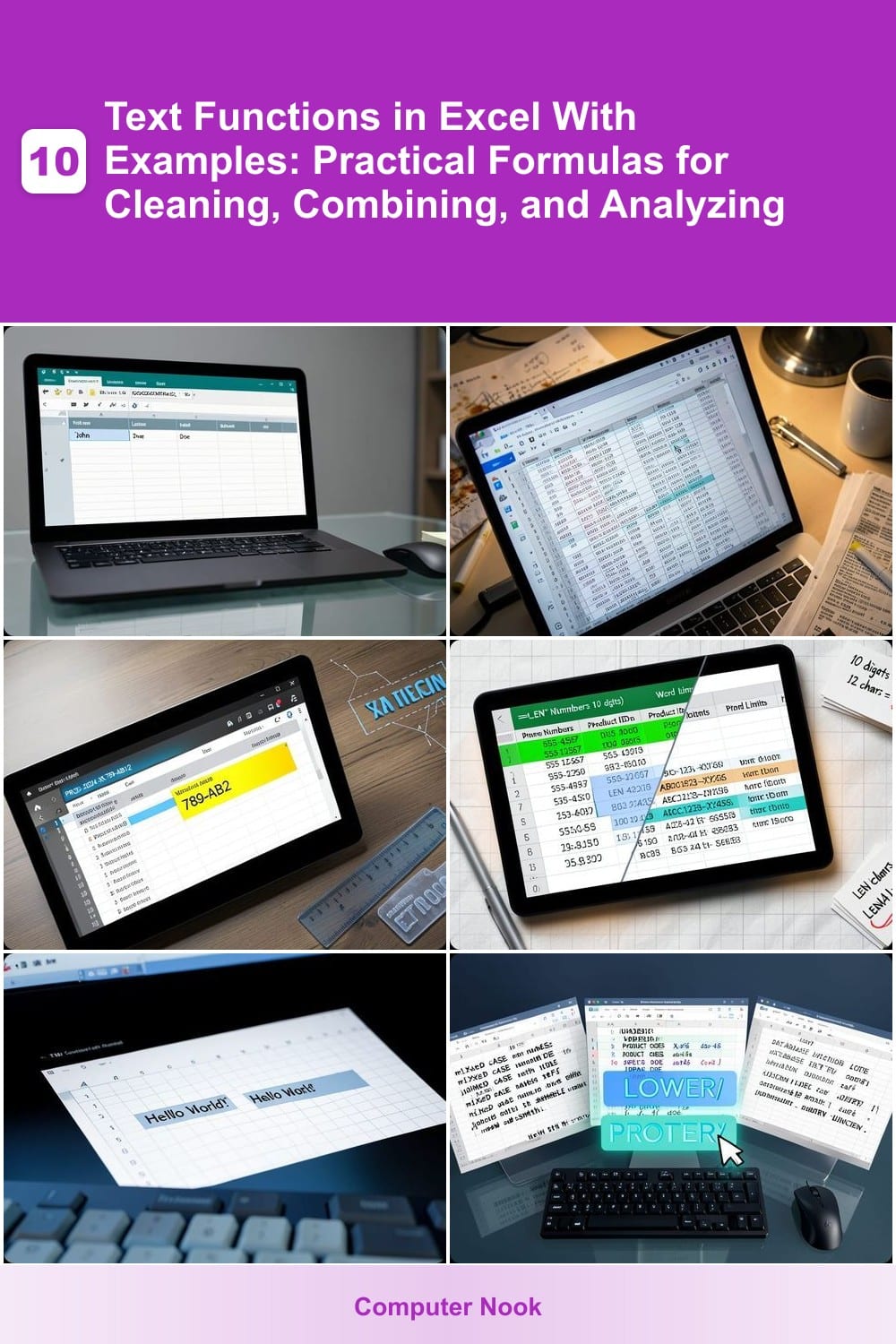
10 Text Functions in Excel With Examples: Practical Formulas for Cleaning, Combining, and Analyzing Data

October 12, 2026 by Emmett Zamora
10 Text Functions in Excel With Examples: Practical Formulas for Cleaning, Combining, and Analyzing Data

Mastering Excel’s text functions transforms messy data into clean, actionable insights. These 10 essential formulas help you extract, manipulate, and analyze text—perfect for professionals who work with spreadsheets…

Read more

Categories Coding

Transfer Files from Remote Desktop to Local Machine: Zero-Click Drag-and-Drop Method

October 12, 2026 by Emmett Zamora
Transfer Files from Remote Desktop to Local Machine: Zero-Click Drag-and-Drop Method

Transferring files from a Remote Desktop session to your local machine used to mean fumbling with scp commands or emailing attachments like it’s 2005. ✨ The truth is, modern Remote Desktop clients—especially Windows…

Read more

Categories Operating System

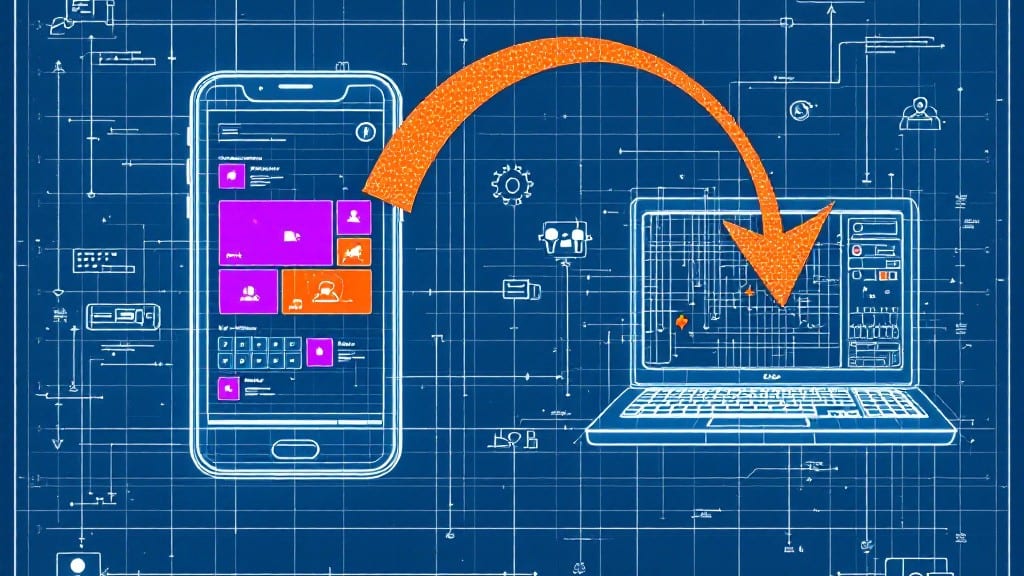
Transfer Teams Call From Phone To PC: Seamless One-Click Migration Guide

October 12, 2026 by Emmett Zamora
Transfer Teams Call From Phone To PC: Seamless One-Click Migration Guide

Transferring Teams calls from phone to PC used to feel like juggling chainsaws—until I figured out the one-click migration that saves my workday. ⚡ The trick lies in Microsoft's built-in call forwarding, but most guides…

Read more

Categories Operating System
Page1…Page42Page43Page44Page45Page46…Page62Next →

About Me

Emmett Zamora

Emmett Zamora
My first computer was a clunky desktop that took up half my childhood bedroom, its screen flickering like a bad dream. I spent hours typing out stories and watching my dad fix things with a screwdriver and a lot of swear words. Now, I run this site to help others navigate the digital world—whether it’s troubleshooting a stubborn PC, mastering a new tool, or just figuring out why your printer won’t stop jamming. I believe tech should be approachable, not intimidating, and I’m here to make sure you leave feeling more confident than when you arrived.

Learn more

Recent Posts

  • How to Add Bluetooth to PC: Wireless Freedom in 5 Easy Steps
    How to Add Bluetooth to PC: Wireless Freedom in 5 Easy Steps
  • How to Set up Outlook Email: Zero-Tech-Stress Account Configuration in 10 Minutes
    How to Set up Outlook Email: Zero-Tech-Stress Account Configuration in 10 Minutes
  • How to Delete Backup Files From Your Computer: Space-Saving Secrets in Minutes
    How to Delete Backup Files From Your Computer: Space-Saving Secrets in Minutes
  • Microsoft To-Do Desktop App Download: Offline Access Without Microsoft Account Sign-In
    Microsoft To-Do Desktop App Download: Offline Access Without Microsoft Account Sign-In
  • How to Connect Scanner to Computer: Step-by-Step Pairing in Minutes
    How to Connect Scanner to Computer: Step-by-Step Pairing in Minutes
  • All Guides
  • About
  • Contact
  • Privacy Policy
  • Cookie Policy
  • Terms of Use
© 2026 computernook.click